
In the menu: Sales → Withdrawals.
The customer sends a withdrawal statement from the "Withdraw from a purchase" link at the bottom of your store, and immediately gets a confirmation email. The statement appears here with the customer, order and products.
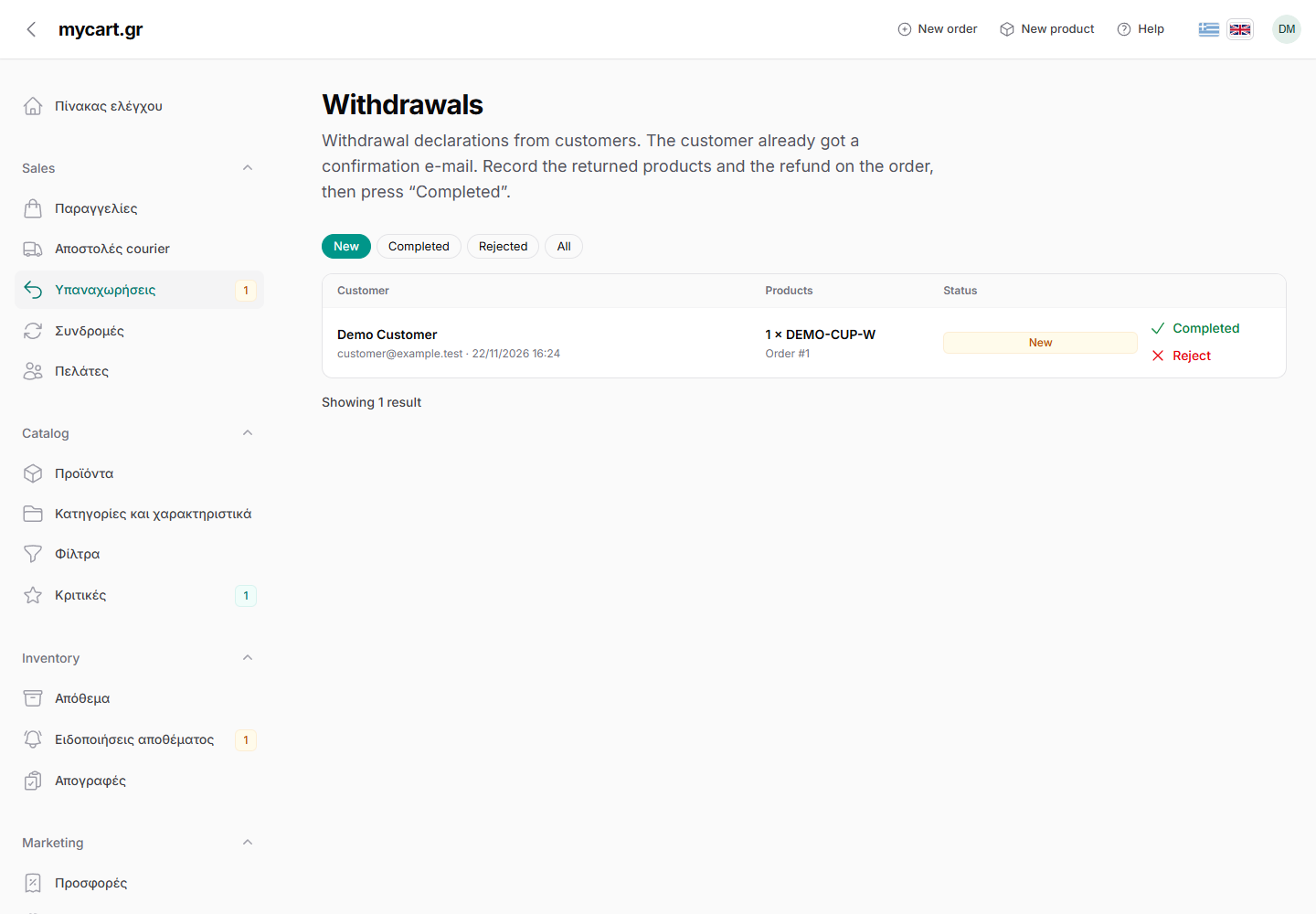
What you do
- When you receive the products, record their return and the refund on the order.
- Click Completed. The customer gets an email that the withdrawal is complete.
The refund is recorded separately, on the order. "Completed" does not refund any money.
Rejecting
Only if the statement is not valid, e.g. it came after the 14 days or concerns an excluded product. Write the Reason for the customer. They receive it by email.
You set which products are excluded on each product, with "Excluded from withdrawal".