
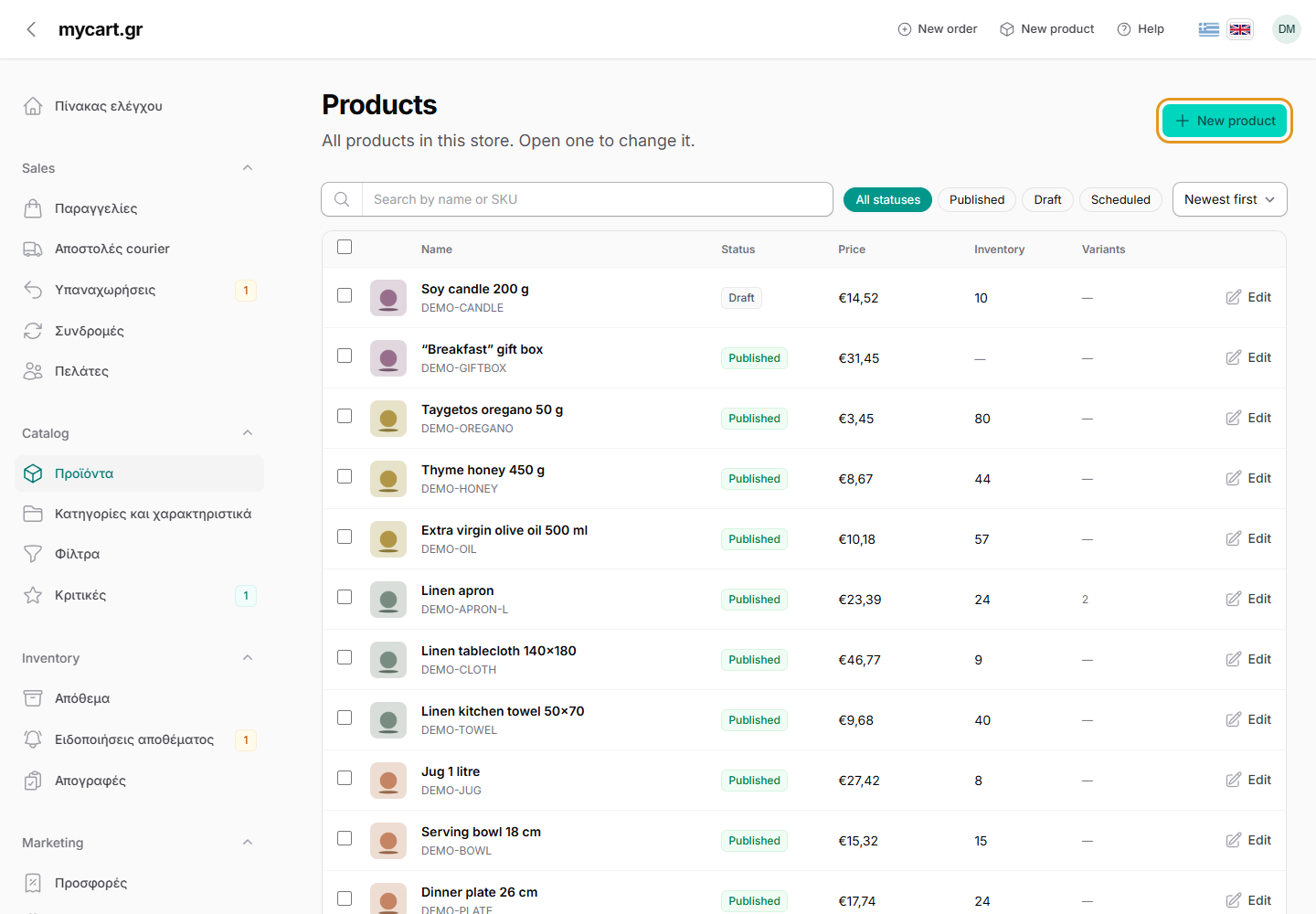
In the menu: Catalog → Products. You can also create a product from New product in the top bar.
Basic details
Name and Description. In the description, write what makes the product unique: materials, dimensions, care.
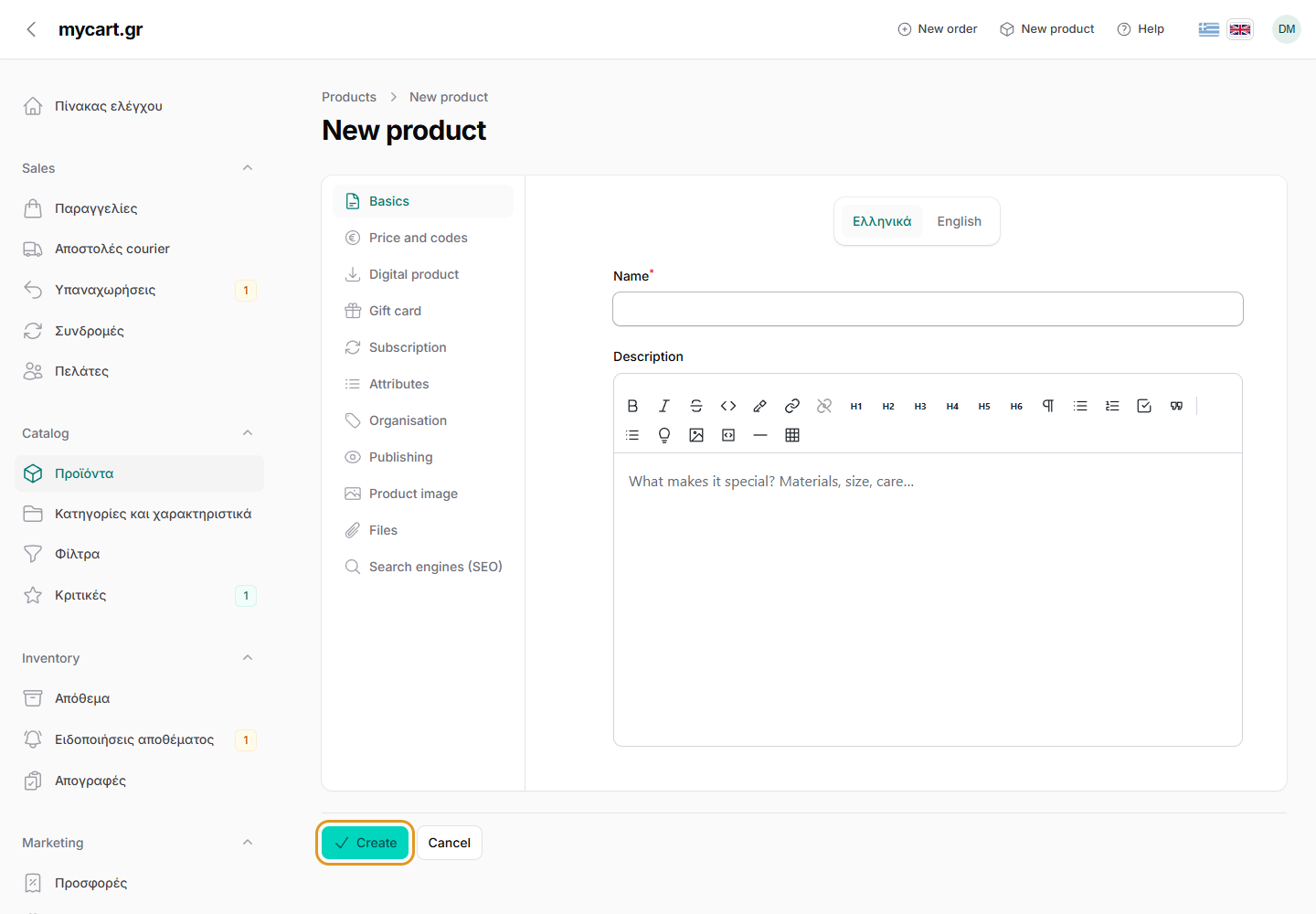
Price and codes
- Price including VAT, as the customer sees it.
- SKU: your own code. If you leave it empty, it is created from the name.
- Barcode, GTIN / EAN and MPN (manufacturer part number). Skroutz, Google and other marketplaces ask for them, so fill them in where you have them.
- Weight in grams, for the shipping cost.
Variants
For sizes or colours with their own price or code:
- Turn on This product has variants.
- Add up to 3 attributes with their values, e.g. Colour: Black, White and Size: S, M. Values are added with Enter or a comma.
- Click Generate combinations and change the price or code where needed.
If you generate again, saved variants and their prices stay.
Attributes
Attributes that are not variant options, e.g. Material: Ceramic. They show on the product page and count in the filters. Here you also choose the Manufacturer.
Images, video and 360°
The main image and the gallery. Under Videos and 360° images you add a YouTube or Vimeo video, an MP4 or WebM file, or a 360° image, and choose its position in the gallery.
Special products
- Digital product: the customer downloads the files after payment, with no stock and no shipping. Up to 20 files of 50 MB. You set how many downloads each purchase gets and for how many days (0 for no expiry). Only people who paid can see the files.
- Gift card: on payment, one gift card is issued per unit and the code is emailed. See Gift cards.
- Subscription: at checkout the customer chooses how often the purchase repeats. Without a choice, it is sold as a one-off only.
Organisation and restrictions
- Categories the product belongs to.
- Excluded from withdrawal: only for products the law excludes. Otherwise the normal 14-day right applies.
- Cannot be paid with and Cannot be shipped with: payment or delivery options that are hidden when the product is in the cart, e.g. cash on delivery for expensive items.
Publishing
Draft (not visible), Published, or Scheduled with a date and time in Greek time. Under SEO you write a title and description for search engines. If you leave them empty, the name and description are used.
Preview, duplicate, orders
In the list, the name opens the product for editing. The arrow next to it opens its page in the store in a new tab, when the product is published.
When editing, at the top right:
- Preview: the product's page in the store. A draft opens through a temporary link that works for two hours. Search engines do not index it.
- Duplicate: a draft copy with variants, prices, translations, categories, attributes, images, documents and video links. It gets a new address and new SKUs and starts with no stock. Uploaded videos, 360° images and digital files are not copied. What is copied is the saved product.
- Find orders: the orders that contain the product, in any variant.