
In the menu: Settings → Store → Import catalogue.
In every import, new products come in as drafts. You review them and publish them when you are ready.
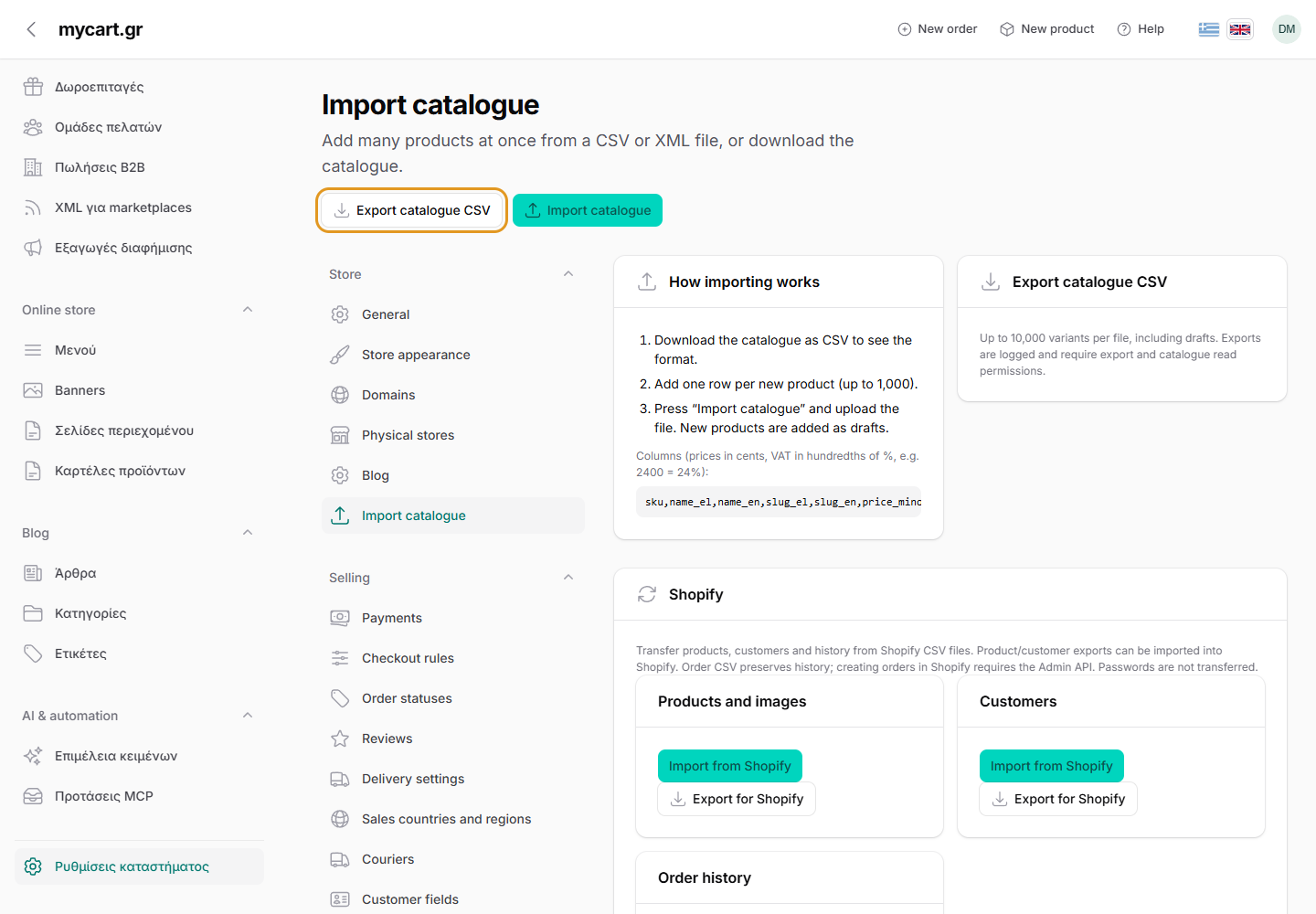
From a CSV or XML file
Upload a file or paste its contents (up to 2 MB). The format is detected on its own. The CSV has these columns:
sku,name_el,name_en,slug_el,slug_en,price_minor,tax_basis_points
The price (price_minor) is written in euro cents: €12.90 is written 1290. VAT (tax_basis_points) in
hundredths of a percent: 24% is written 2400. If one row has an error, none are saved, so you fix it and try again.
From WooCommerce
Two ways:
- REST API: in WordPress go to WooCommerce → Settings → Advanced → REST API → Add key, with "Read" permission. Enter the store's address here, the Consumer key and the Consumer secret. The keys are checked before they are saved and are stored encrypted.
- CSV file: WooCommerce's Products → Export, in UTF-8, up to 10 MB. Variations must be in the same file as their parent product.
From CS-Cart, PrestaShop or OpenCart
Move from CS-Cart, PrestaShop, OpenCart brings products with variants, images, categories and brands, customers and order history. Click Connection on your platform:
- CS-Cart: in CS-Cart go to Customers → Administrators, open your administrator and turn on the key in the API access tab. Enter the address, the administrator's e-mail and the key here. Products also come from the export Administration → Export data → Products. To bring images from the file, add the «Detailed image URL» column.
- PrestaShop: in PrestaShop go to Advanced parameters → Webservice, turn it on and add a key with read-only access to the resources the connection page lists.
- OpenCart: enter the address and save. Download mycart-bridge.php and upload it to the OpenCart folder where config.php is. Then click Test connection. The file only reads. Delete it once the move is finished.
PrestaShop and OpenCart keep prices without VAT, so «Prices include VAT» starts off. In OpenCart, the product's first required option (a size, for example) becomes its variants. Move customers first and orders after, so orders link to the accounts.
From Shopify
Create a custom app in Shopify and enter the store's address and the Admin API token here. The token is not shown again after saving.
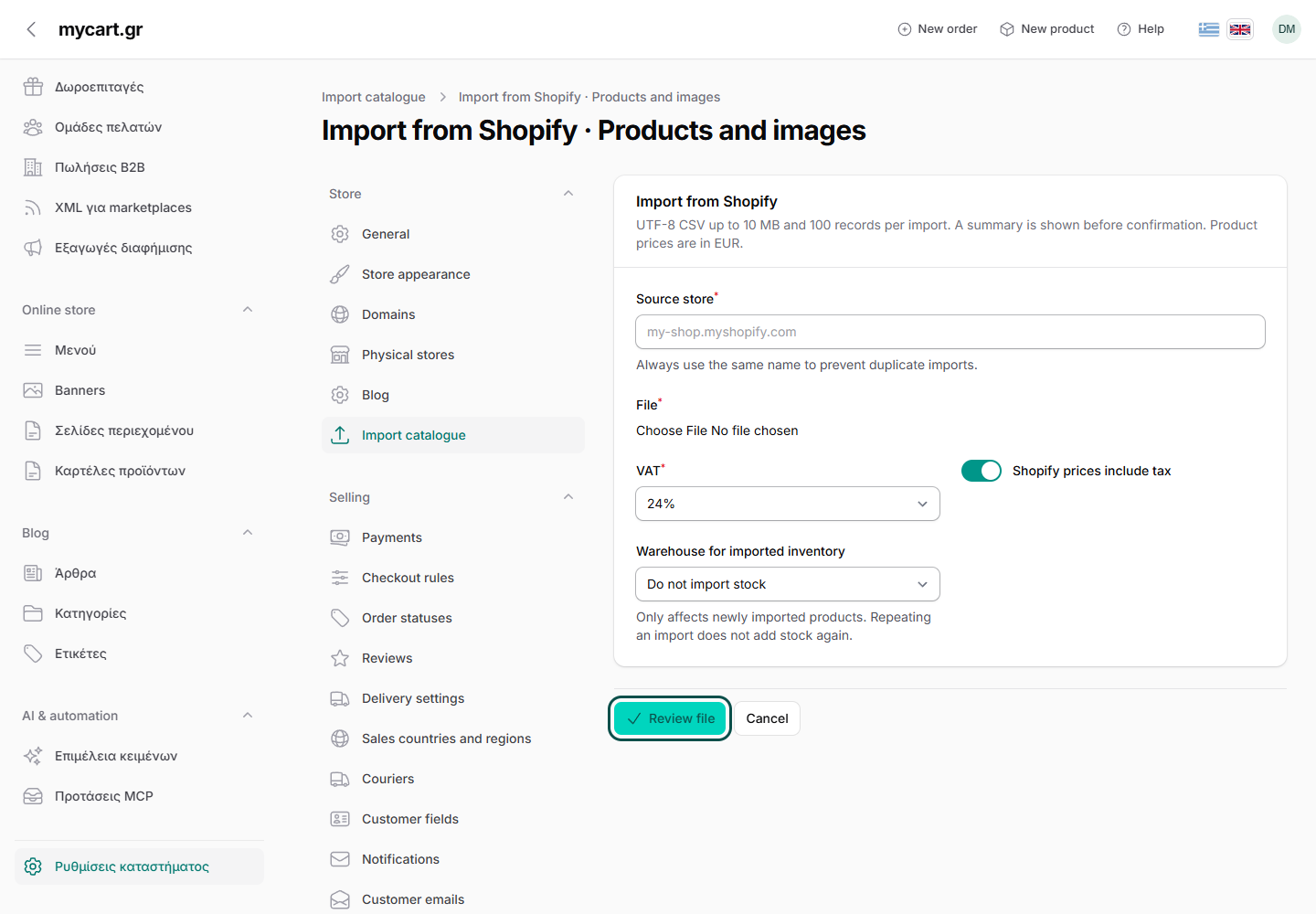
Before it starts
First you see a summary: how many products, variants and images were found, and which rows cannot be imported. Nothing changes until you confirm.
- Source store: always use the same name. This way a repeat run does not create duplicate products, and anything already imported or with the same SKU is skipped.
- Prices include VAT: tick it if the old store's prices include VAT.
- Warehouse for imported inventory: quantities are added only for products created now and are not added again on a repeat run.
An API import runs in the background and its progress shows on the page. If you cancel it, whatever came in stays.
Exporting
Export catalogue CSV downloads your catalogue. There are also ready-made exports in WooCommerce and Shopify format.