
In the menu: Catalog → Categories and attributes.
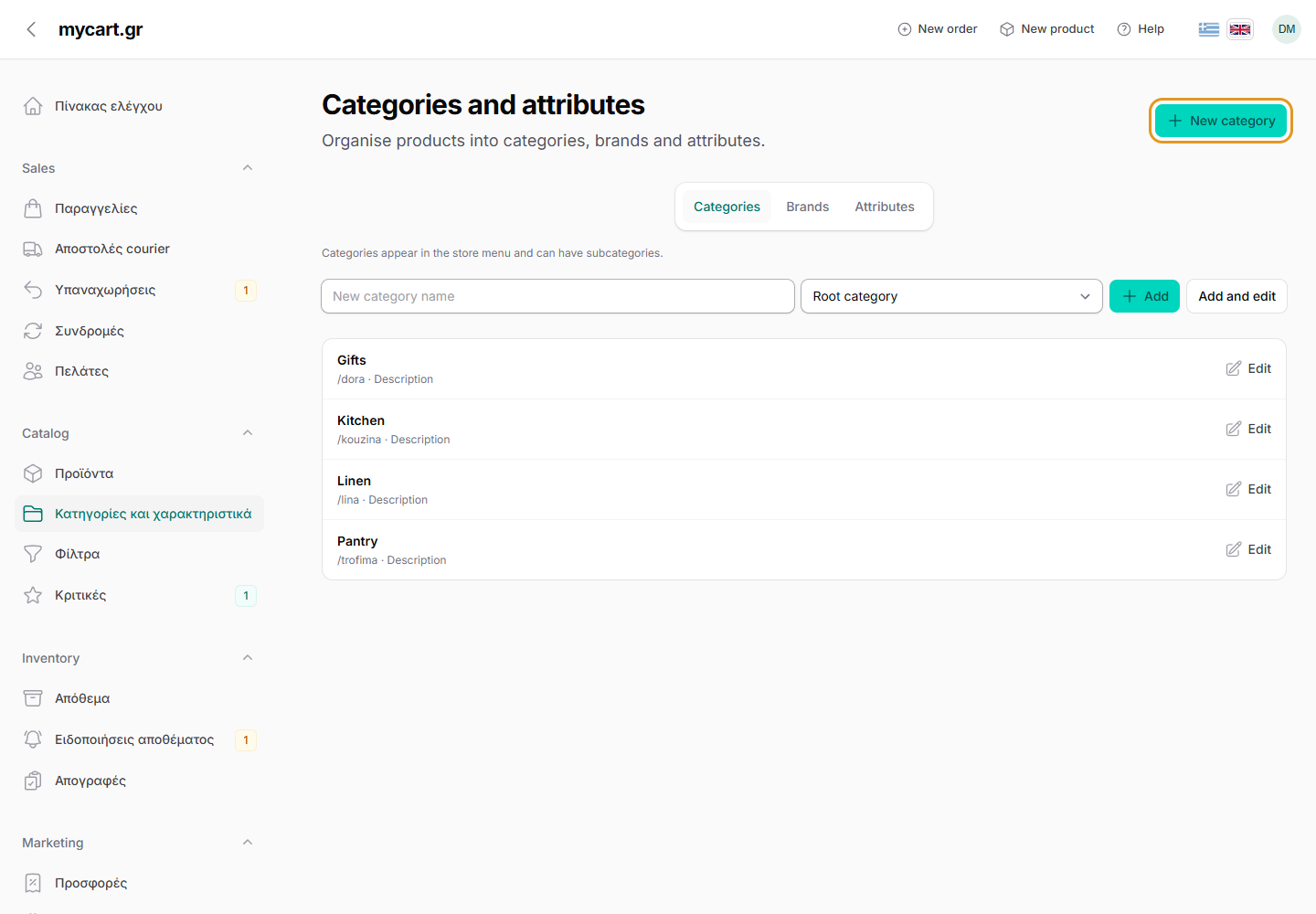
Categories
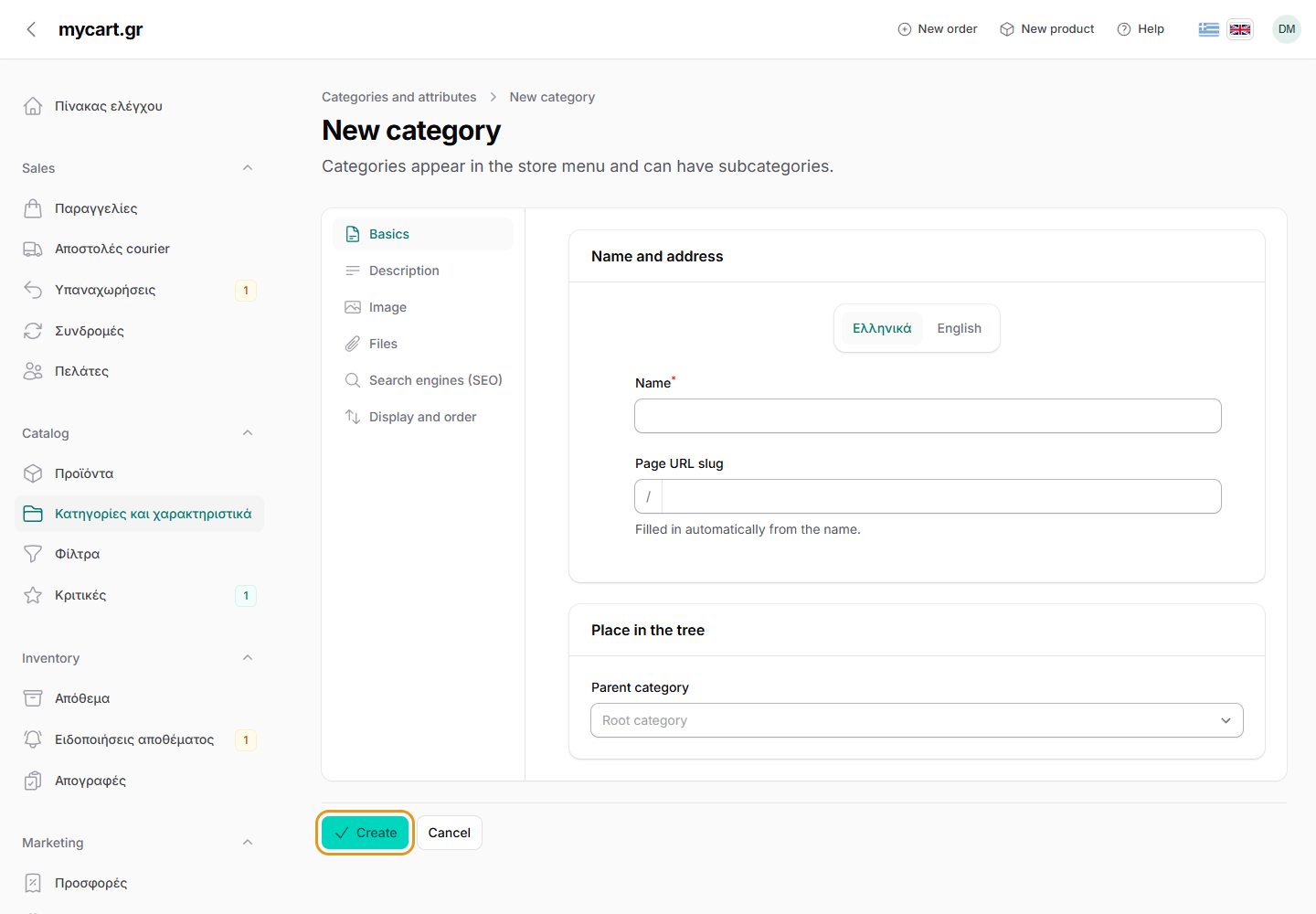
Each category has a Name, an Address (the URL part), a Description and an Image (JPEG, PNG or WebP up to 5 MB). With Parent category you place it inside another one, e.g. Clothing → Women → Dresses.
The Order sets how they appear: the lowest number comes first, and with the same number the order is alphabetical.
Under SEO you write the page's title and description for search engines. If they are left empty, the name and description are used.
Attributes
Attributes (Colour, Size, Material) have a list of values that are suggested when you create variants.
- Quick add: type the values separated by commas, e.g.
S, M, L. - Drag a value to change its position.
- For colours, each value also gets its colour, so it shows as a coloured circle.
The Attribute code cannot change, because your products' variants use it.
Manufacturers
Manufacturers (brands) are organised the same way and are chosen on each product.