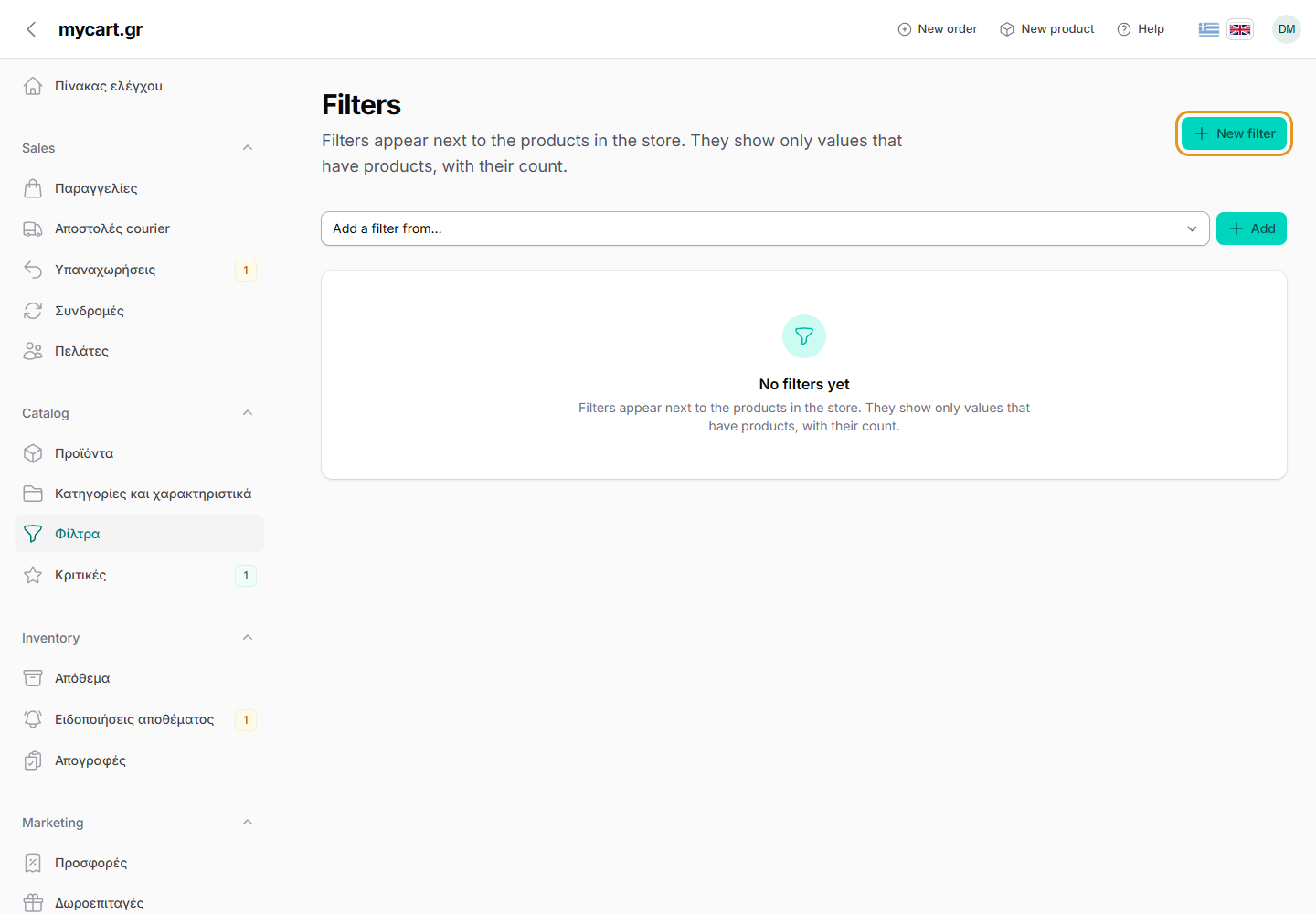
In the menu: Catalog → Filters.
Filters appear next to the products in your store. They only show values that have products, with their count, so the customer never lands on an empty list.
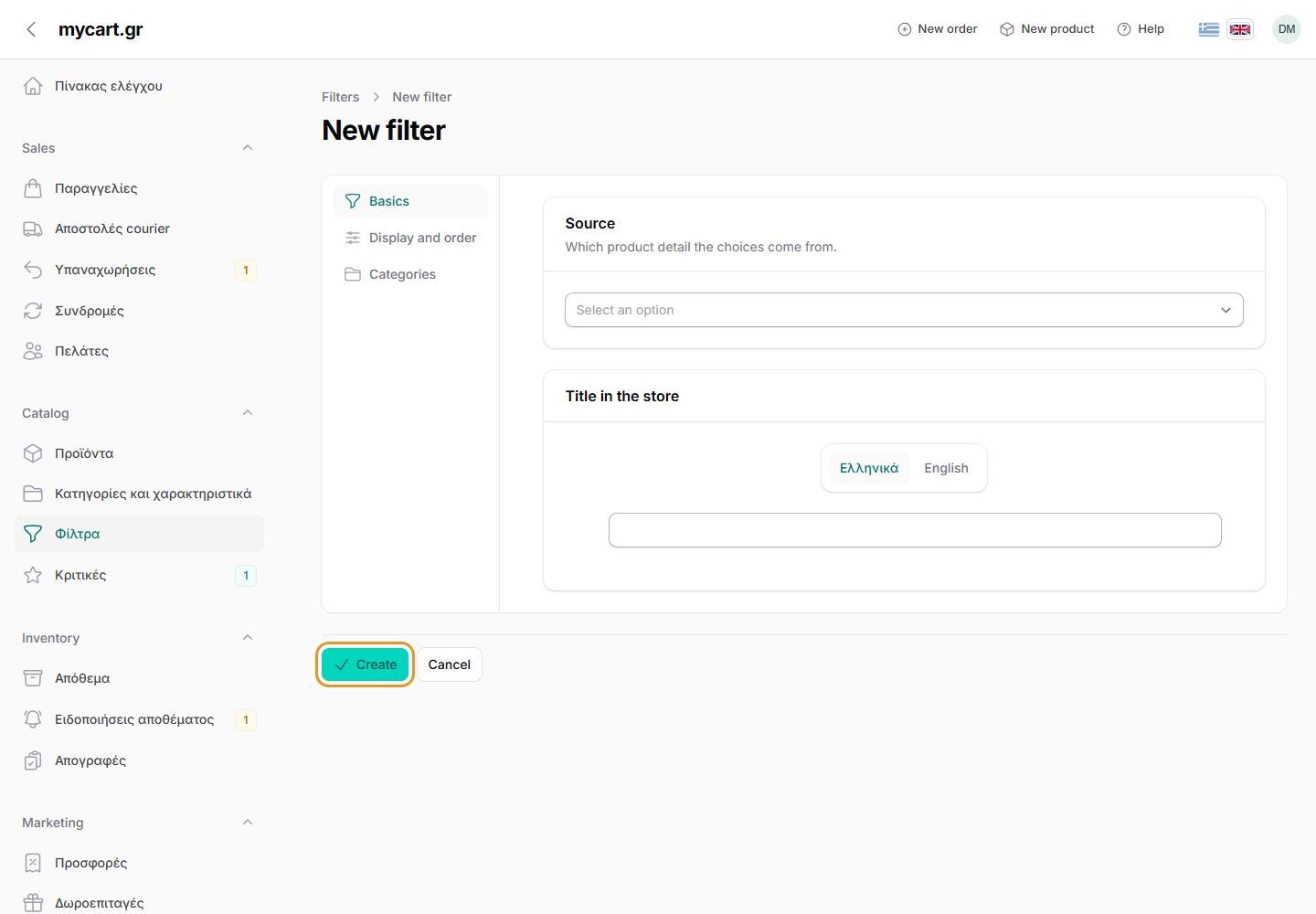
New filter
- Under Add a filter from, choose the Source: categories, an attribute (e.g. Colour), a property, rating and so on.
- Give it a Title in the store.
- Under Categories, choose where it appears. Empty means in all categories and in search.
- Set the Order: the lowest number comes first.
An Off filter does not show in the store, but keeps its settings. There is only one filter per source.
An attribute appears in the filters only if your products have it filled in. See Products, section "Attributes".