
In the menu: Inventory → Stock alerts.
Low stock
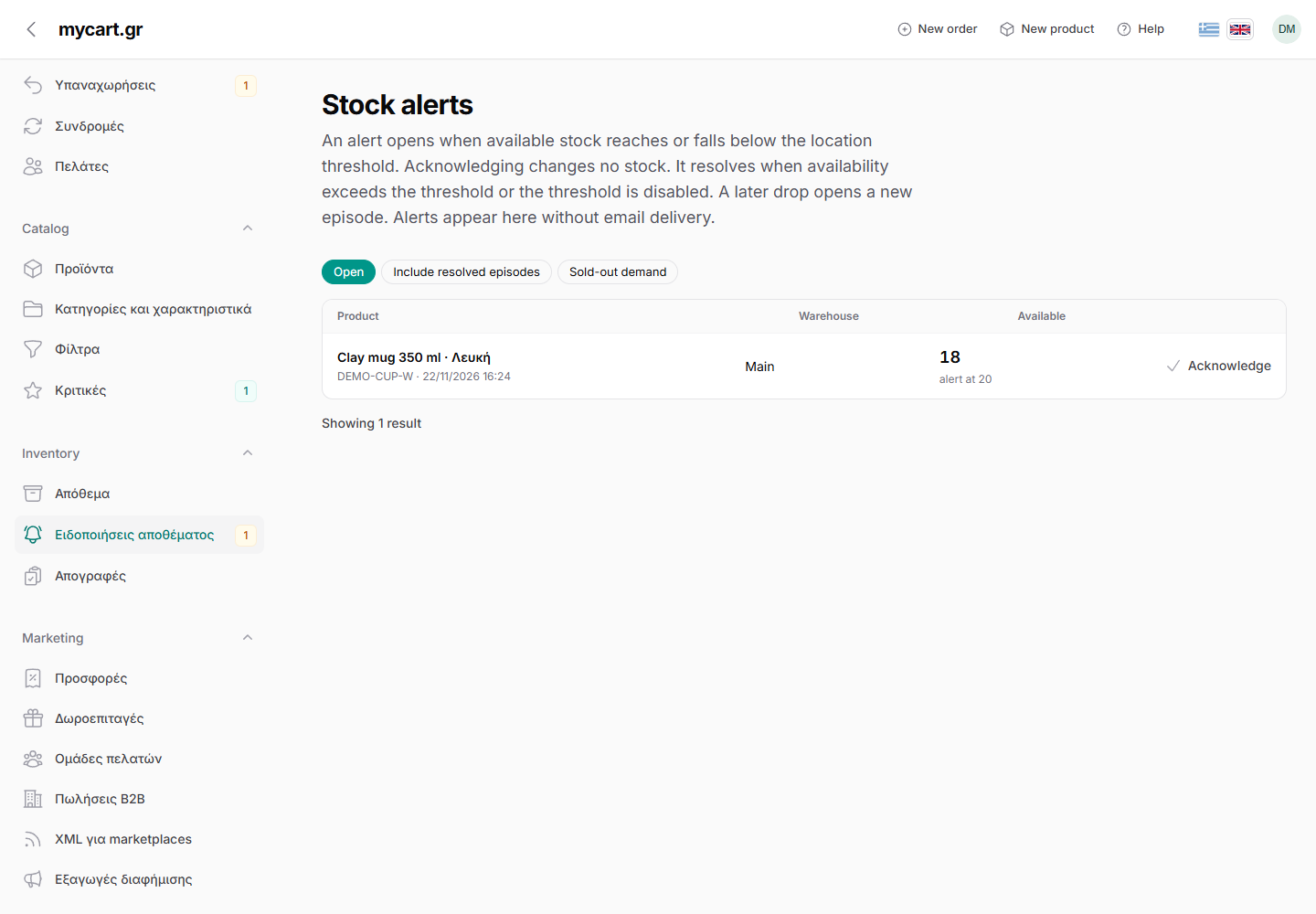
An alert opens when a product's available units reach or fall below the level you set in Inventory. It closes on its own when the available units go above the level or when you remove the level.
Acknowledge marks that you have seen it, without changing the stock. A new drop opens a new alert. With Include resolved episodes you also see the old ones.
Alerts are shown only here. No email is sent.
Demand for sold-out products
When a product sells out, customers can leave their email to be notified. Here you see, for each product, how many are Waiting, how many were Notified and when the last request came in. Useful for deciding what to reorder first.
As soon as stock comes in, the emails go out on their own within a few minutes.