
In the menu: Online store → Product panels.
Panels (tabs) appear on the product page, below the description. They are for text that repeats, e.g. "Shipping and returns", "Size guide" or "Care", so that you don't write it on every product.
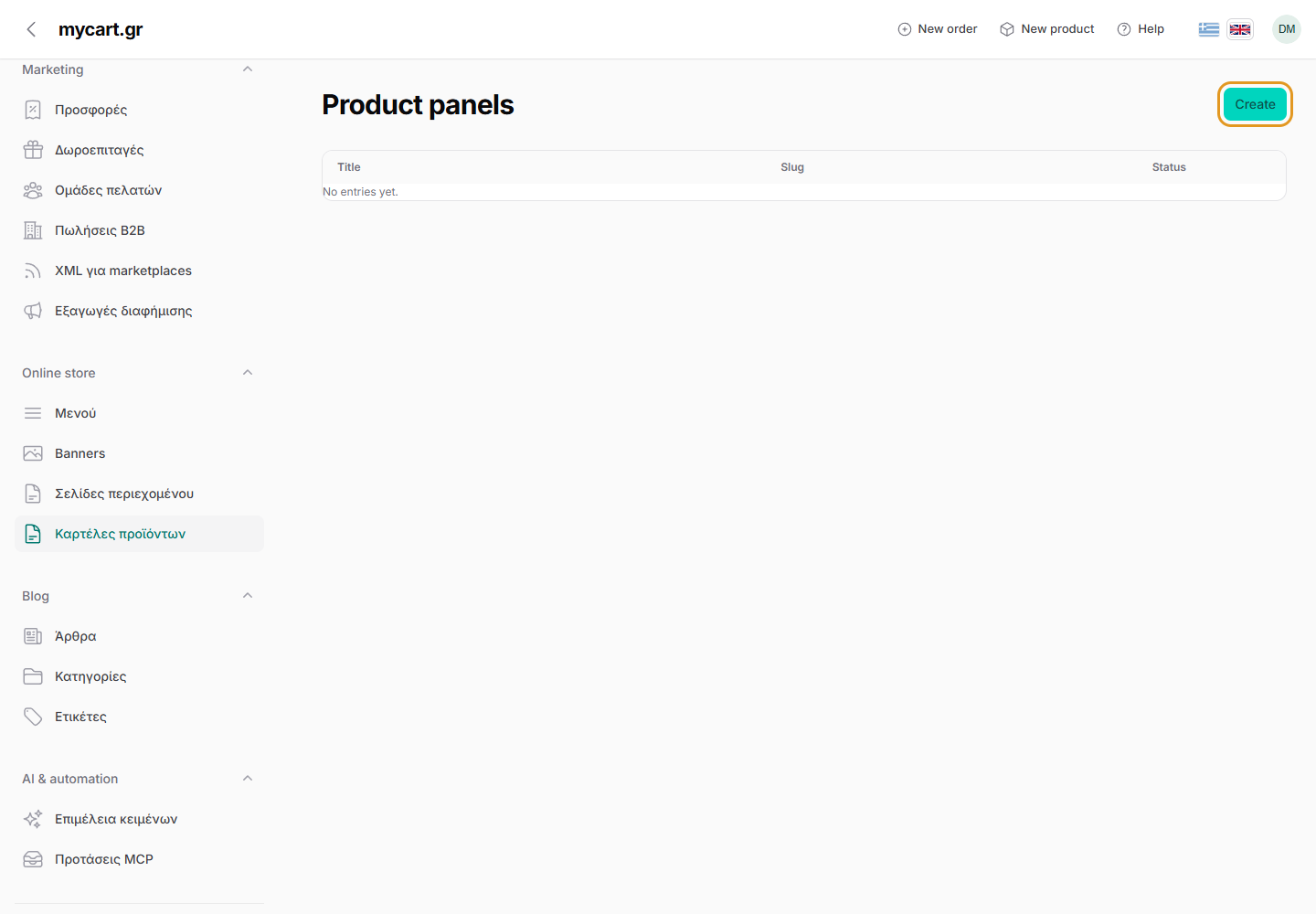
New panel
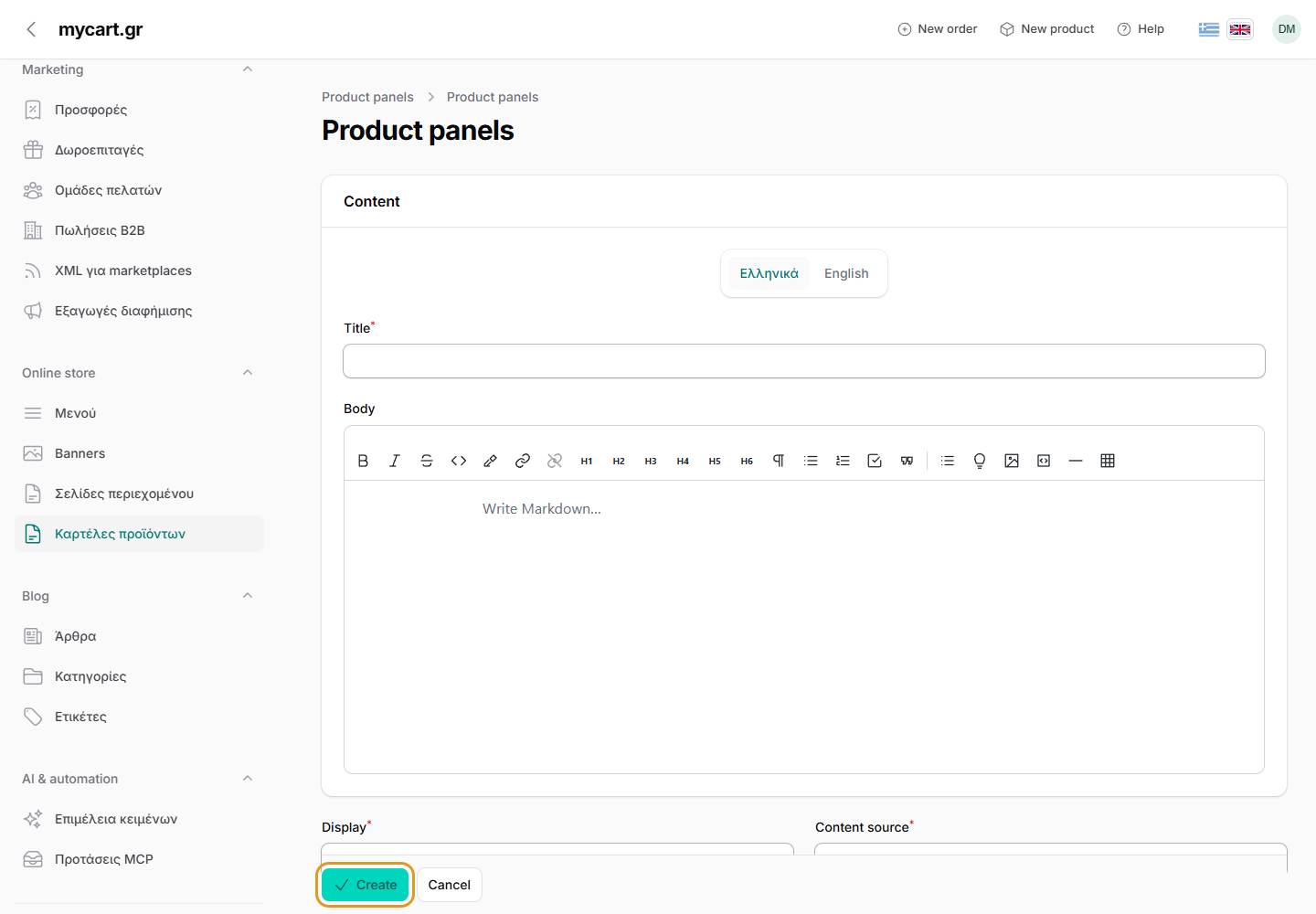
- Title and Text.
- Where it appears: with nothing selected, it applies to all products. Otherwise only to the selected products or to products in the selected categories.
- Display order and Active.
Product fields inside the text
In the text you write {{product.name}}, {{product.sku}} or {{product.brand}}, and the details of the product
the customer is viewing go in their place.
Content source also accepts other dynamic product details instead of free text.