
In the menu: Settings → Selling → Customer fields.
Add your own questions for customers, e.g. date of birth or occupation.
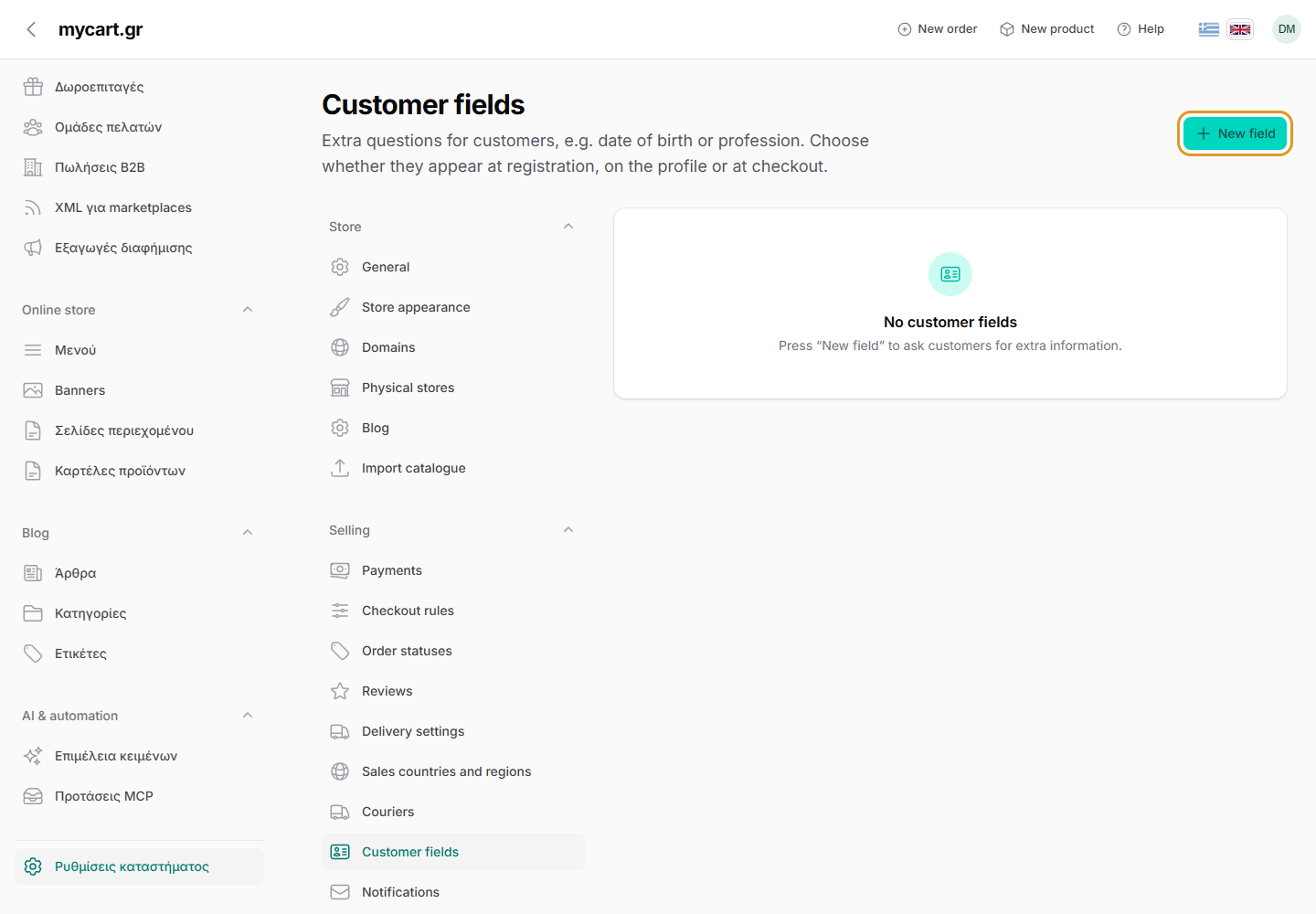
New field
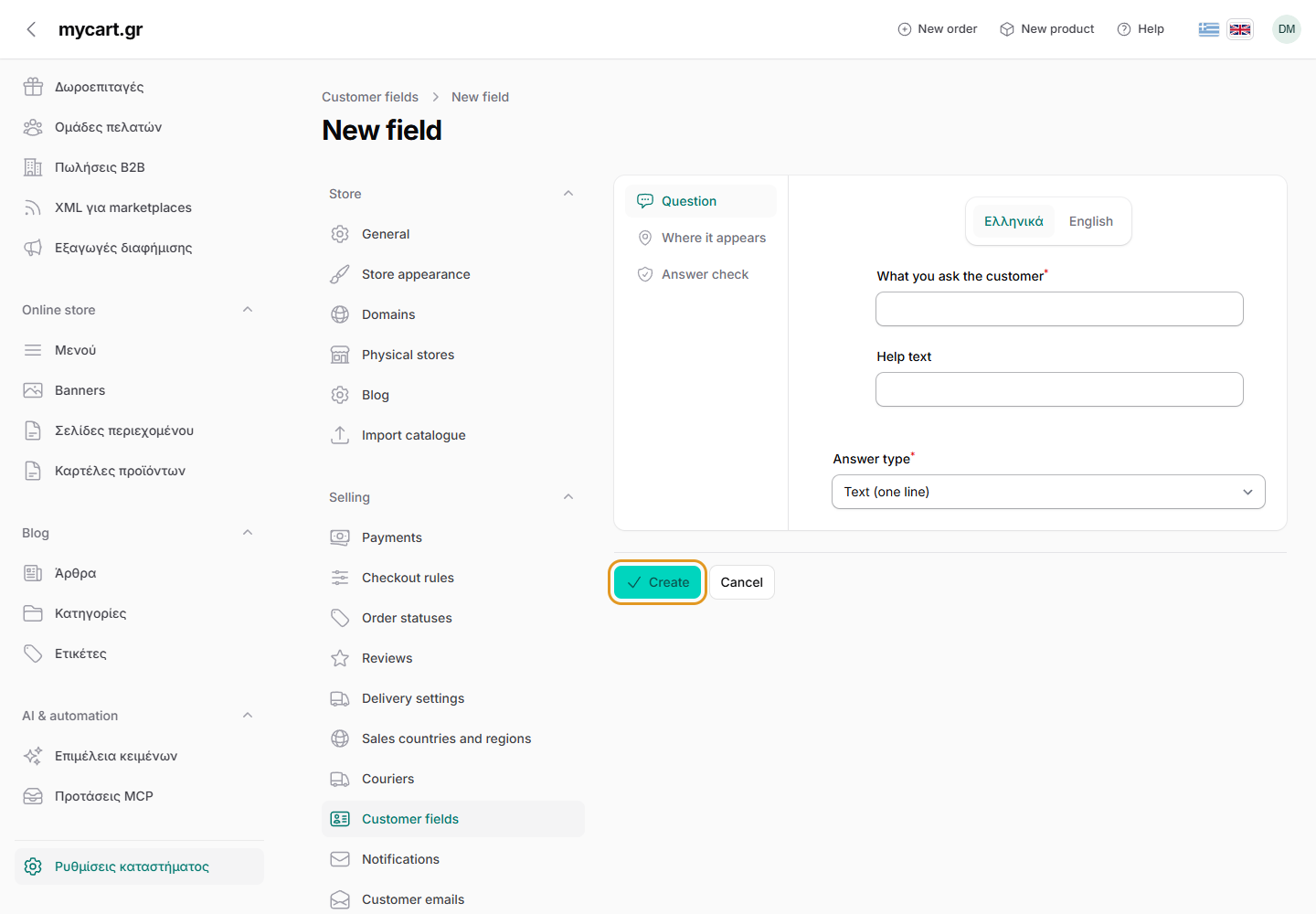
- Question and, if you want, a Help text below it.
- Answer type: text, number, date, choice from a list and so on. For a list, type each option and press Enter.
- Show on: sign-up, profile or checkout.
- Required: the customer cannot continue without an answer, wherever the field appears.
- Display order.
Checking the answer
Minimum and maximum value for numbers, minimum and maximum characters for text. Pattern (advanced) is for
advanced users, e.g. [A-Z]{2}[0-9]{4} for two capital letters and four digits.
The Field code is created automatically from the question and appears in exports.
Turning a field off
An inactive field does not appear anywhere, but existing answers stay. Each customer's answers are shown on their page, in Customers.