
In the menu: Sales → Customers.
Here are the accounts of your store's customers. Guest orders, placed without an account, do not join a customer's history on their own.
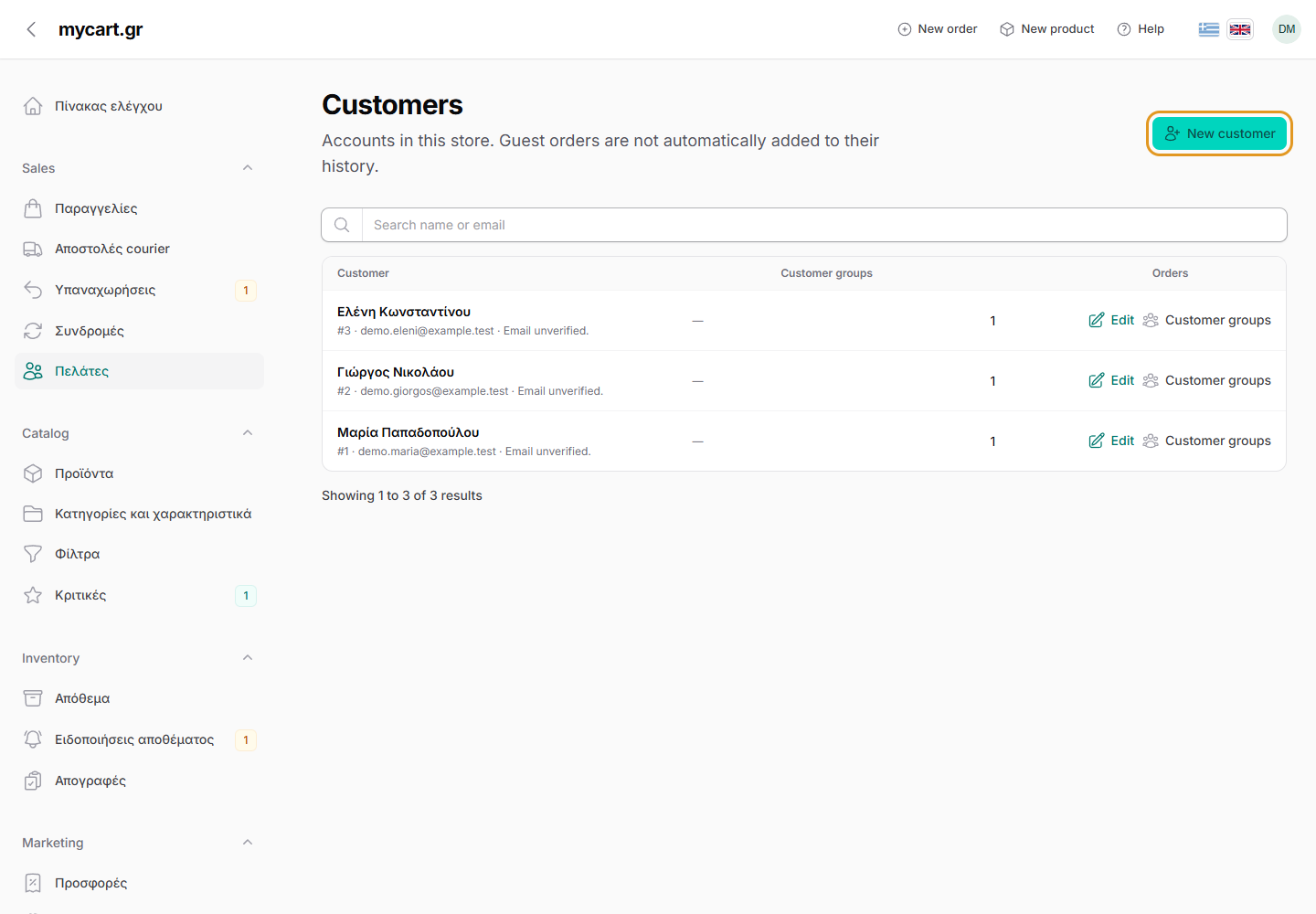
New customer
For customers who order by phone or in your physical store. Later they get into their account with "Forgot your password".
The customer's page
With Details you see everything the store keeps about the customer: overview, customer fields, addresses, orders and activity.
- Staff note: only the store's team sees it. The customer does not see it and it does not go into any email.
- Customer groups: which groups they belong to, for promotions.
- If you change the email, the customer signs in again and confirms the new address.
Signing in as a customer
To see what the customer sees, or to help them with their cart, click Sign in as this customer. A one-time link is created that is valid for a few minutes. You see their account and cart and you can change the cart.
You cannot place an order, change their password or email, close the account, pay with a saved card or download a digital file. You finish with End the session.