
In the menu: Marketing → B2B sales.
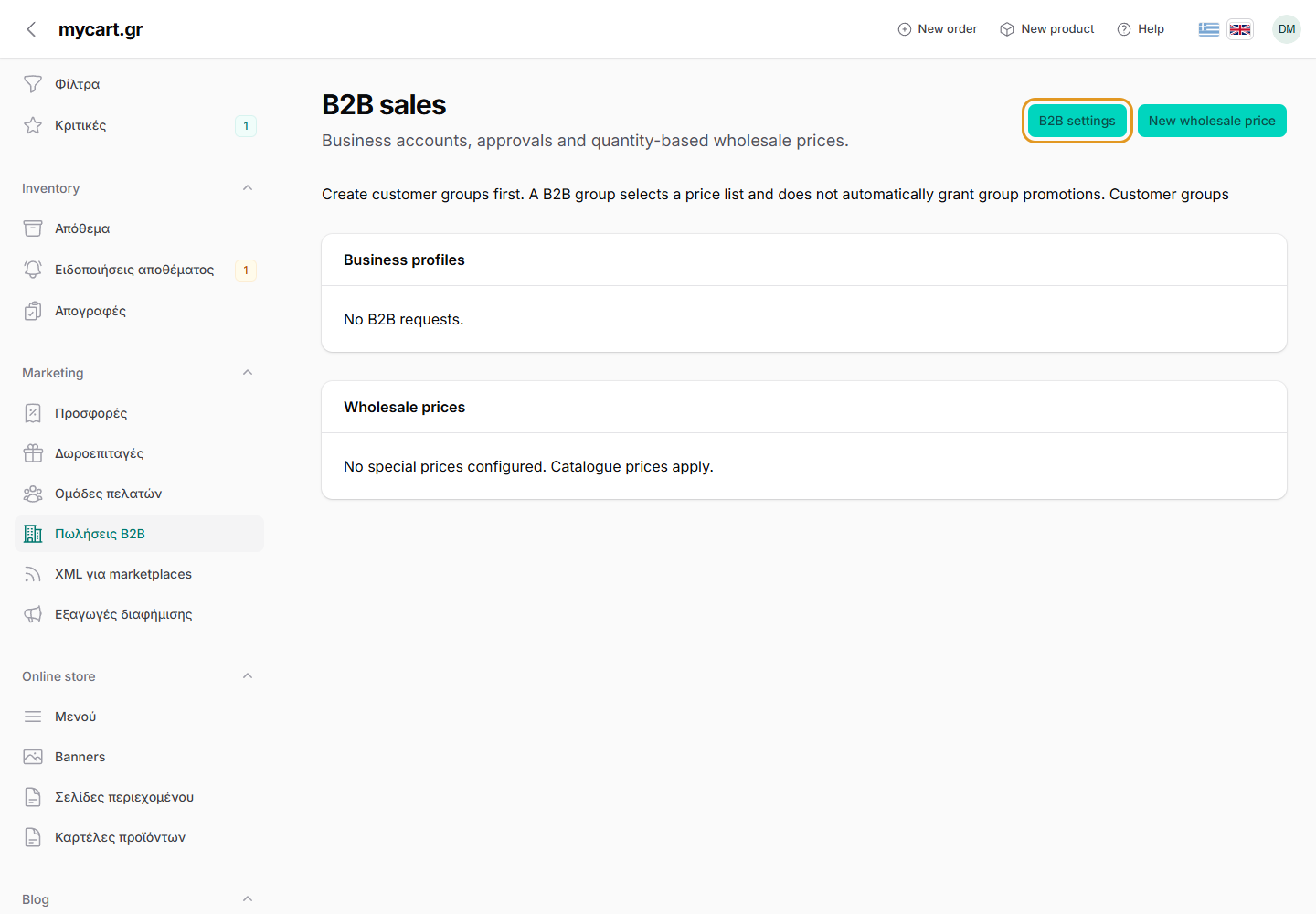
B2B settings
Store mode has three options:
- Disabled
- Retail and B2B: you sell to everyone, and approved businesses see wholesale prices
- Approved business checkout only: wholesale only
The Minimum B2B order net value is counted after discounts, without VAT and shipping. 0 means no minimum.
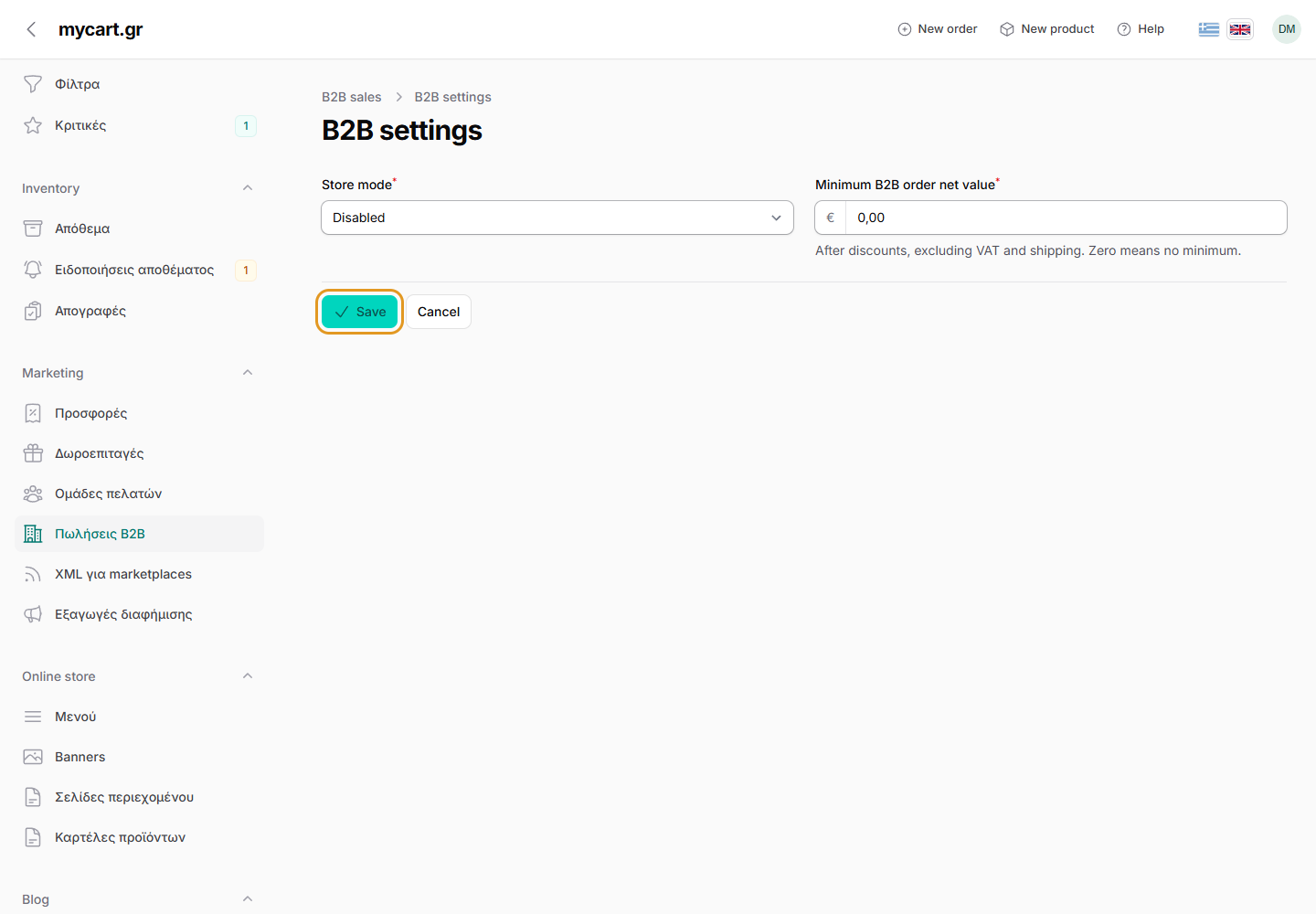
Business profiles
The business sends a request from their account. Here you open it with Review request and set it to Approved or Rejected. Until it is approved, they see retail prices.
Wholesale prices
First create a customer group, e.g. "Wholesale". Then, with New wholesale price:
- choose a Price-list group and a product Variant
- set Quantity from and Net unit price, without VAT
For tiered prices you add several rows, e.g. from 10 units €4.00 and from 50 units €3.50. Where you don't set a special price, the catalogue price applies.
A B2B group selects a price list. It does not automatically get the group discounts from promotions as well.