
In the menu: Settings → Selling → Order statuses.
For each status you set a name, a colour, whether it notifies the customer and what it does to stock.
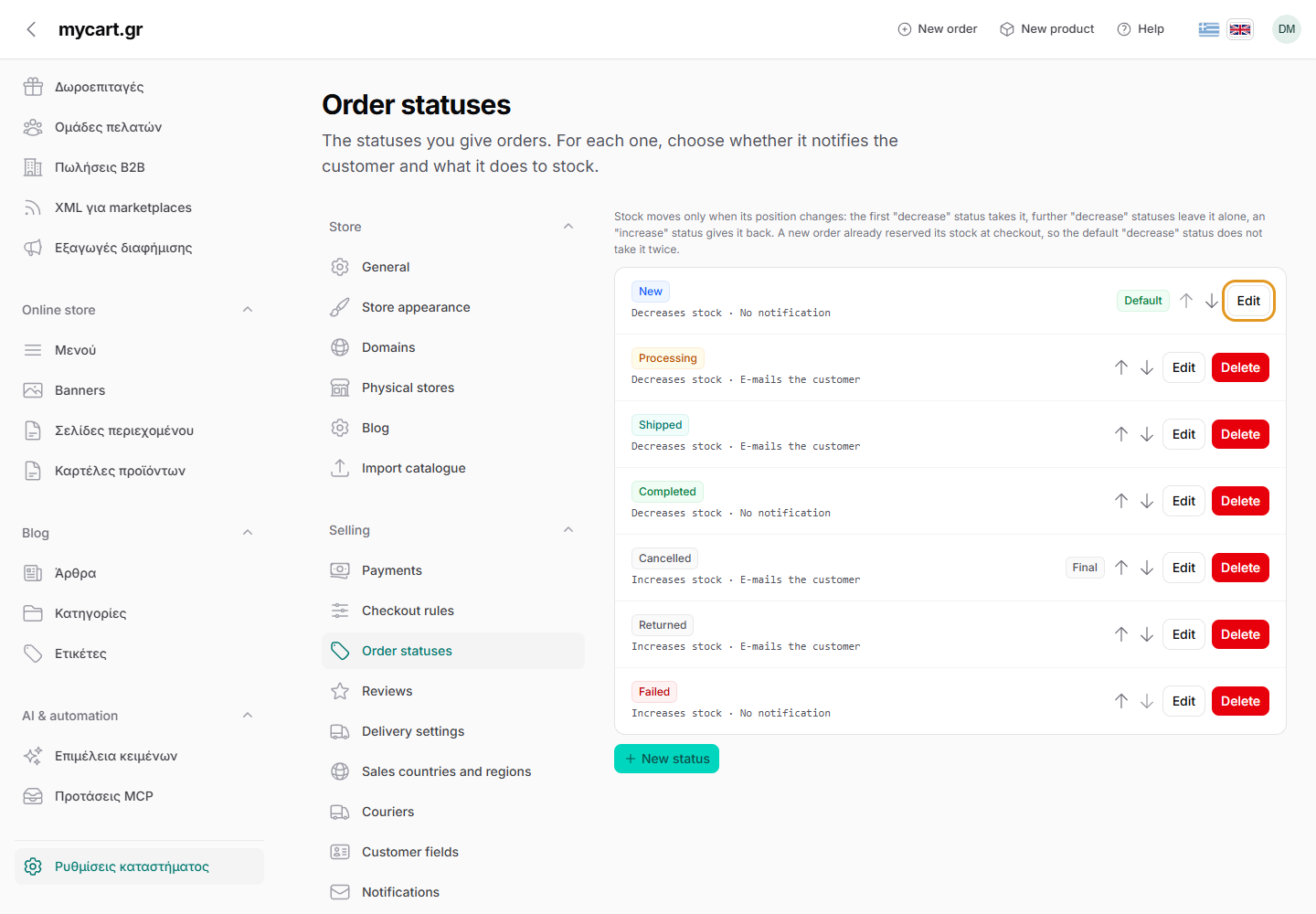
Email to the customer
With E-mail the customer, every order that moves into this status sends an email. You write a Subject and Text, with these fields that are filled in automatically:
| You write | It becomes |
|---|---|
{order_number} |
the order number |
{name} |
the customer's name |
{total} |
the total |
{tracking} |
the shipment number, as a tracking link |
{tracking_url} |
the link to the tracking page |
{status} |
the status |
{store} |
the store |
{date} |
the order date |
For example, "Shipped" with the text "Hi {name}, your order {order_number} is on its way. Track it here: {tracking}".
If you turn on email for the default status, its text replaces the confirmation email for new orders.
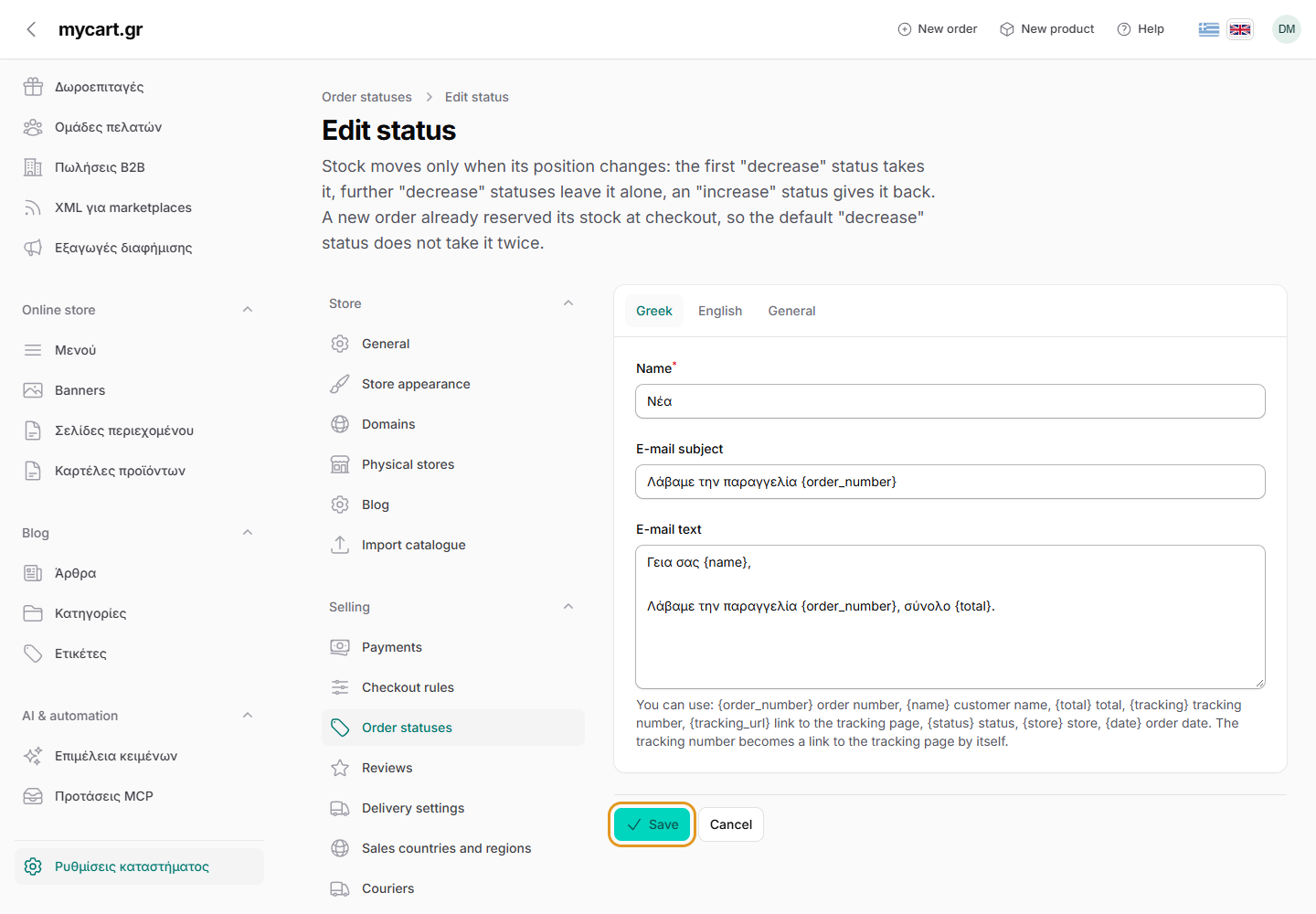
Stock
Each status has one of three options:
- Decrease: takes the stock away
- Increase: gives it back, e.g. on "Cancelled"
- no change
Stock moves only when it changes position. The first "Decrease" status takes it away, later ones do not touch it again, and an "Increase" gives it back. A new order has already reserved its stock at checkout, which is why the default status does not take it away a second time.
To change statuses you need permission for both orders and stock.