
In the menu: Settings → Account and data → Data erasure requests.
Here you record what you decided about a customer's request concerning their personal data.
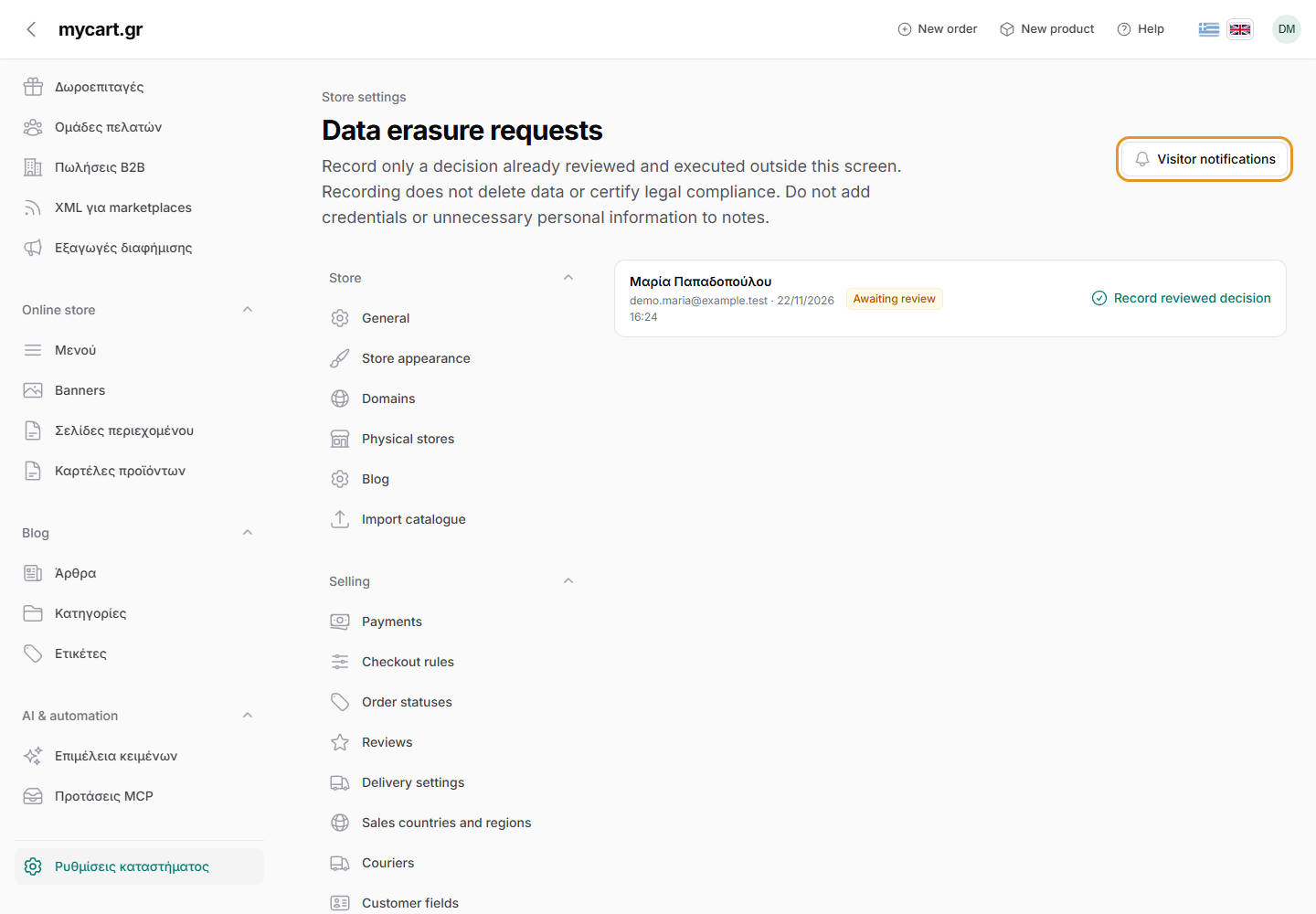
Recording a decision
Click Recorded decision on the request and choose:
- Handled outside the system, or
- Declined with explanation
In the field below, write what happened, e.g. "Details deleted on 10/11".
Recording a decision does not delete any data and does not certify that you complied with the law. Only record a decision that has already been checked and carried out. Do not write passwords or unnecessary personal details in the notes.
Guest notifications
A visitor without an account may have left their email for a back-in-stock notification. If they ask for their data, or for it to be deleted, enter their email and choose Export or Delete.
Customers with an account find their own data in the data export of their account.