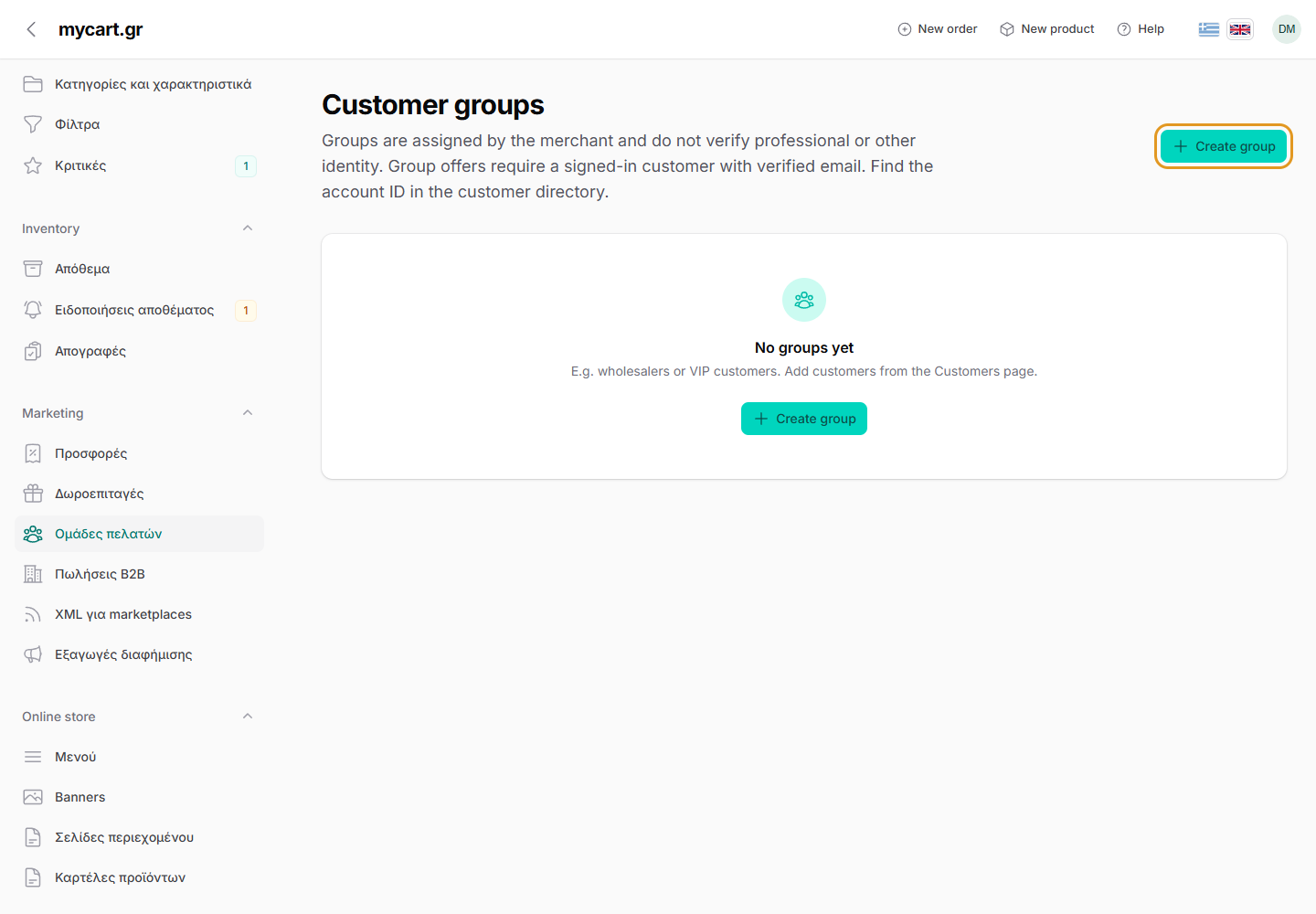
In the menu: Marketing → Customer groups.
The groups are your own, e.g. "Wholesale" or "VIP". You use them in promotions and in B2B price lists.
- Click Create group and give it a name.
- To put a customer in a group, open the customer in Customers and click Customer groups.
Two things to know:
- Being in a group does not check whether the customer really is a business. You decide that.
- A group promotion applies only to a customer who is signed in and has a confirmed email.