
In the menu: Marketing → Promotions.
Click New promotion and choose what you want to offer.
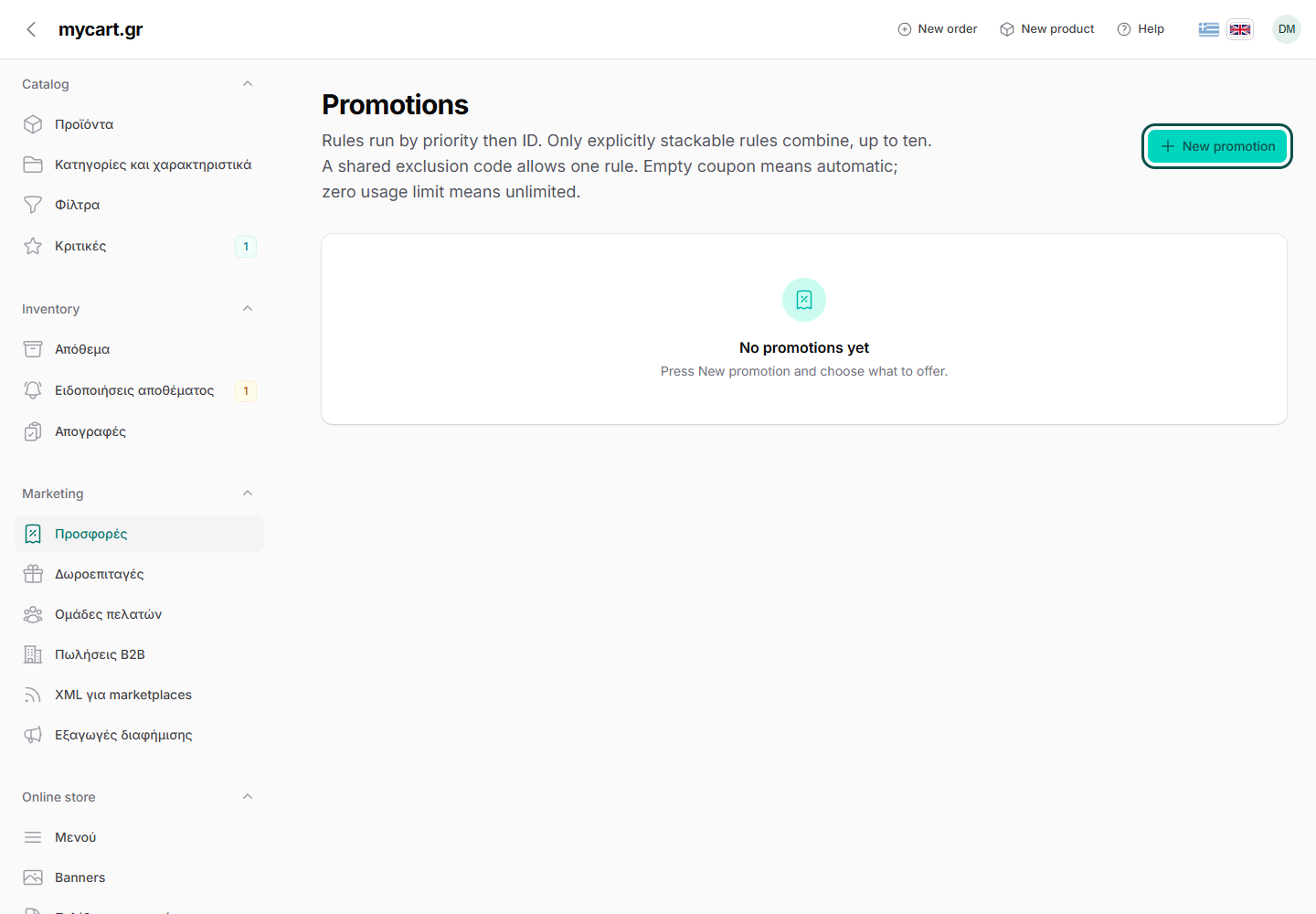
What you offer
- Discount percentage, e.g. −20%
- Discount amount, e.g. −€10
- Buy X get Y, e.g. 2+1 free or "buy 2, −50% on the third"
- Bundle price, e.g. 3 units for €25
- Discount tiers by quantity, e.g. from 5 units −10%, from 10 −15%
- Free shipping
Buy X get Y and bundles count per variant. A 2+1 needs 3 units of the same variant. Different variants are not combined.
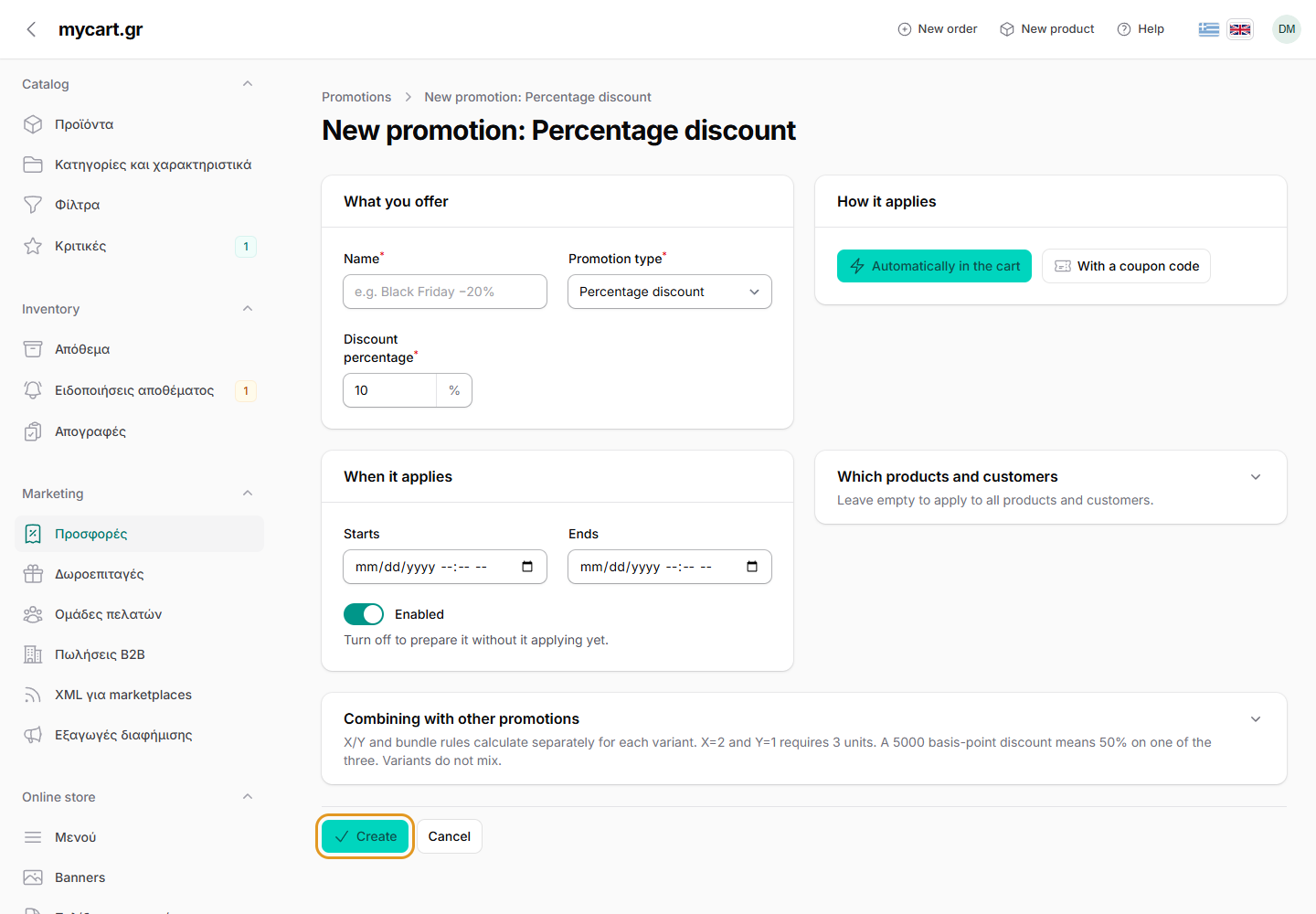
How it is triggered
- Automatically in the cart: applies as soon as the conditions are met.
- With a coupon code: the customer enters the code in the cart. Write your own (letters, numbers, hyphen) or click ✨ for an automatic one.
When it applies
Starts and Ends, or "From now" and "No end date". With Active off you prepare it without it applying yet. The list shows whether it is active, starts later or has ended, and how many times it has been used.
Which products and customers
If you select nothing, it applies to all products and all customers. Otherwise:
- products or categories, and excluded products or categories, which take priority
- customer groups, e.g. VIP only
- a minimum cart value (without VAT, in cents: 5000 for €50) or a Minimum quantity
- a Total usage limit and a limit per account (0 for no limit)
Combining with other promotions
A promotion is Exclusive or can Combine with other stackable rules (up to ten together). Promotions with the same shared exclusion code do not combine with each other, so only one of the group applies. When two conflict, the one with the higher Priority wins.