
In the menu: Marketing → Advertising exports.
Catalogue feeds that Meta (Facebook, Instagram), Google and TikTok download on their own, at regular intervals. You need them for Google Shopping and for dynamic product ads.
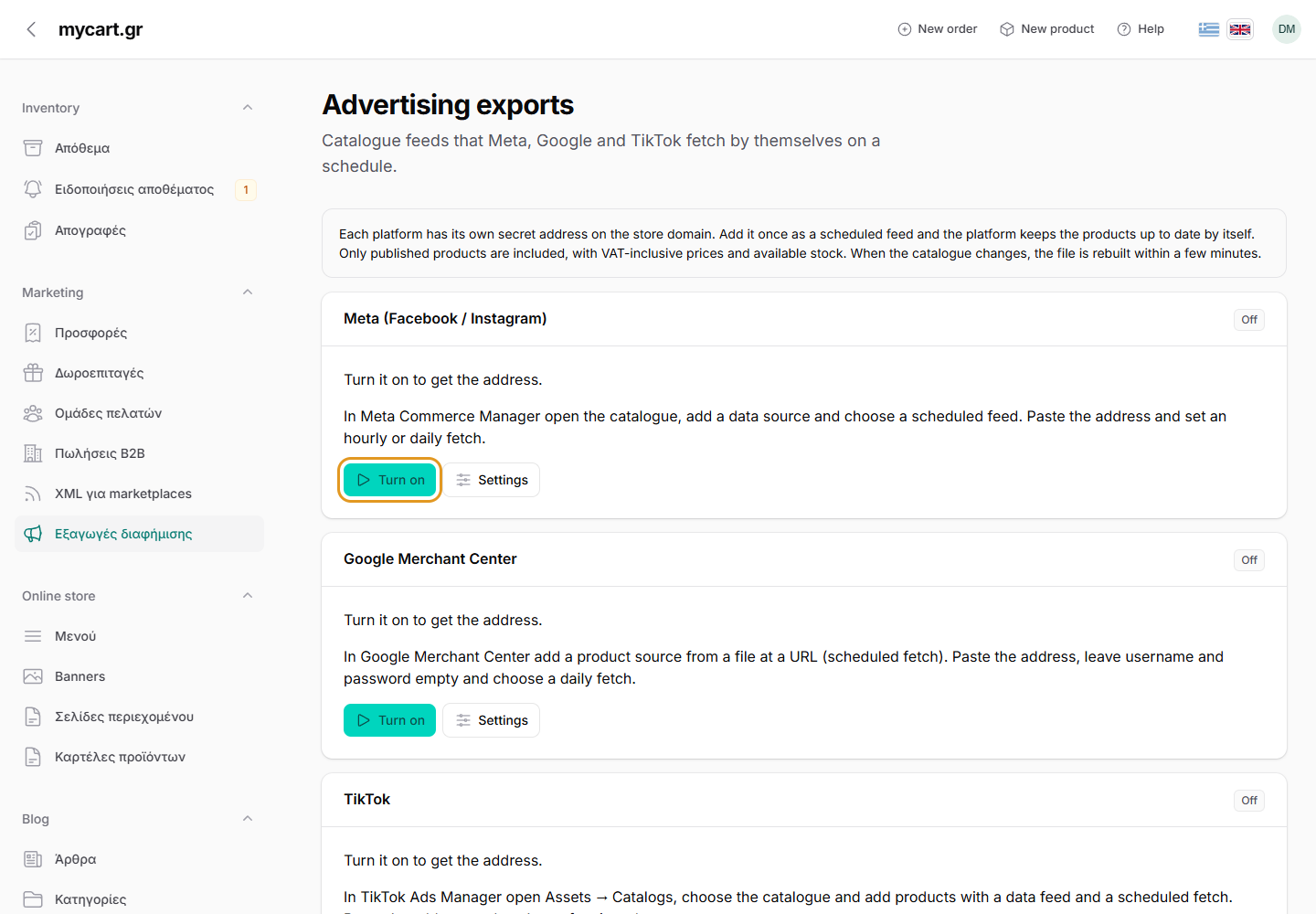
Steps
- Turn on the platform's feed.
- Copy its address and add it in the platform (Meta Commerce Manager, Google Merchant Center, TikTok Catalog) as a scheduled fetch.
Download file downloads it so you can check it.
Settings
- Brand for products without one: usually your store's name. If it is left empty, products without a manufacturer are left out of the feed.
- Google category: from Google's taxonomy, as a number or a path, e.g.
536orHome & Garden > Kitchen & Dining. It applies to the categories you don't map one by one. - Seller name and Return policy URL (starting with
https://). - Product filters: which products go into the platform's feed and its downloaded file, by category, brand, price range with VAT and attribute values. They apply together.
New address and turning off
If the feed's address has leaked, click New URL. The old one stops immediately, and you add the new one to the platform again. With Turn off the address answers "not found" and the platform will show an error on its next fetch.