
In the menu: Marketing → Marketplace XML feeds.
Feeds are built from your catalogue and available stock, for Skroutz, BestPrice, Shopflix, GLAMI and other marketplaces.
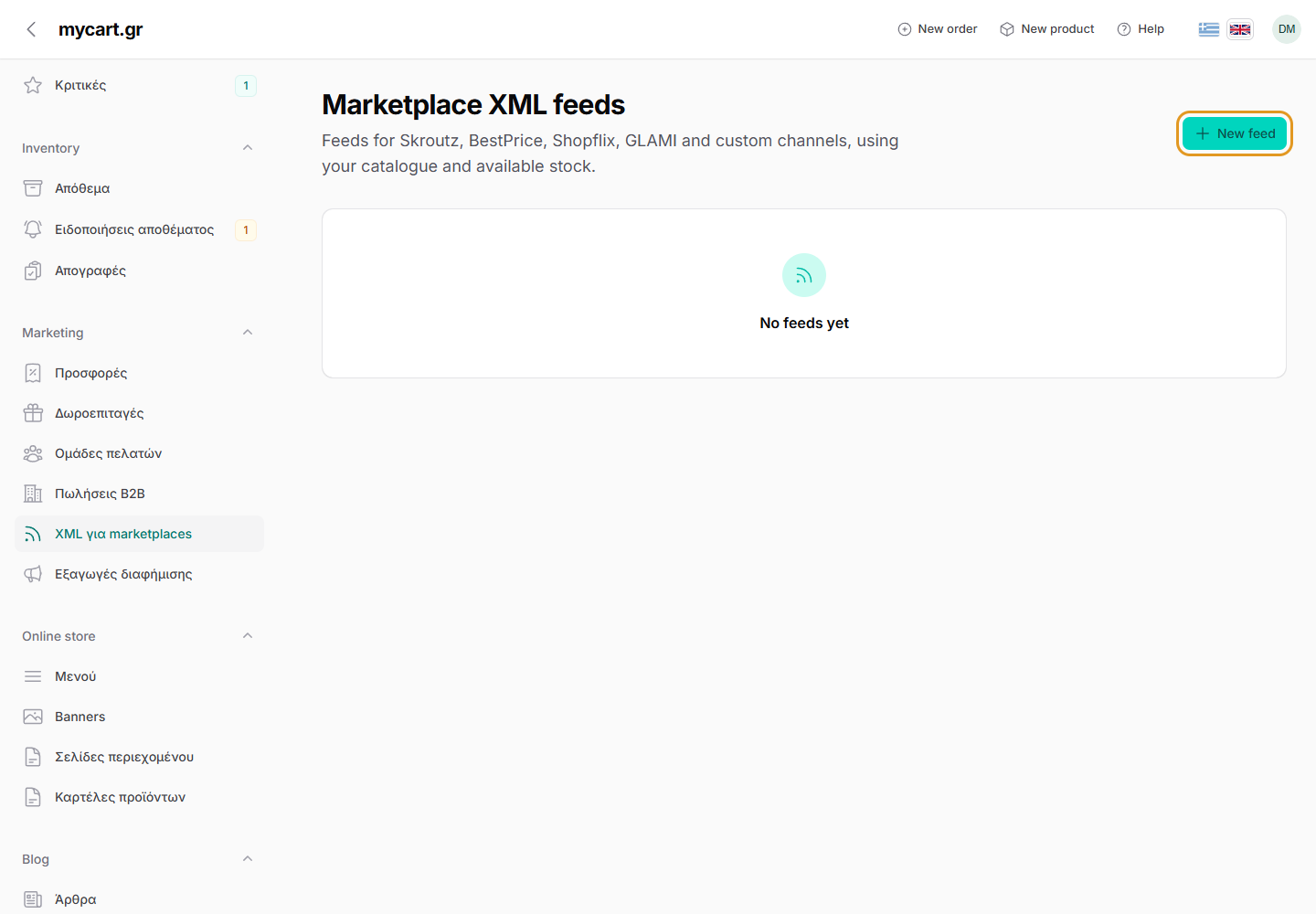
New feed
- Click New feed, give it a name and choose Marketplace / format. If the marketplace is not in the list, there is Custom XML format.
- Turn it on. The feed's address becomes public and you give it to the marketplace.
The feed contains only published products. If you stop it, your offers on the marketplace are not removed on their own.
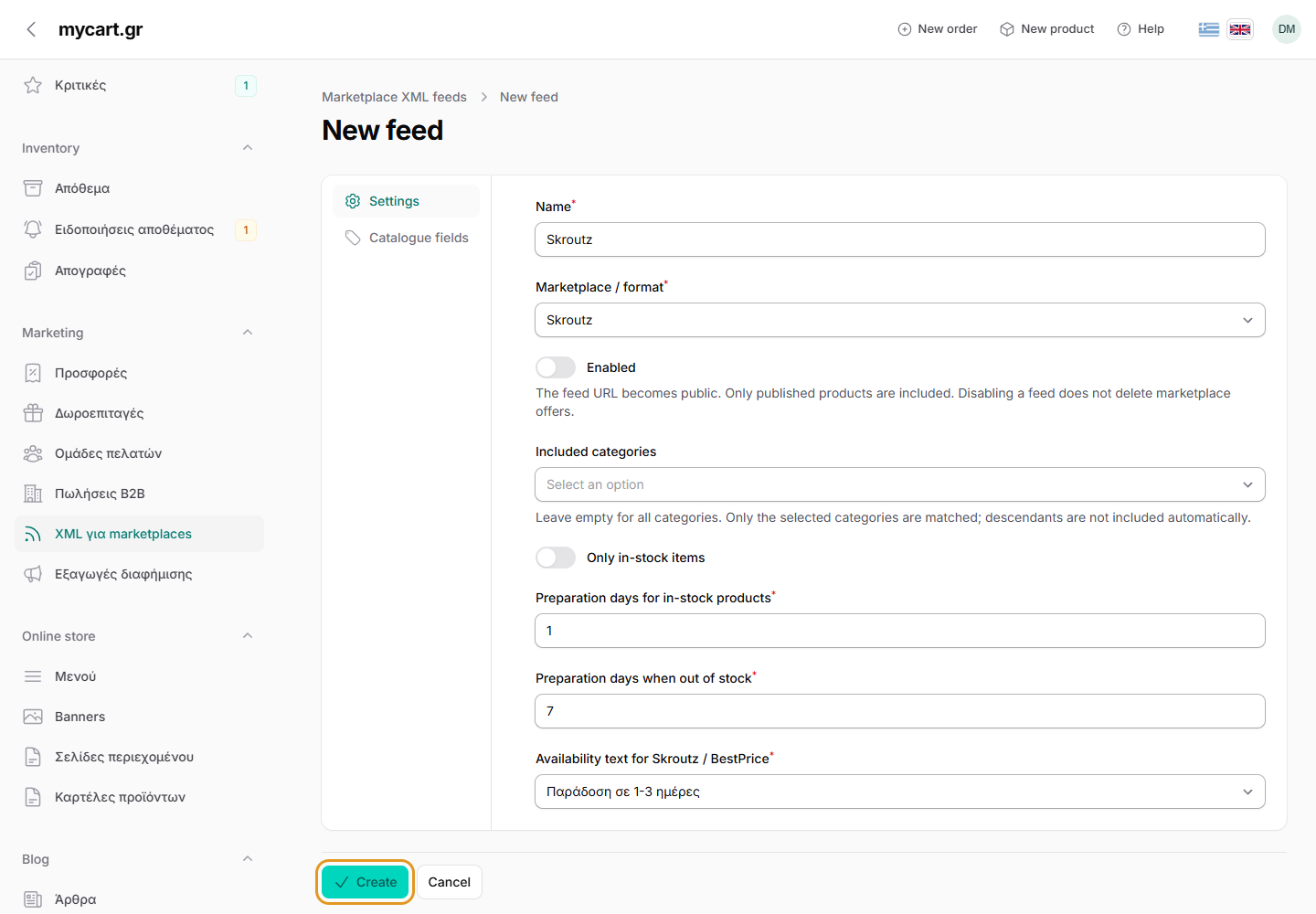
What it includes
- Product filters: categories, brands, a range of the final price with VAT and attribute values, e.g. only red items or only from €20. They apply together; an empty filter excludes nothing. Subcategories are not included automatically, you select them too.
- Only in-stock items.
- Preparation days for products in stock and out of stock, and the Availability text for Skroutz / BestPrice.
Catalogue details
Marketplaces want a manufacturer, category, EAN, size and colour.
- Fallback manufacturer and fallback category: only if the same value applies to all products.
- Category mapping: your own category → the marketplace's full category path.
- Size attribute and colour attribute: which of your attributes are size and colour.
- Shopflix: for products without an EAN, it uses the store's name and the variant's code.
Most marketplace problems are solved by filling in the EAN and manufacturer on your products.