
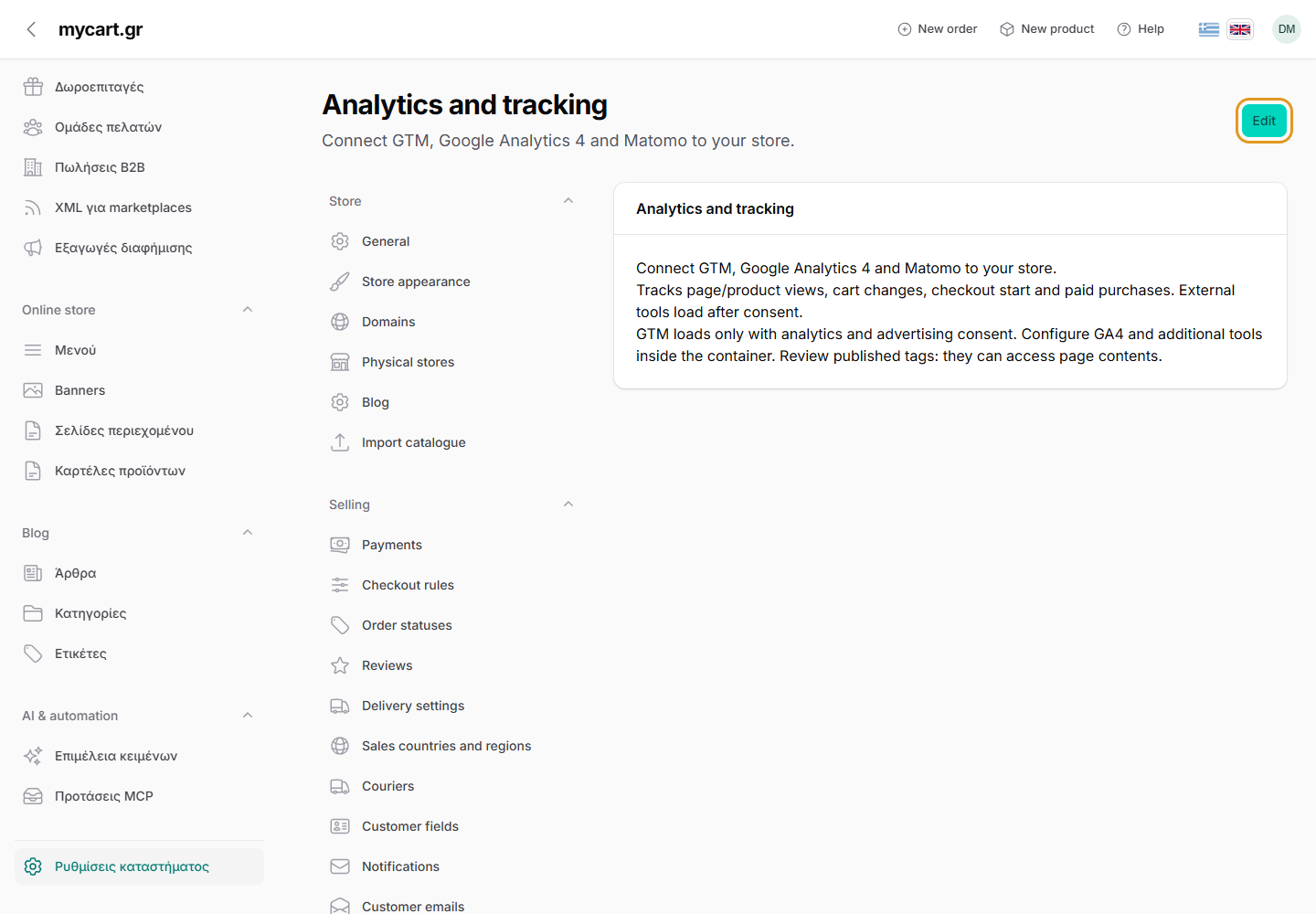
In the menu: Settings → Connections → Analytics and tracking.
Every tool loads only after the visitor accepts the matching cookies. Page and product views, cart changes, checkout starts and paid purchases are recorded.
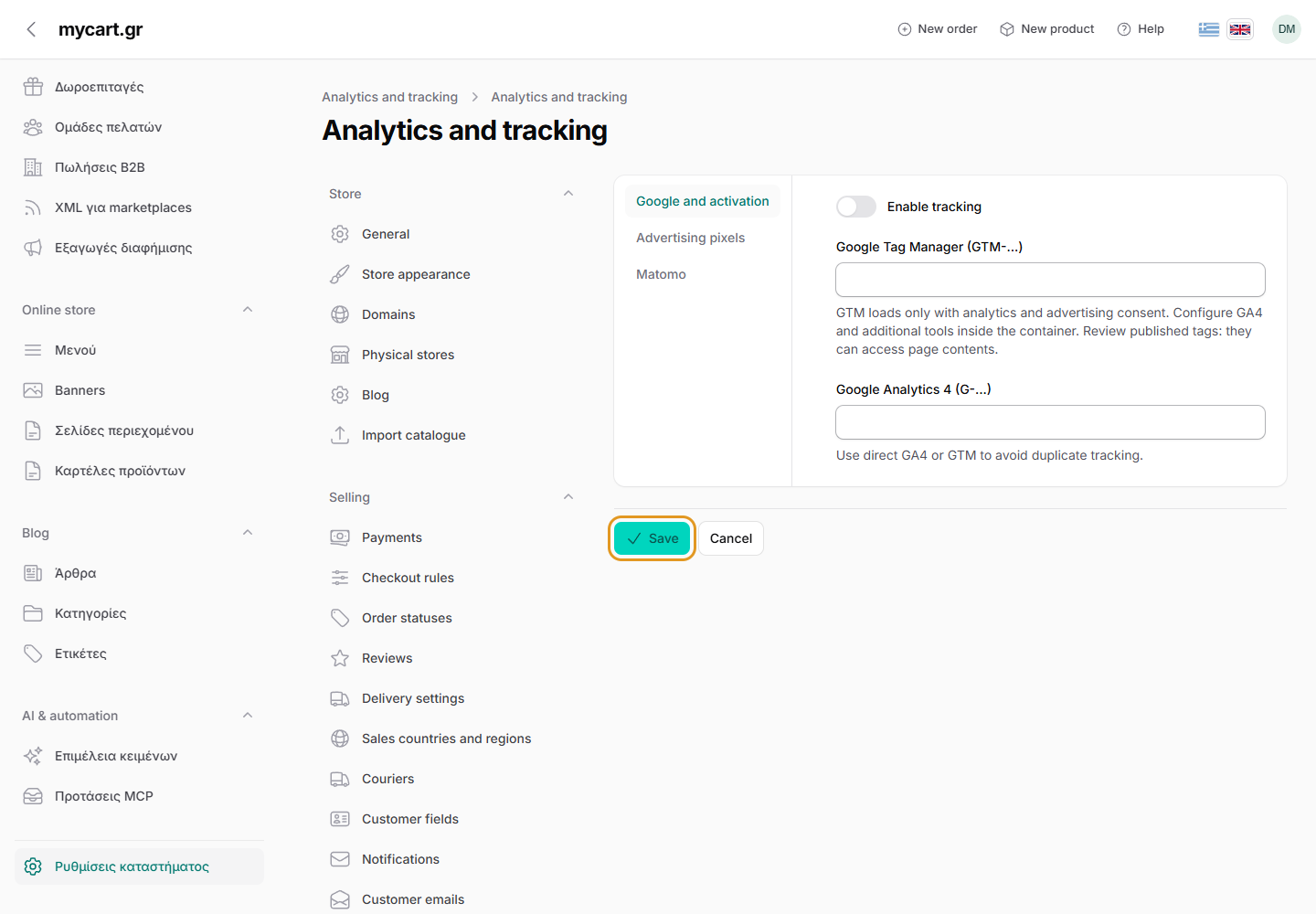
Choose one of the two, so that nothing is counted twice:
- Google Analytics 4 directly, with the Measurement ID (
G-…), or - Google Tag Manager (
GTM-…), and inside the container you set up GA4 and anything else you want
GTM loads only with consent for analytics and advertising. Be careful what you publish inside it, because tags can see the content of your pages.
Matomo
If you use Matomo, enter the address of your installation (starting with https://) and the site number.
Advertising pixels
Meta Pixel, TikTok Pixel and Google Ads conversion label (the Google Ads ID and the label together). They load only after consent for advertising.
If you add a pixel here, don't add it inside GTM as well. Every purchase would be counted twice. For pixels that are not available here, use GTM.