
In the menu: Settings → Selling → Payments.
Turn on the payment methods you accept. Only active ones appear at checkout. Payment methods can be changed only by the store's owner or an administrator.
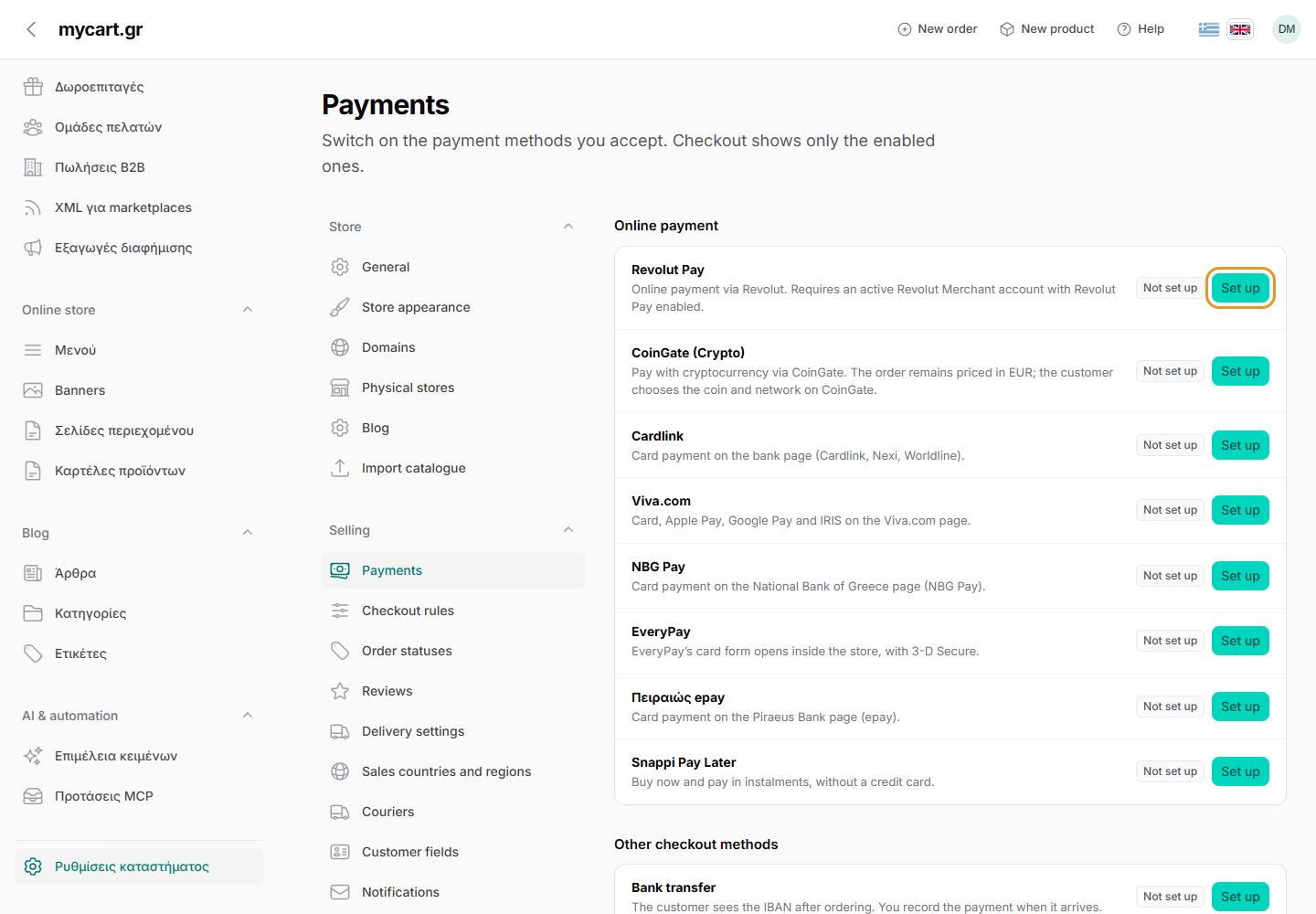
Card
You connect the provider you have a contract with: Cardlink, Viva.com, NBG Pay, EveryPay or Piraeus epay. Click Configure connection and enter the details the provider gave you. Card payments need a confirmed domain.
Other providers
- Snappi Pay Later: the customer pays later or in instalments. It appears only for purchases within the provider's amount limits.
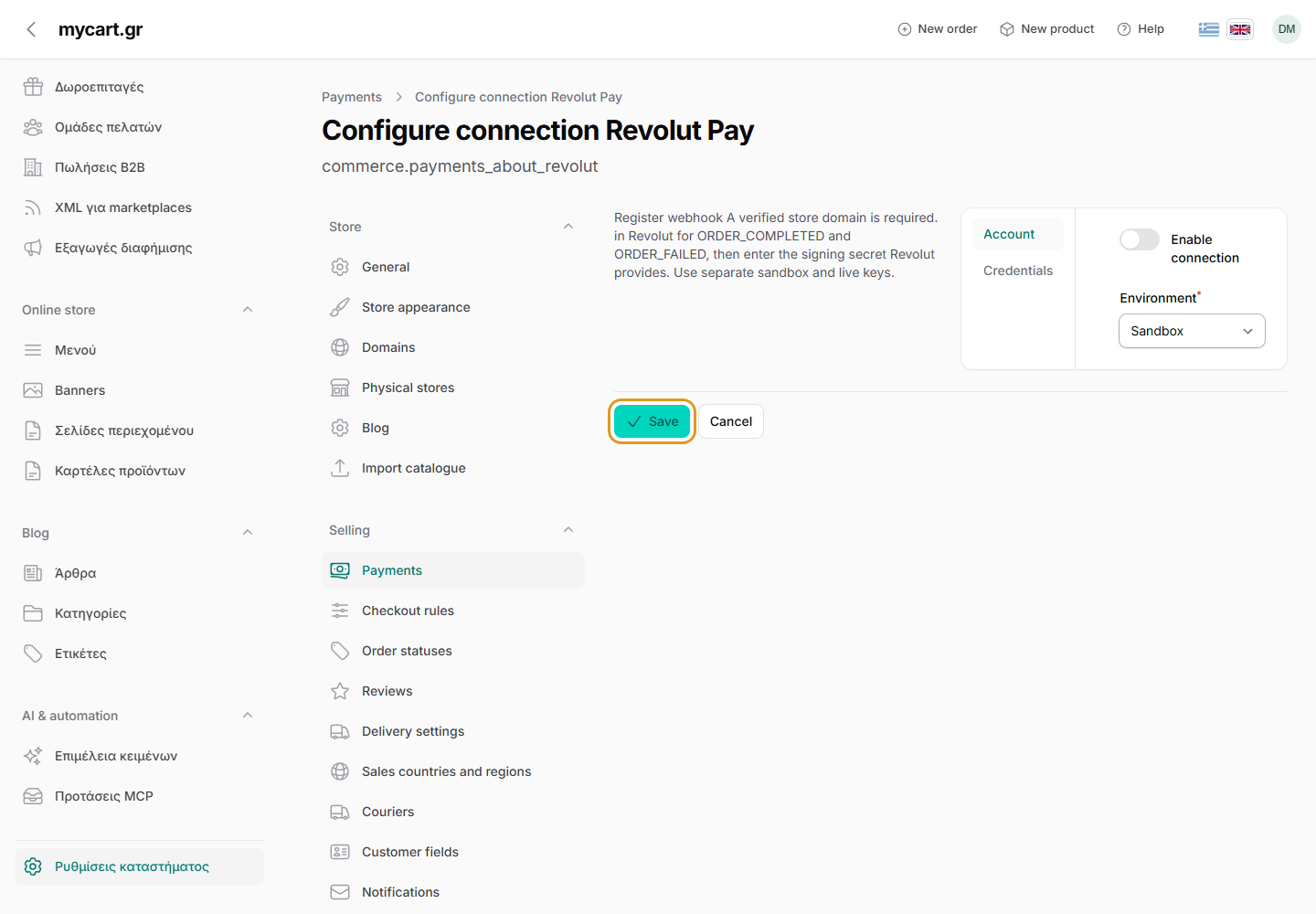
- Revolut Pay and CoinGate (cryptocurrencies).
Without a provider
- Bank transfer: enter the Beneficiary, Bank and IBAN. The Instructions for the customer appear on the order confirmation page.
- Cash on delivery: you set the cash on delivery fee in Checkout rules.
- Pay in store.
Under POS terminals of the store you choose your card terminals. They are suggested when you record a card payment on an order.
Payments that need checking
If a card payment was not clearly confirmed by the bank, it appears under Payments requiring review with the order number. Check it in the provider's panel and mark it Done.