
In the menu: Settings → Selling → Couriers.
Turn on the couriers you have a contract with: ACS, Geniki Taxydromiki, Speedex, Courier Center, SVUUM, Easy Mail, BOX NOW lockers and CleverPoint points. Only the owner or an administrator can set them up.
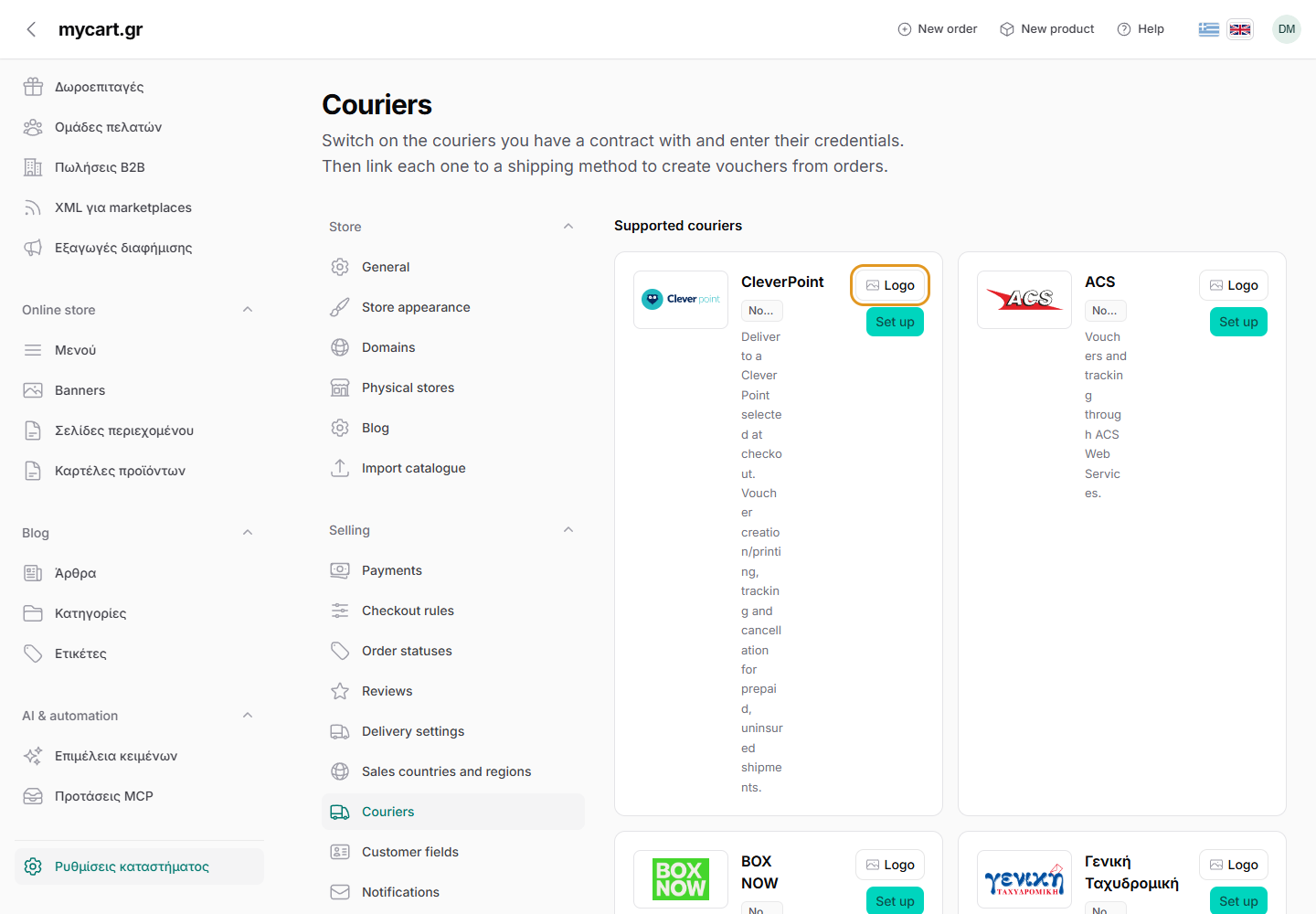
Steps
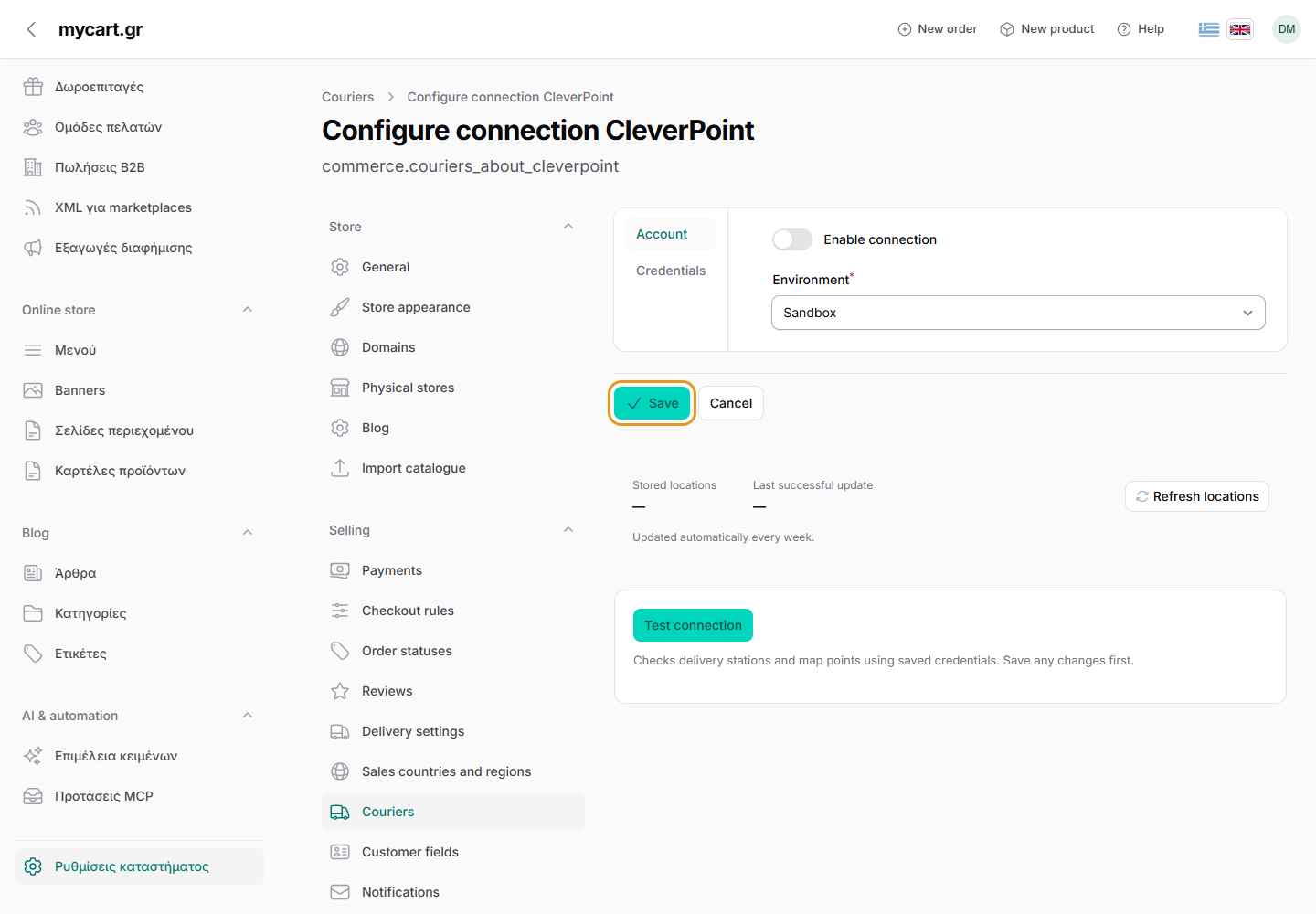
- Click Configure connection on the courier and enter the credentials it gave you (API user, keys, customer code).
- Click Test connection. For lockers and pickup points it also checks the map of points. Save your changes first.
- Link the courier to a delivery option. From then on you issue vouchers straight from the order.
Logo
Each courier has a default logo. If you want a different one, pick it from the library or upload a PNG, JPG or WebP up to 5 MB.
Pickup points and lockers
For BOX NOW, CleverPoint and ACS points, the customer picks a point on a map at checkout. The points update on their own. If a new point has opened and does not show, use the refresh of the points.