
In the menu: Settings → Selling → Customer emails.
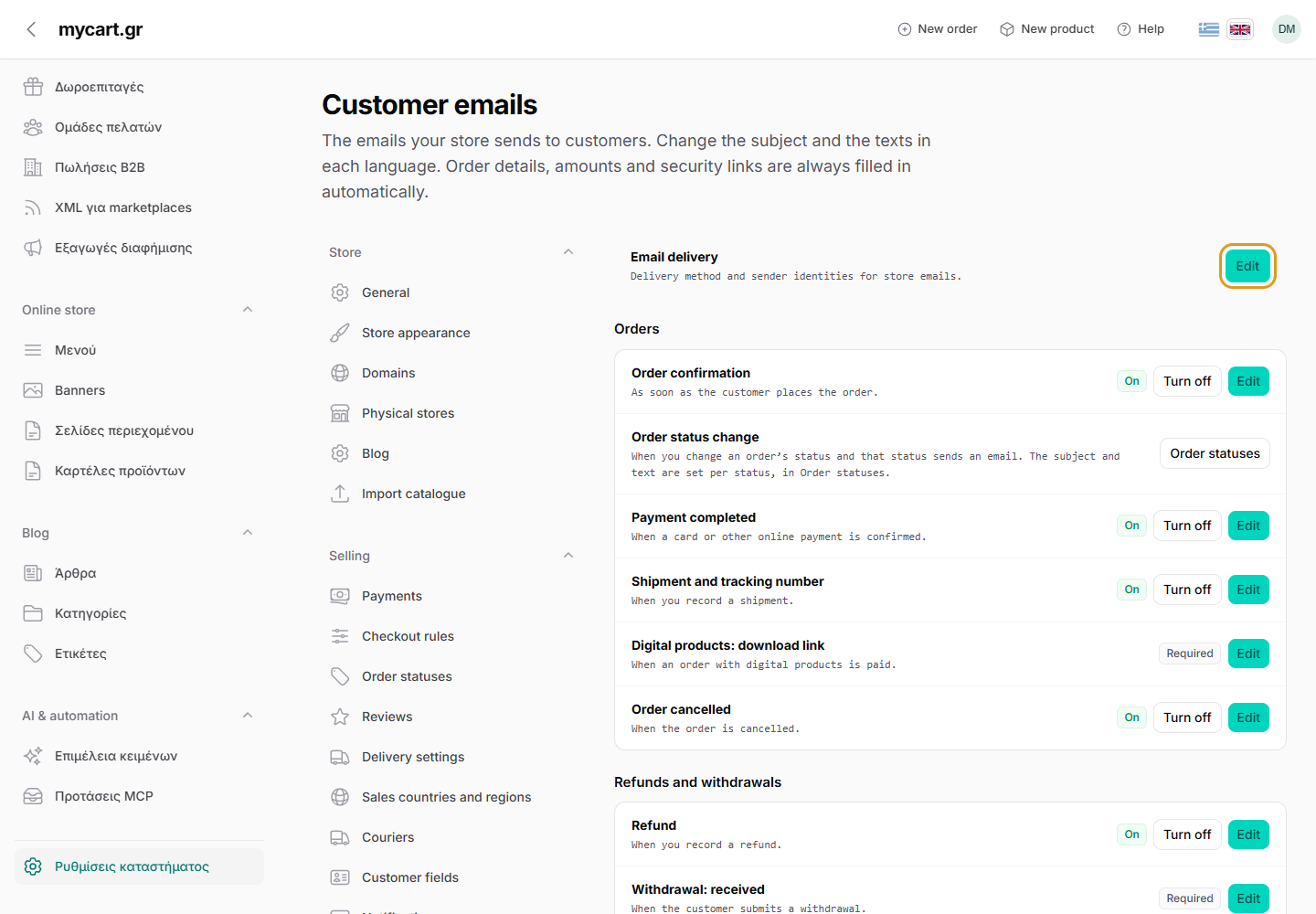
Sending email
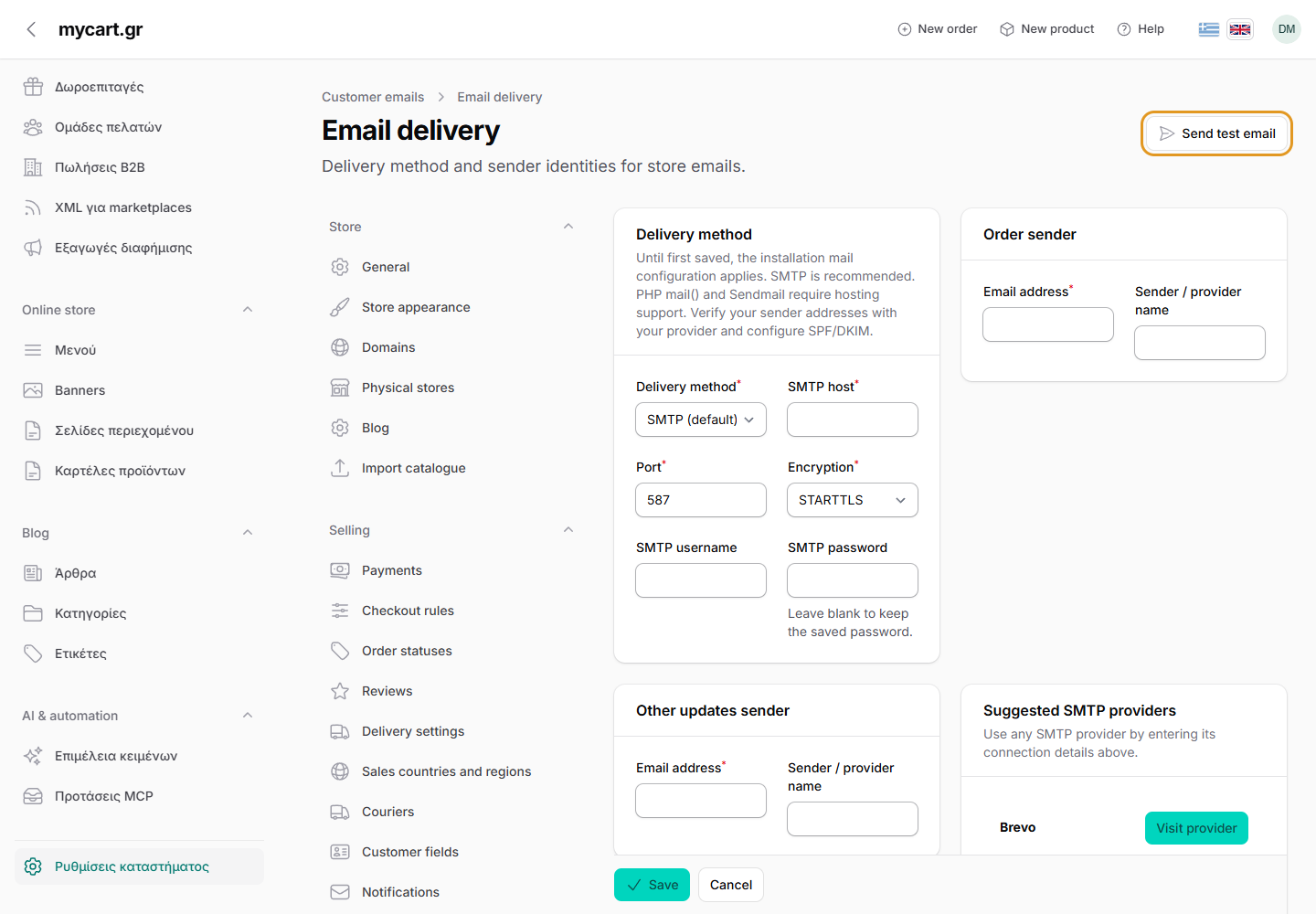
You set the address and name emails go out from, and how they are sent. SMTP is recommended: enter the server, port, encryption, username and password from your email provider. The page suggests some providers, but any provider works.
To keep emails out of spam, the sender address must be approved by the provider, with SPF and DKIM records on your domain. Your provider tells you which ones.
The SMTP password is not shown again. Leave it empty to keep the saved one.
Shared look
The logo and colour come from Store appearance. Here you write the signature at the end of every email.
The texts
For each email (order confirmation, sign-up, password recovery and so on) you change the subject and texts in each language. If you leave a field empty, the default text is used. Order details, amounts and security links are always added automatically.
The emails sent on each order status change are written in Order statuses.