
In the menu: Settings → Selling → Notifications.
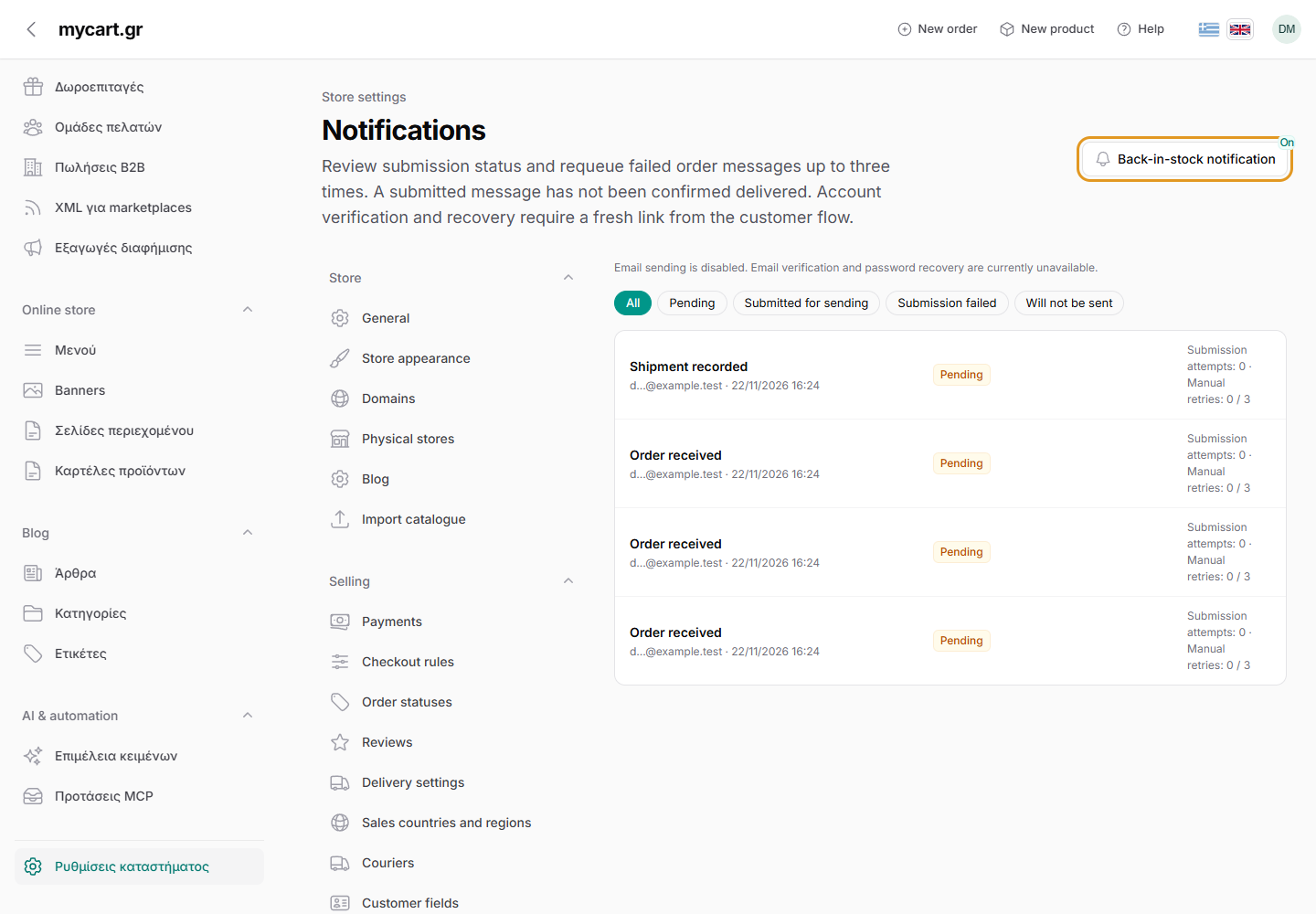
The messages
The list shows the order emails and whether they were submitted to the email provider. A message that failed can be sent again with Queue again, up to three times.
"Submitted" means the provider accepted the email, not that it reached the customer's inbox. If a message reached the provider on an earlier attempt, a retry may send it a second time.
For account confirmation or password recovery, the customer requests a new link from the sign-in page. Those are not resent from here.
Back-in-stock notification
With Back-in-stock notification on, sold-out products show a "Notify me when available" form. The visitor leaves an email and gets one as soon as stock returns, wherever it comes from: the admin, an import, the ERP, a cancellation or a return.
While it is off, the form is hidden and the requests wait. How many are waiting per product is shown in Stock alerts.