
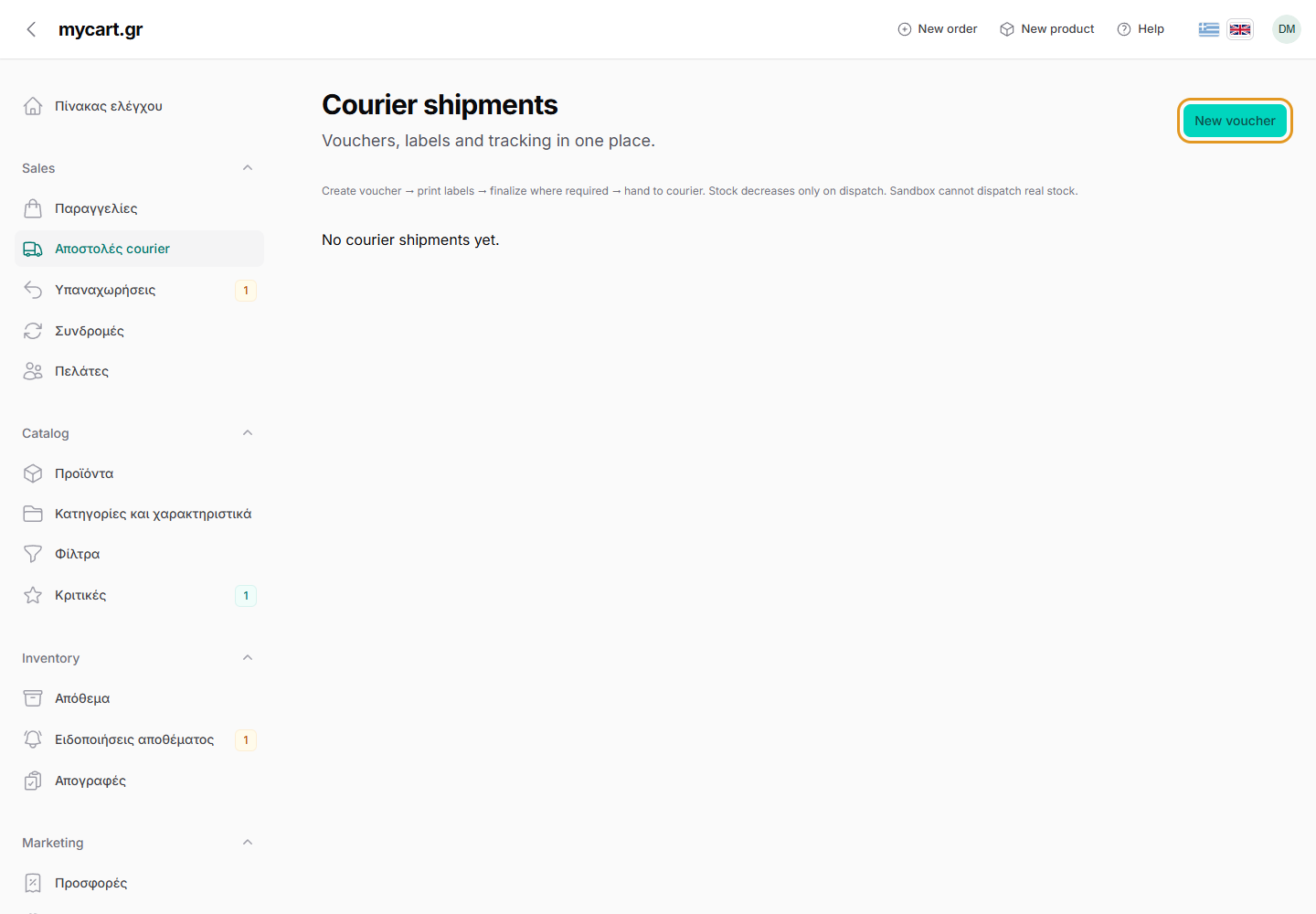
In the menu: Sales → Courier shipments.
Vouchers, labels and shipment tracking, in one place.
The order of things
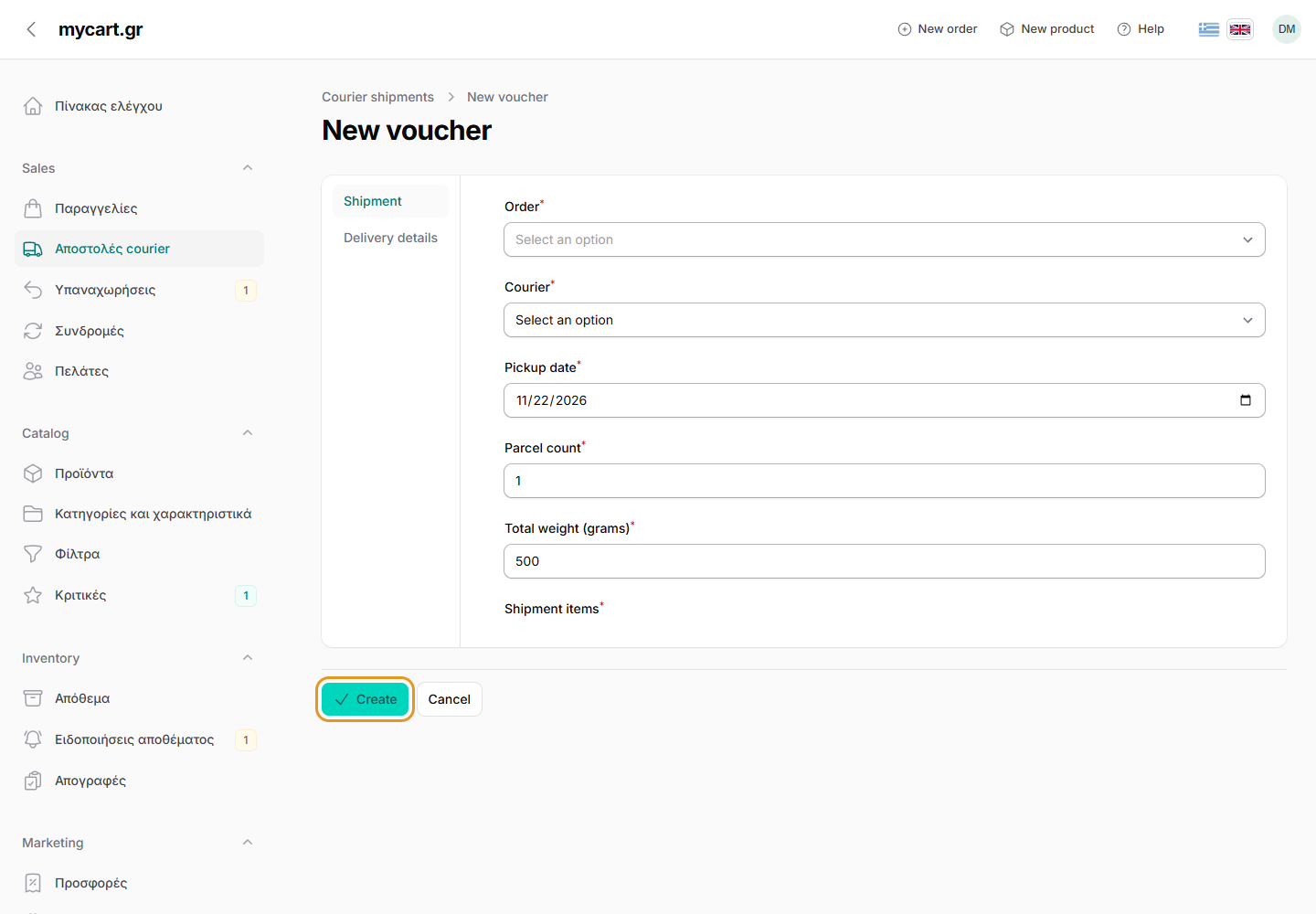
- New voucher: choose the order and the courier, the pickup day, the number of parcels and the total weight of the packed parcel. The recipient's details come from the order and you can correct them if needed. You can add Courier instructions and an Insured value.
- Print the labels.
- Finalize day, where the courier requires it (ACS, Geniki Taxydromiki).
- Hand the parcel to the courier.
Stock goes down only when the shipment is handed to the courier.
Finalising with ACS and Geniki Taxydromiki
ACS and Geniki Taxydromiki close all pending vouchers of the same API user for the day, even those issued elsewhere (e.g. from their own software). Print all labels first. After finalising, the shipment can no longer be cancelled from here.
BOX NOW
One parcel of up to 6 kg that fits in 37 × 44 × 59 cm. The customer has already chosen a locker at checkout.
If something is not confirmed
If the courier did not give a clear answer, the shipment is marked as unconfirmed. Do not issue another voucher before checking in the courier's panel whether one already exists, so that you don't end up with two.