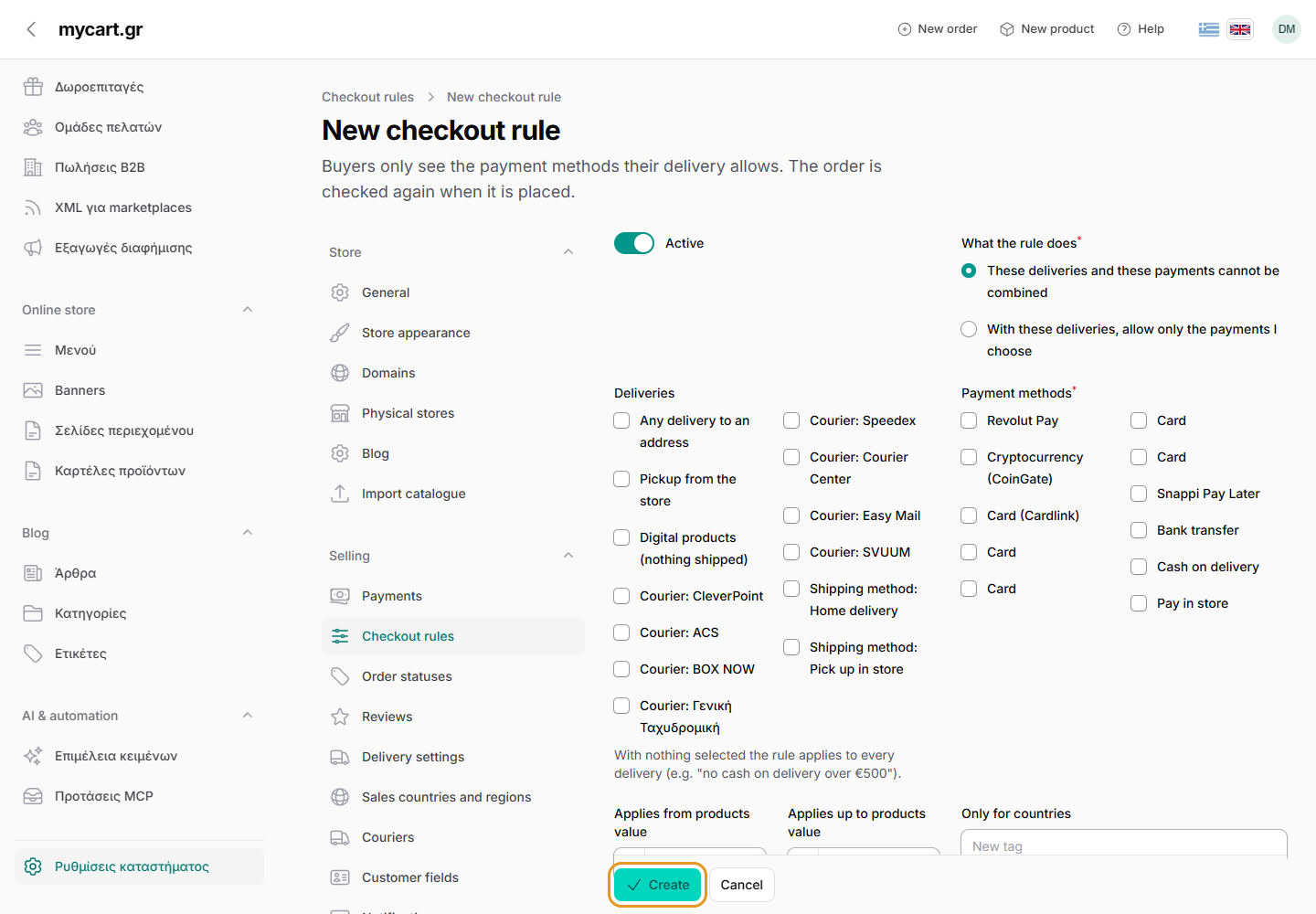
In the menu: Settings → Selling → Checkout rules.
Here you set which payment methods go with which delivery options, and how much each payment method costs. The customer only sees the combinations you allow, and the check runs again when they place the order.
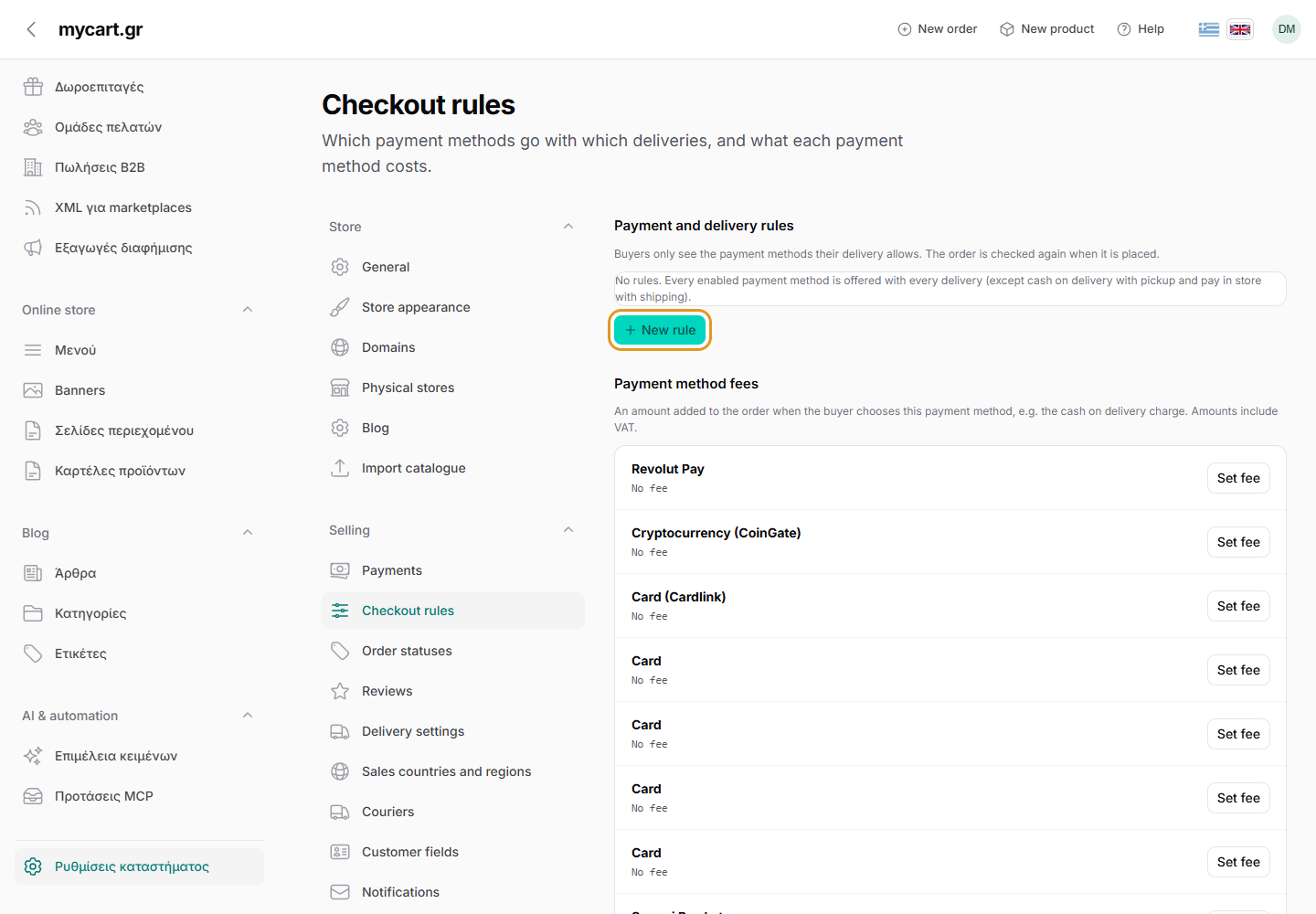
Payment method fee
E.g. the cash on delivery fee. Click the fee on the payment method:
- Fixed amount, e.g. €2.00, or a Percentage of the total including shipping and VAT, e.g. 1.5%
- At least and At most, for a percentage with a lower and upper limit
- No fee from order total, e.g. free cash on delivery from €100
Amounts include VAT. With a zero amount and a zero percentage, the fee is removed.
Combination rules
Each rule does one of two things:
- These deliveries and these payments cannot be combined, e.g. no cash on delivery with locker pickup
- With these deliveries, allow only the payments I choose, e.g. collection from the shop only with payment in store or by card
With no deliveries selected, the rule applies to all of them. With Applies from / up to products value you limit it to amounts: "no cash on delivery above €500". The value is counted with VAT, after discounts, without shipping.