
In the menu: Settings → Team → Staff.
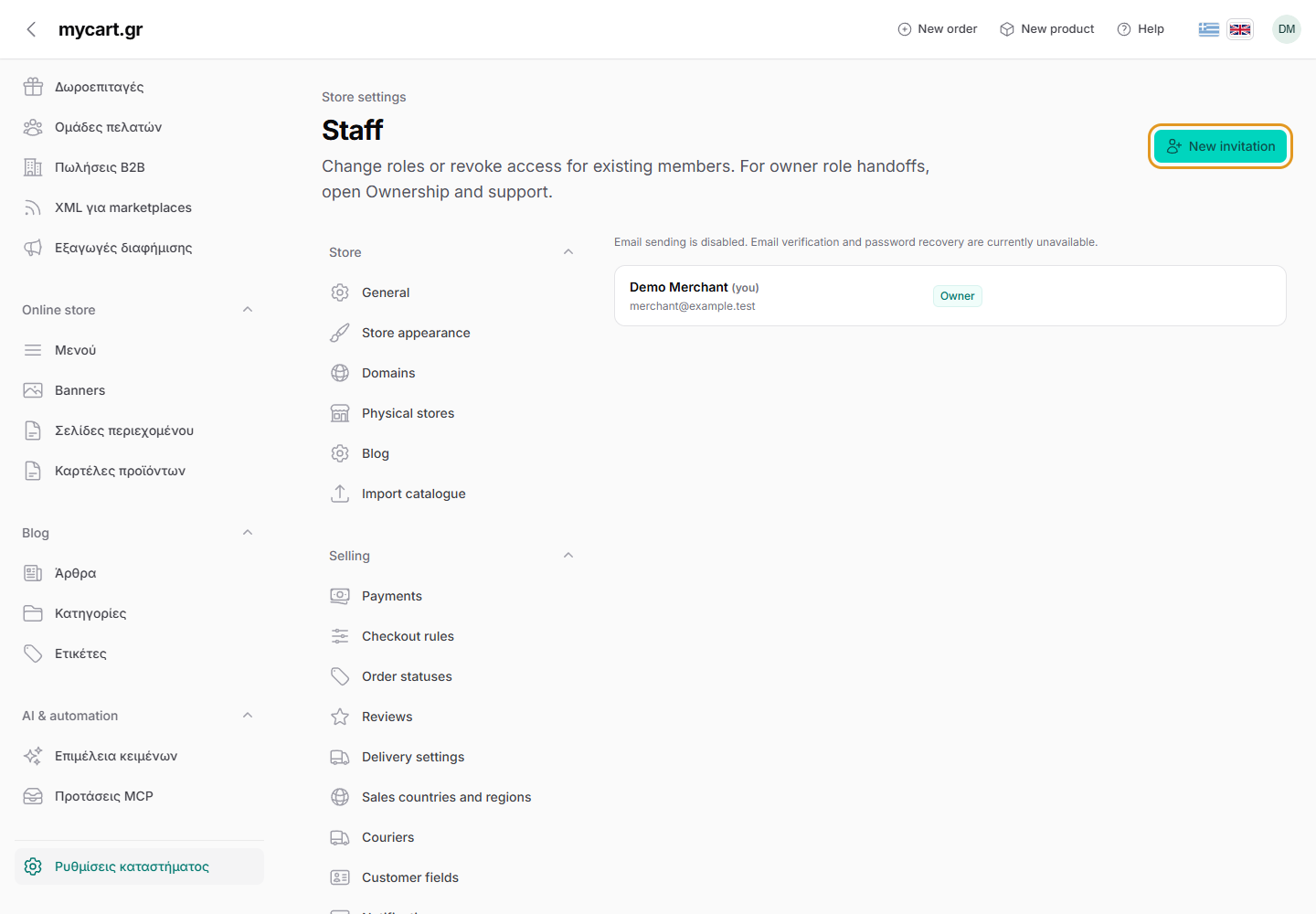
Inviting someone
- Click New invitation.
- Enter the person's email and choose a role and the Invitation language.
- Click Send invitation.
The person gets an email with a link. The invitation expires after 72 hours and gives no access before it is accepted. If you send a new invitation to the same email, the previous one is cancelled. Those waiting for an answer are shown under Pending invitations.
The roles
| Role | What it does |
|---|---|
| Administrator | Everything except ownership and refunds |
| Catalogue manager | Products, categories and imports |
| Order manager | Orders, shipments and customers |
| Warehouse operator | Stock, stock counts and shipments |
| Marketing manager | Promotions, content pages and copy |
| Accountant | Viewing orders and billing |
Changing role and revoking
Every staff member has Change role and Revoke access. Revoking takes effect immediately.
To hand the store over to another owner, see Ownership and support.