
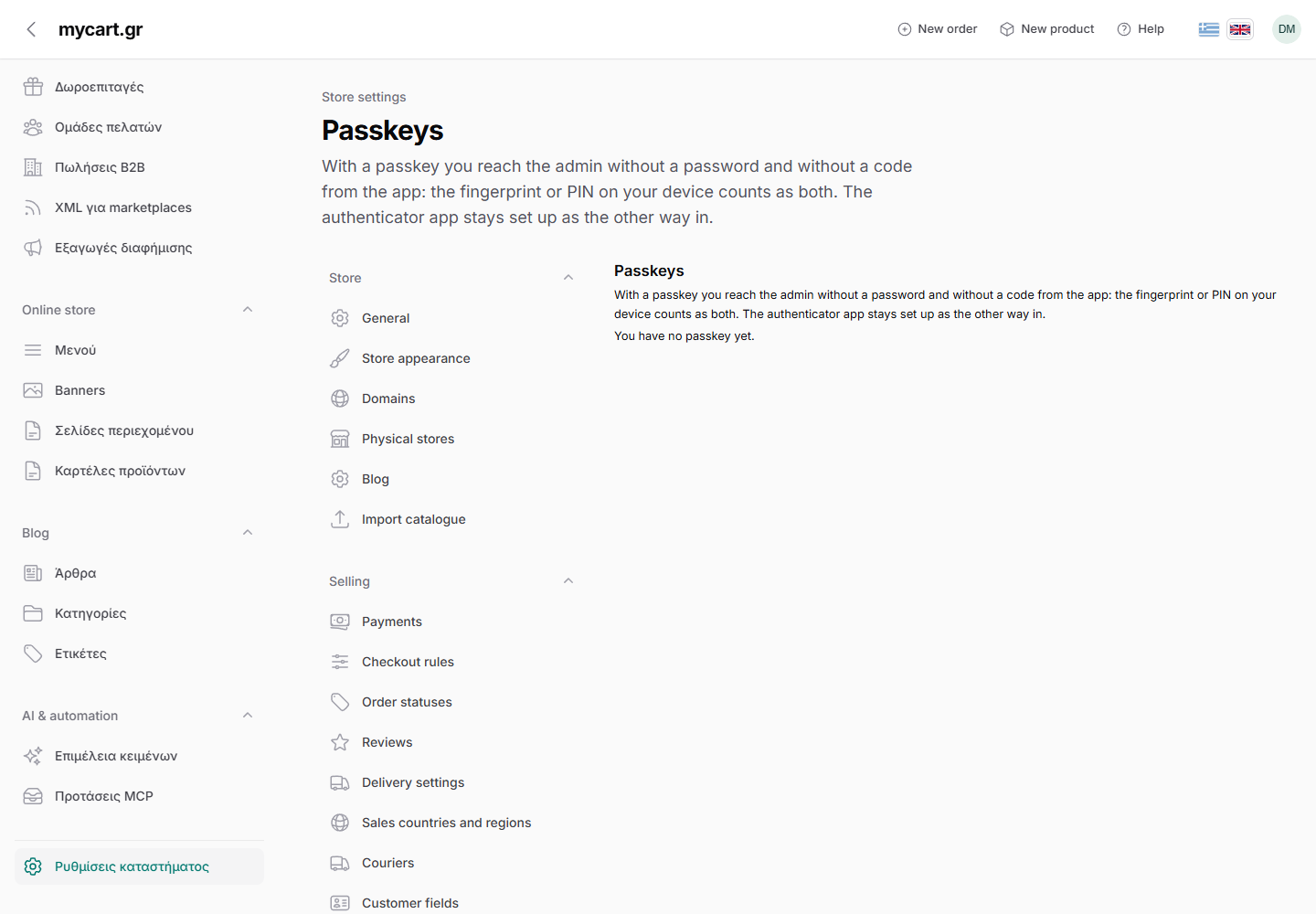
In the menu: Settings → Connections → Passkeys.
With a passkey you sign in to the admin without a password and without a code from your authenticator app. The device's fingerprint, face or PIN counts for both.
Adding one
- Click Add a passkey.
- Give it a name, e.g. "My phone", so you can tell it apart later. If you leave it empty, the device's name is used.
- Confirm on the device when it asks.
Each passkey shows when it was added and when it was last used. You rename or delete it from the list. One passkey per device is enough.
The authenticator app stays as a second way in, for when you don't have the device with you.
If signing in with a passkey does not complete, or your browser does not support passkeys, sign in normally with your password.