
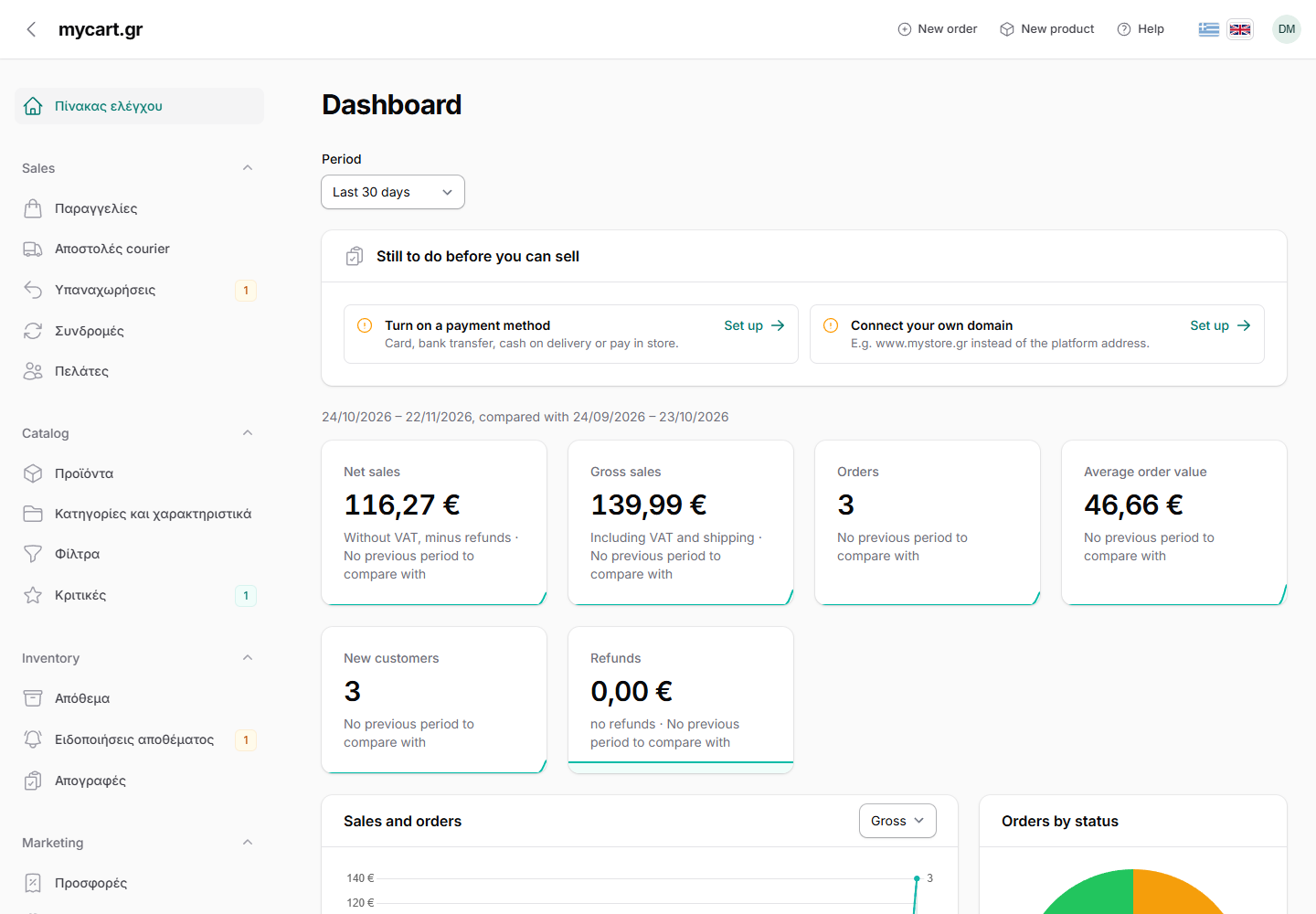
The dashboard opens first as soon as you sign in. It shows how your store is doing and what is waiting for you.
The period
At the top right you choose the Period. With the From and To fields you set your own range. All the numbers on the page change with the period.
Quick links
In the top bar, on every page of the admin, there are:
- New order, for an order taken by phone or in your physical store
- New product
- View store, which opens the store as your customers see it
- Help, which opens the article for the page you are on
If a page does not appear in your menu, your role does not include it. Ask the store's owner to change your role in Staff.