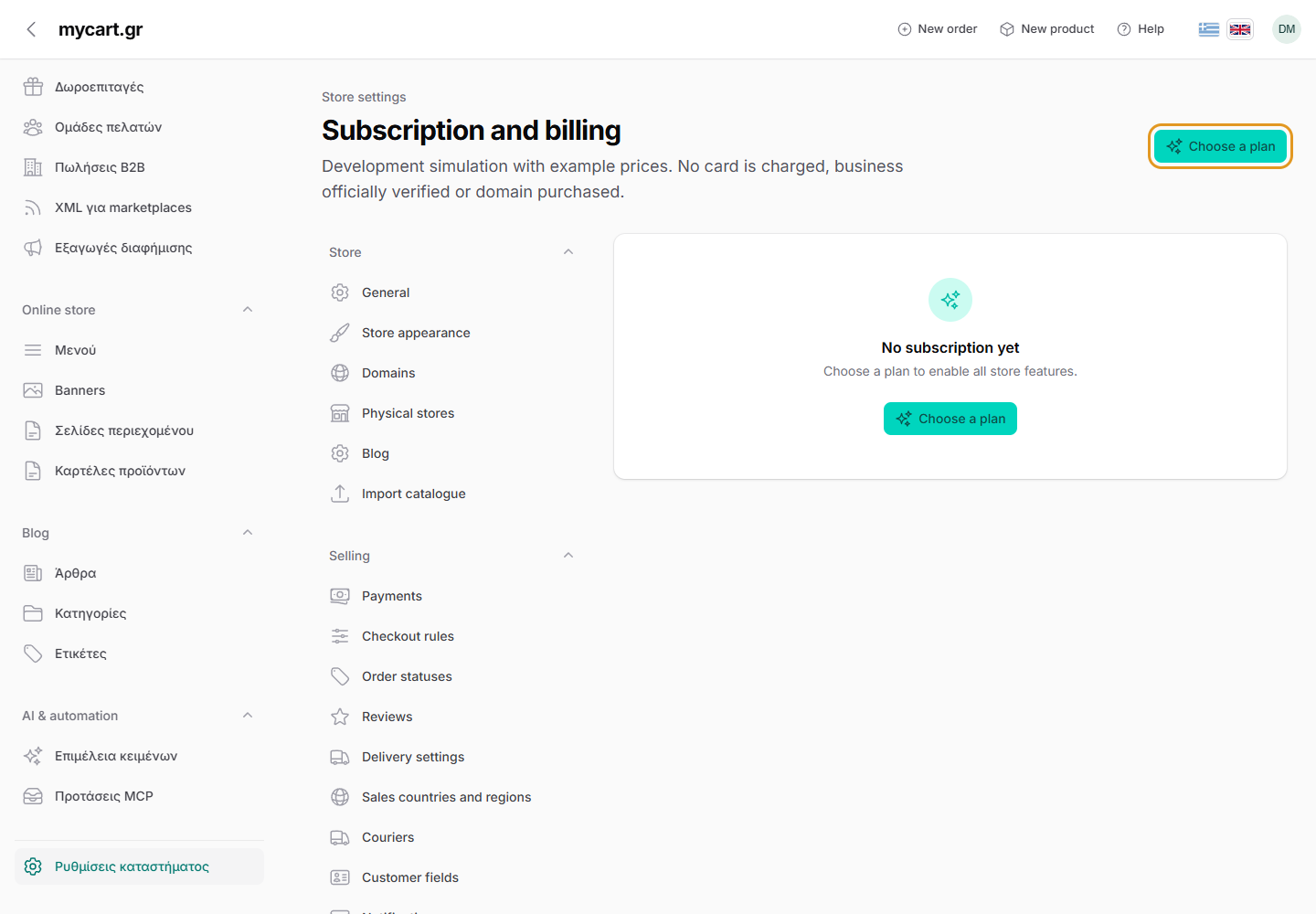
In the menu: Settings → Account and data → Subscription and billing.
Here you see your store's plan and how long the subscription is valid. If you don't have a subscription yet, click Choose a plan on the one you want. The plans and what each one includes are also on the Pricing page.
Billing is visible to the owner, administrators and the accountant. Other roles see the page without the details.
While the service is in trial mode, the page says so at the top. The amounts are then indicative and no card is charged.