
In the menu: Settings → Store → General.
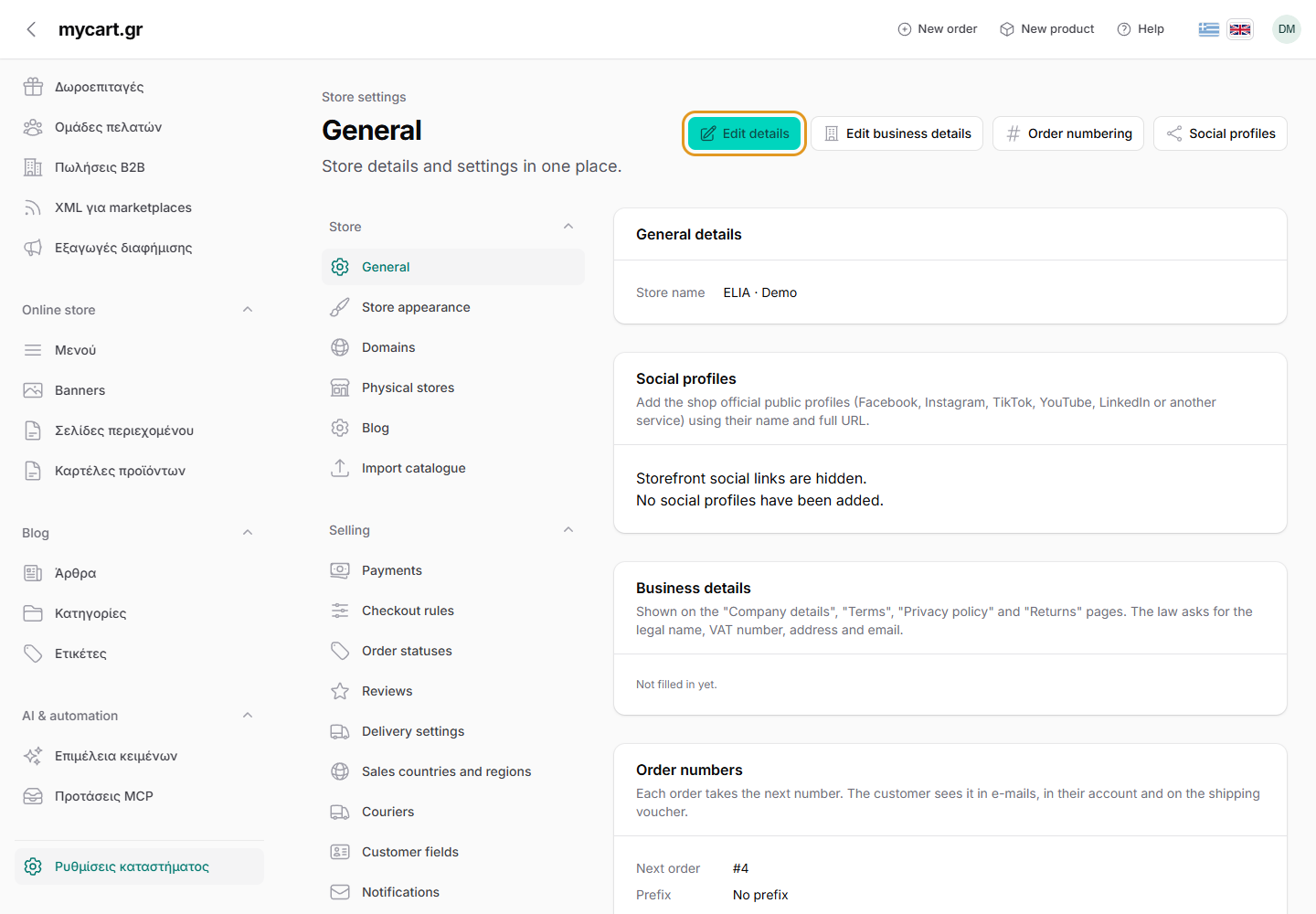
Business details
Click Edit business details and fill in your company name, VAT number, address and email. These details go automatically into your store's "Business details", "Terms of use", "Privacy policy" and "Returns" pages. The law requires them for every online shop, so fill them in before you open.
Store address is only needed if it differs from the business address. For opening hours, write something like "Monday to Friday, 09:00–17:00".
Order numbering
Each order gets the next number. This is the number the customer sees in the email, in their account and on the shipping voucher.
- Prefix: optional, up to 10 characters, e.g.
MC-. Without a prefix, numbers show as #1042. - Next number: must be higher than the last one given. Useful if you come from another online shop and want the numbering to continue from there.
Older orders keep the prefix they had.
Social networks
Add your store's official profiles (Facebook, Instagram, TikTok, YouTube, LinkedIn or other) with their name and full address. With Show social links in the shop footer they appear at the bottom of the store. Even if you hide them, Google sees them in the page's structured data.