
In the menu: Settings → Store → Physical stores.
If you have a physical shop or a pickup point, add it here with its address, contact details and opening hours.
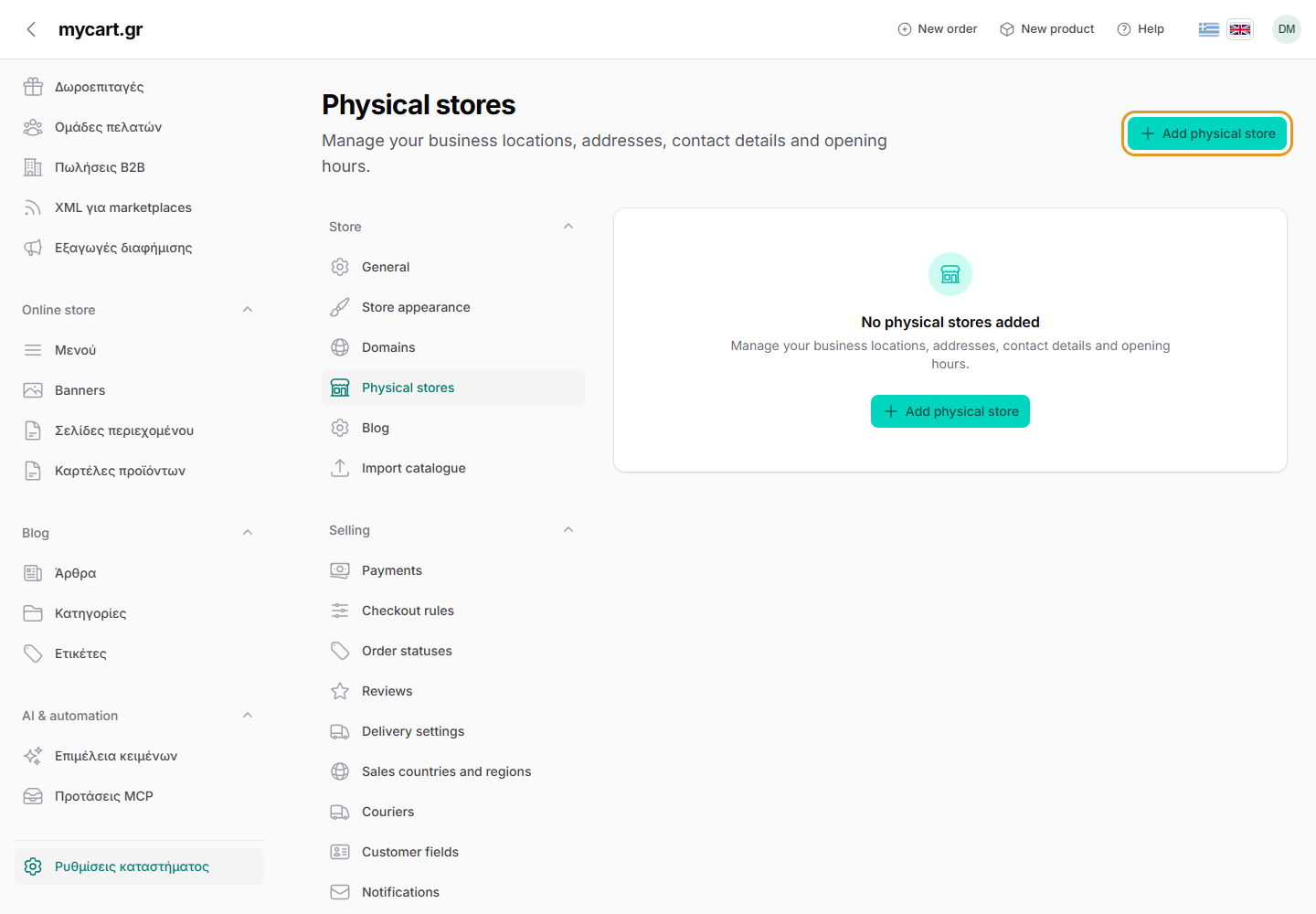
Adding one
Click Add physical store and fill in:
- name, street and number, city, region, postcode and country (two-letter code, e.g.
GR) - phone and Map link (e.g. from Google Maps)
- Display order, if you have several locations
Active store hides or shows it without deleting it.
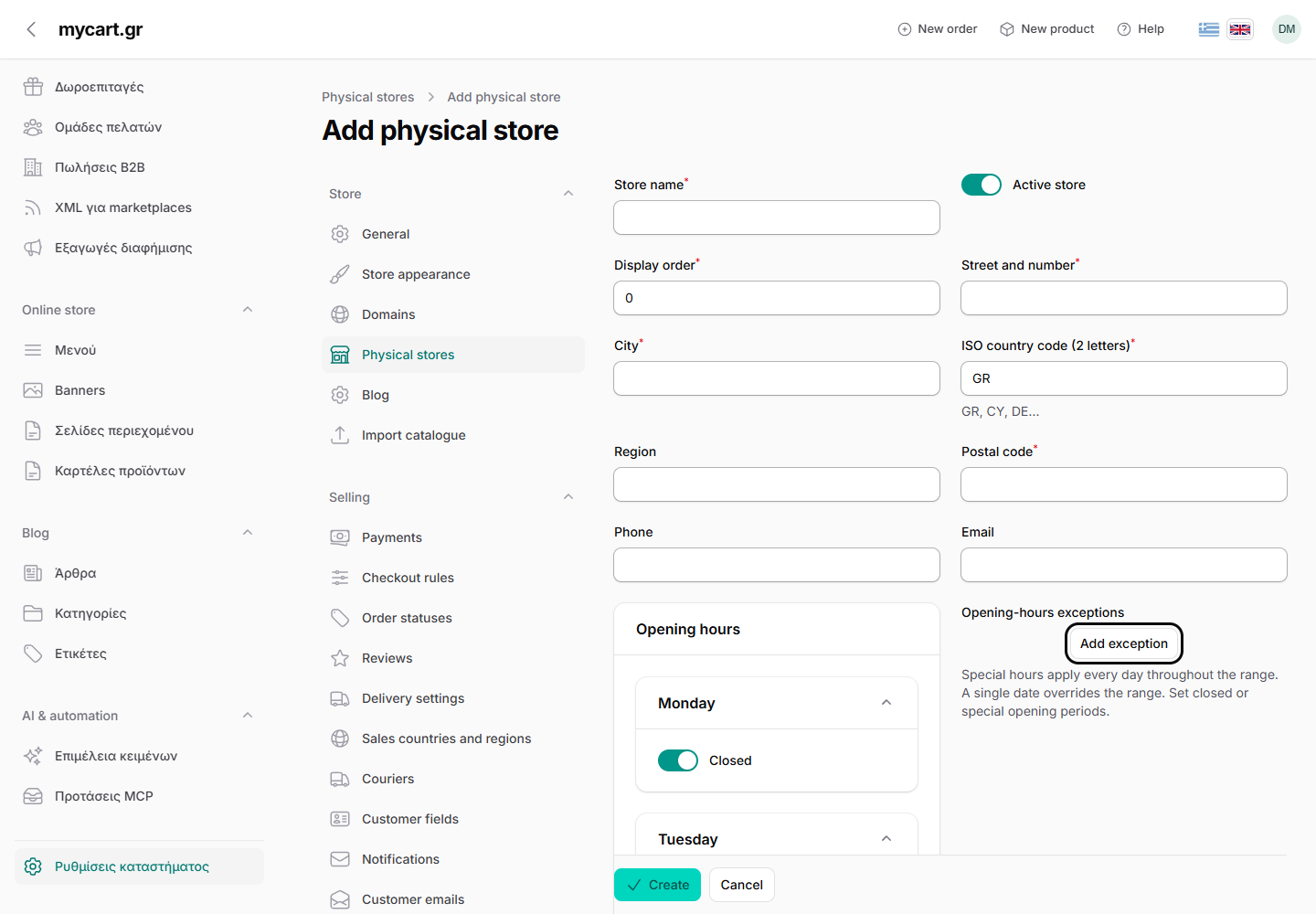
Opening hours
Turn on Set opening hours by day and add each day's time slots. For split hours, add two slots on the same day, e.g. 09:00–14:00 and 17:30–21:00.
Holidays and special days
Under Opening-hours exceptions, click Add exception:
- for a single day, fill in only From date
- for a period, e.g. summer hours, also fill in Until
- choose Closed or enter the special time slots
A single day takes priority over a period. This way you can set summer hours for all of August and closed on 15 August.