
In the menu: Online store → Content pages.
Simple pages in Greek and English, e.g. "About us", "Terms of use", "Returns".
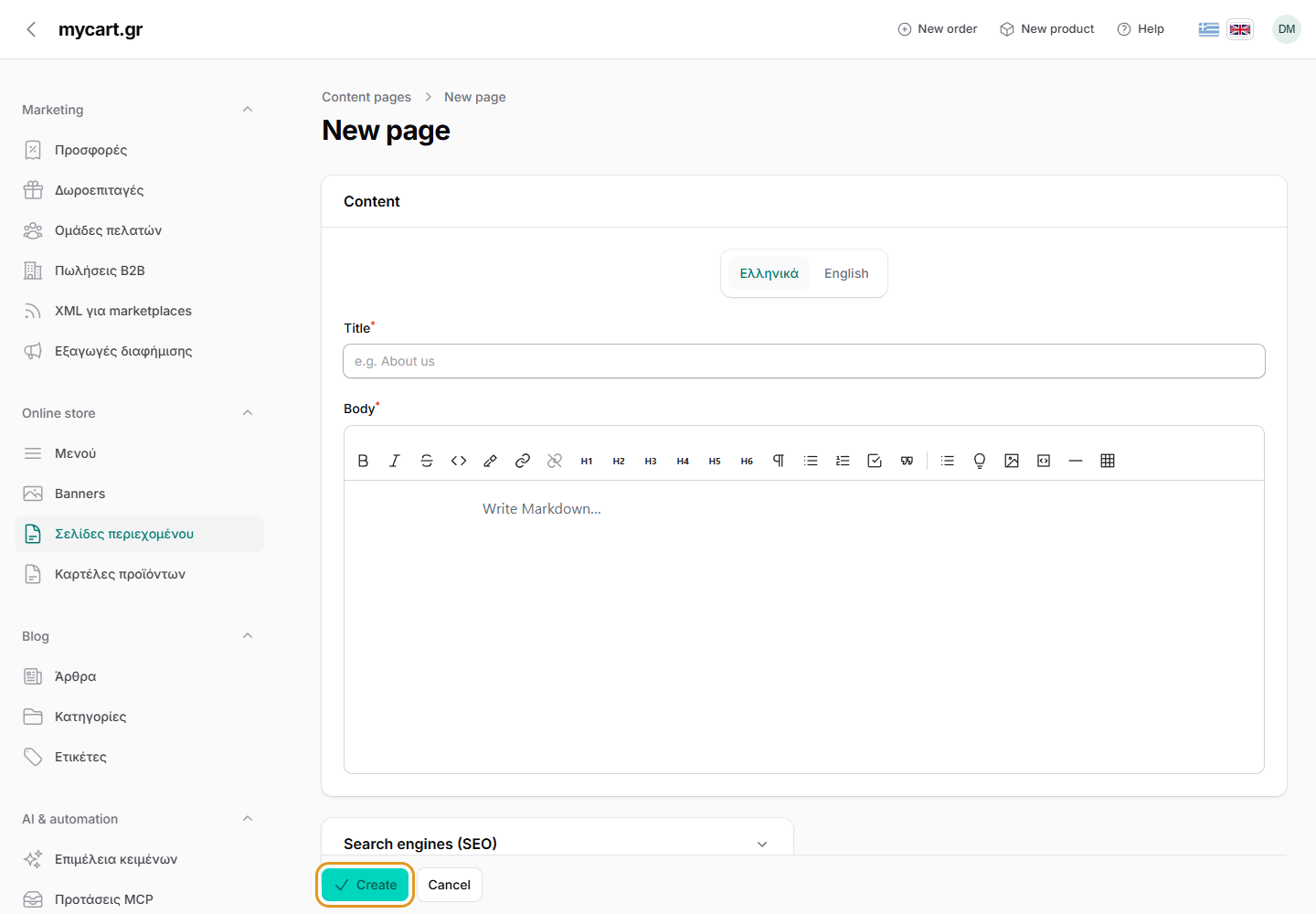
New page
Title, Text, an address in the store and, optionally, a title and description for search engines. The Status is "Draft" or "Published". For the page to show in the store, add it to a menu.
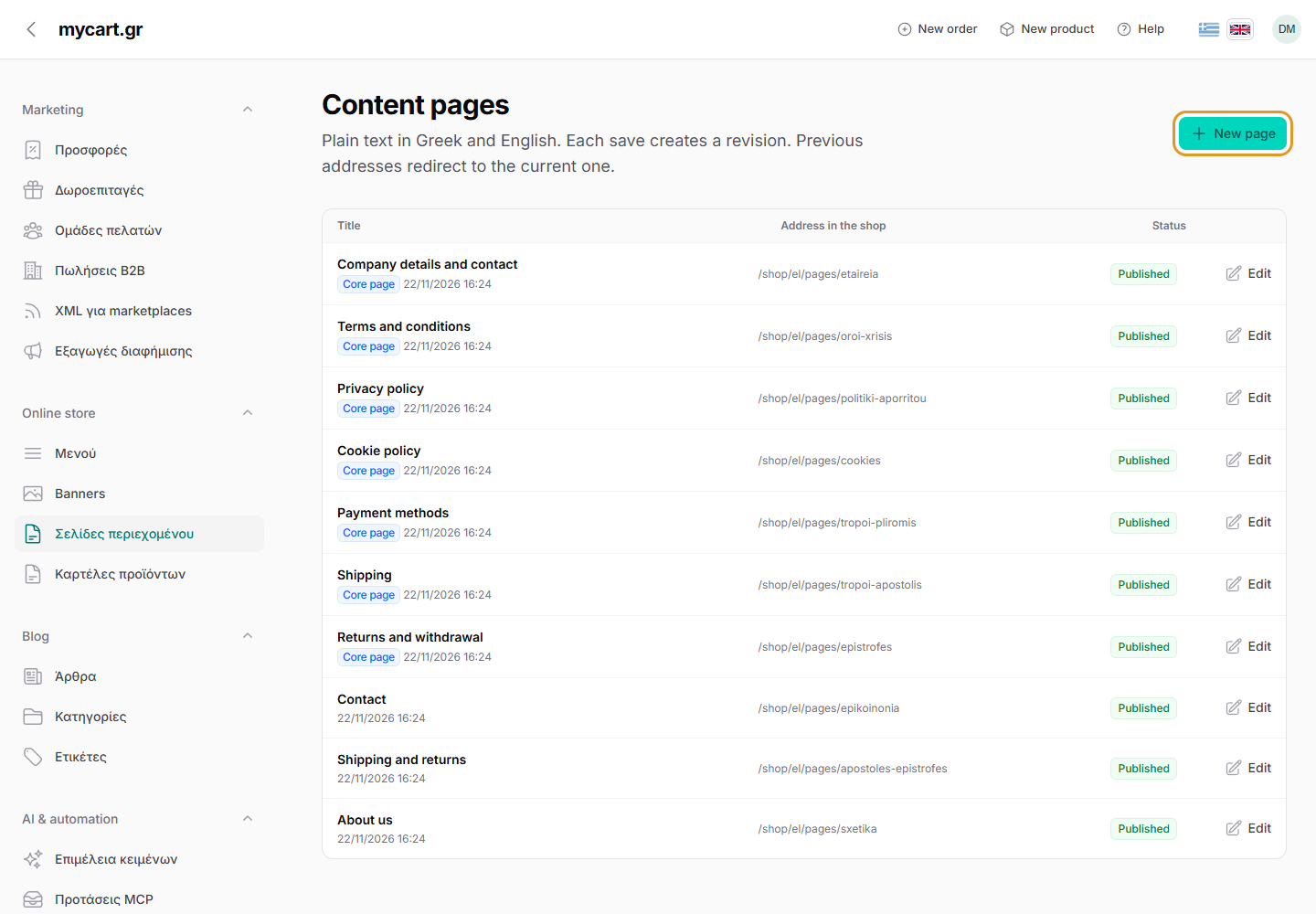
The standard pages
The store has ready-made standard pages (terms, privacy, cookies, payments, shipping, returns, business details) with template text for a Greek online shop.
The template is not legal advice. Read it and, if needed, give it to a lawyer.
Anything written inside {{ … }} is filled in automatically from your settings when the customer opens the page:
- on a line of their own:
{{ company_details }},{{ payment_methods }}(active payment methods with fees),{{ shipping_methods }}(delivery options with cost),{{ couriers }},{{ providers }}(providers that receive data),{{ cookies_list }},{{ withdrawal_form }}(withdrawal form) - inside text:
{{ store_name }},{{ legal_name }},{{ email }},{{ phone }},{{ address }},{{ returns_address }},{{ website }},{{ domain }},{{ afm }} - links to another standard page:
{{ link_terms }},{{ link_privacy }},{{ link_returns }}and so on
So when you change a payment method or an address, the pages update without you rewriting them. If business details are missing, the pages show "…" in their place until you fill them in under General.
Revisions
Every save is kept. In Recent revisions you load an old one into the draft. Restoring creates a new revision and deletes nothing. If you change a page's address, the old one leads to the new one.