
In the menu: Online store → Menus.
Each theme has its own places for menus: header, mobile, footer columns. A place without a menu shows the theme's default links.
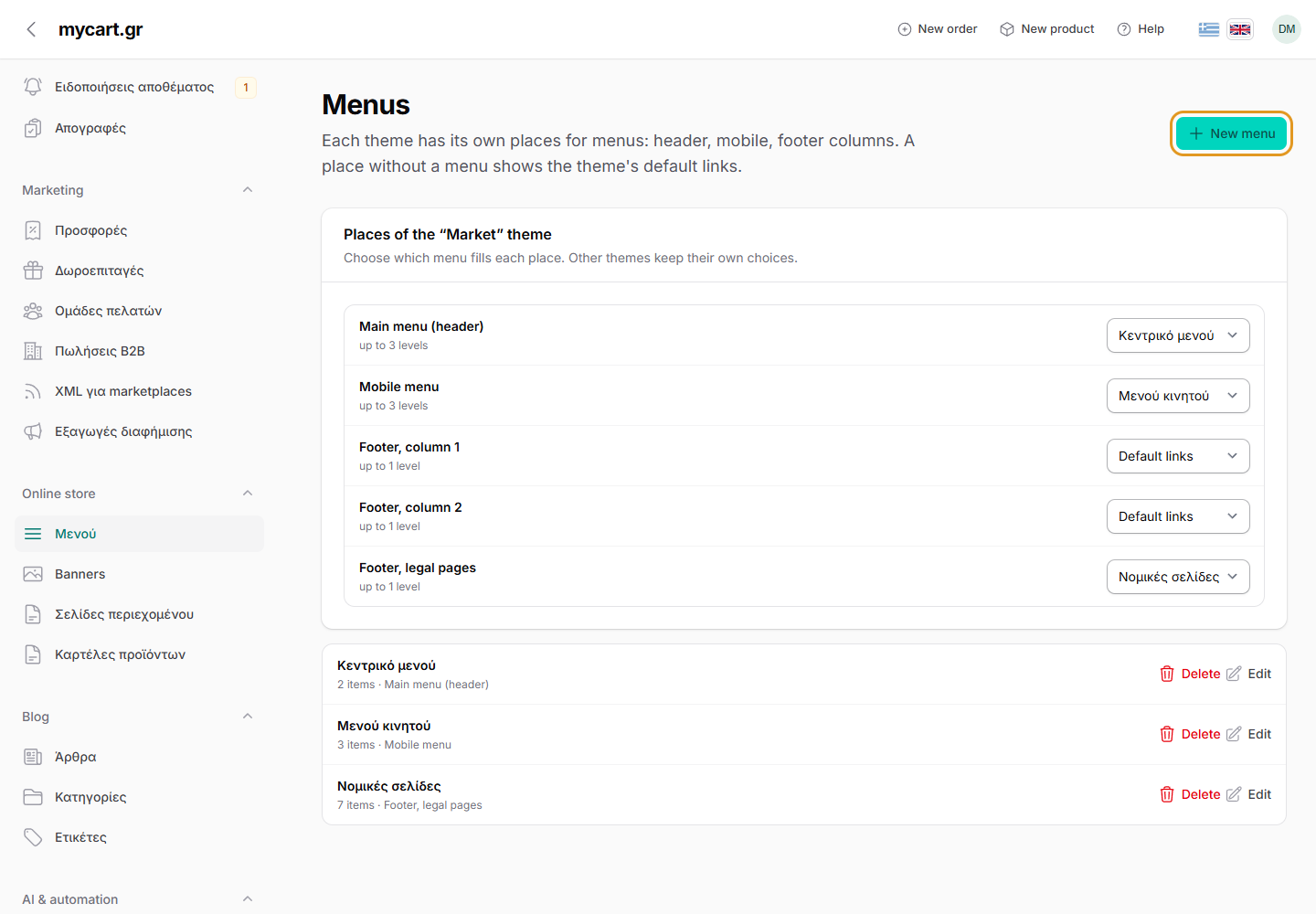
New menu
- Click New menu and give it a Name (only you see it).
- The Title in the store goes above the menu, where the theme has a title, e.g. in the footer columns.
- Under Where it appears, choose places. If a place had another menu, it switches to this one.
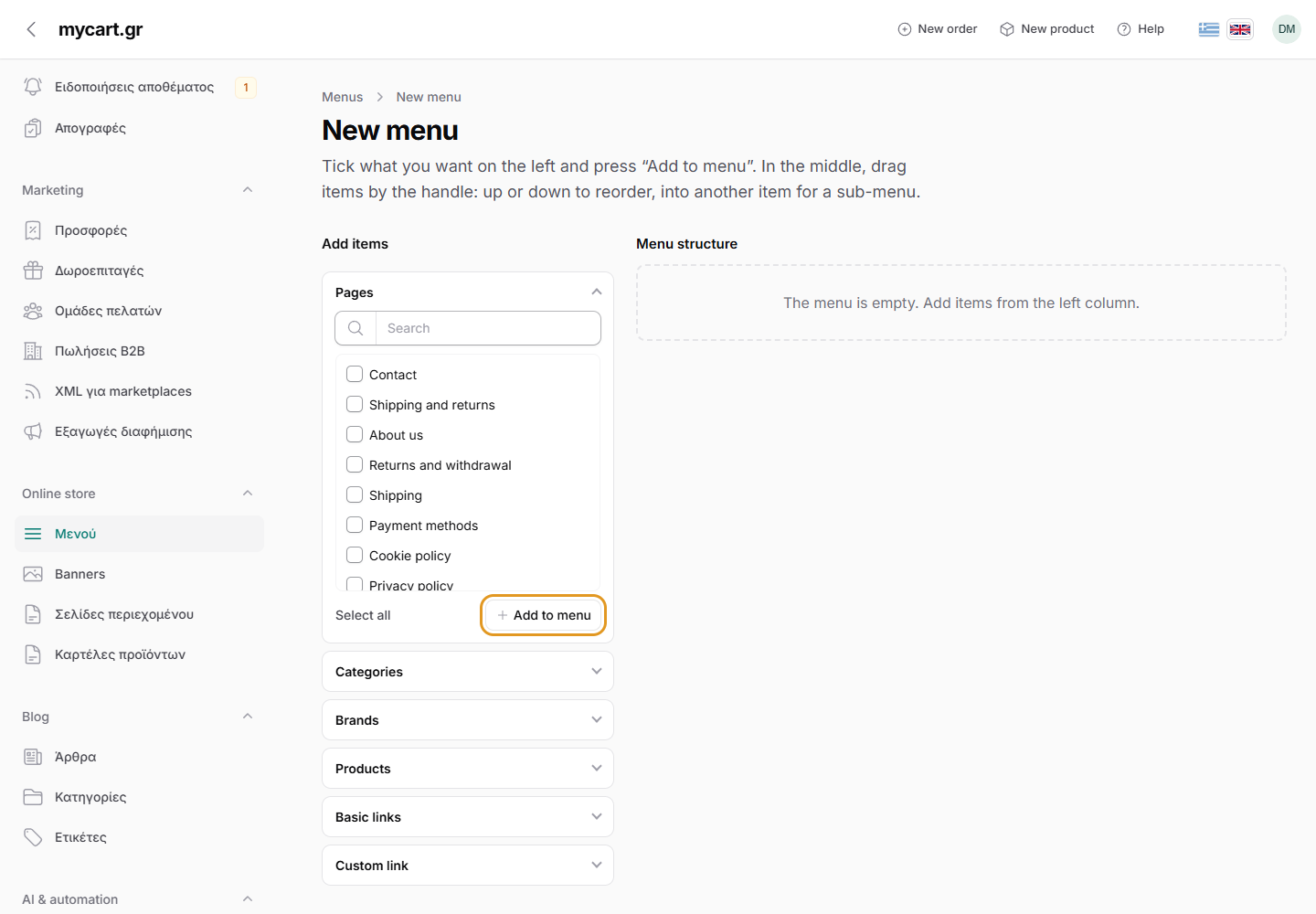
Items
Tick on the left whatever you want (categories, pages, products) and click Add to menu. For your own link,
enter a text and an address starting with /, #, https://, mailto: or tel:.
In the middle, drag items by their handle: up and down for the order, into another item for a submenu.
If you delete a page or category that was in the menu, the item is marked "no longer exists" and you remove it.