Skip to content
mycart.gr

HELP · LOOK AND CONTENT

Blog

Blog posts, categories and tags, scheduled publishing and turning the blog on.

In the menu: Blog → Posts, Categories and Tags. Turning it on is under Settings → Store → Blog.
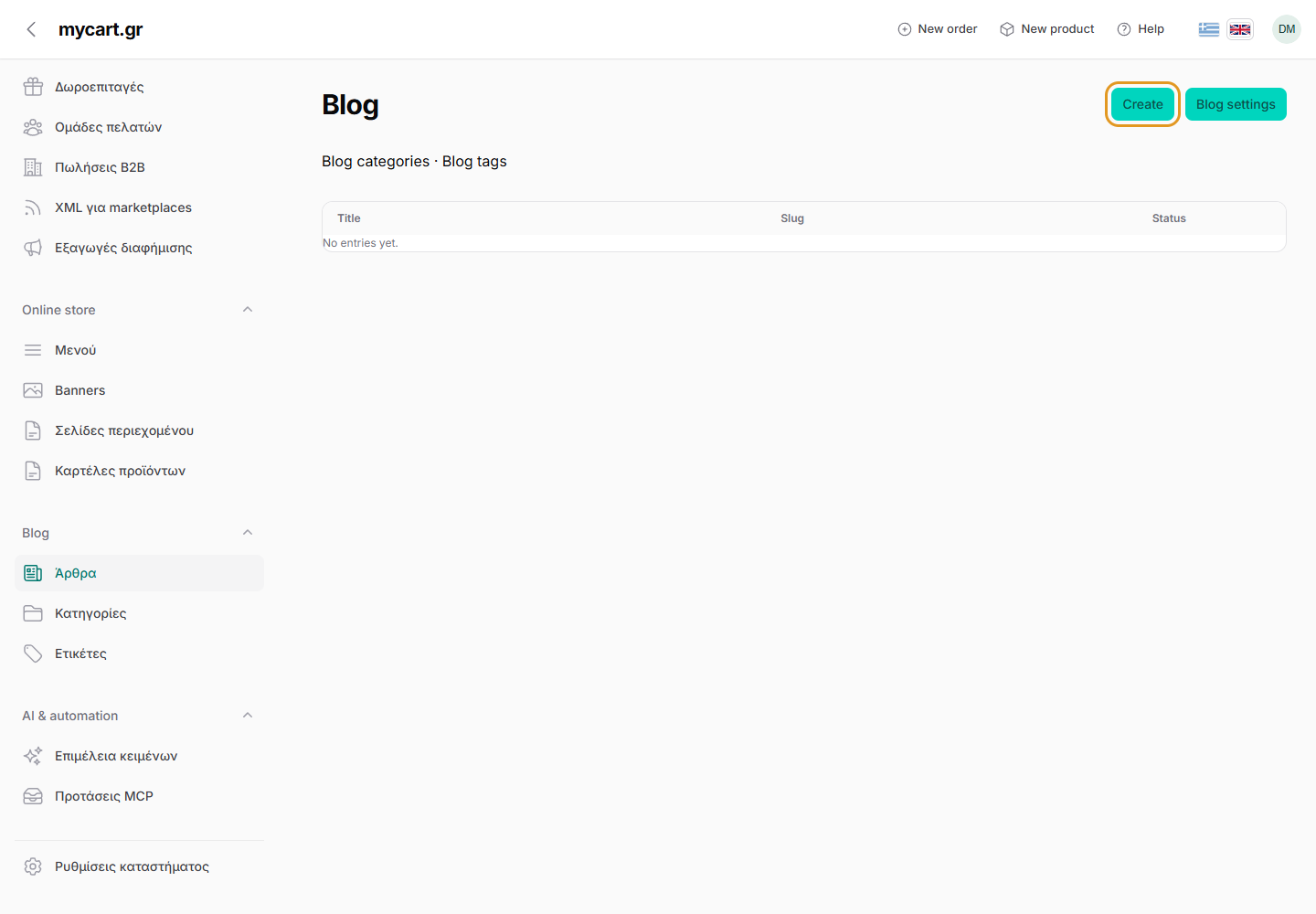
The “Blog” page on desktop, in a demo store.
The “Blog” page on desktop, in a demo store. “Create” is highlighted with an orange outline. View full-size screenshot

Turning the blog on

In the blog settings, click Enable blog. Until then, posts do not show in the store.
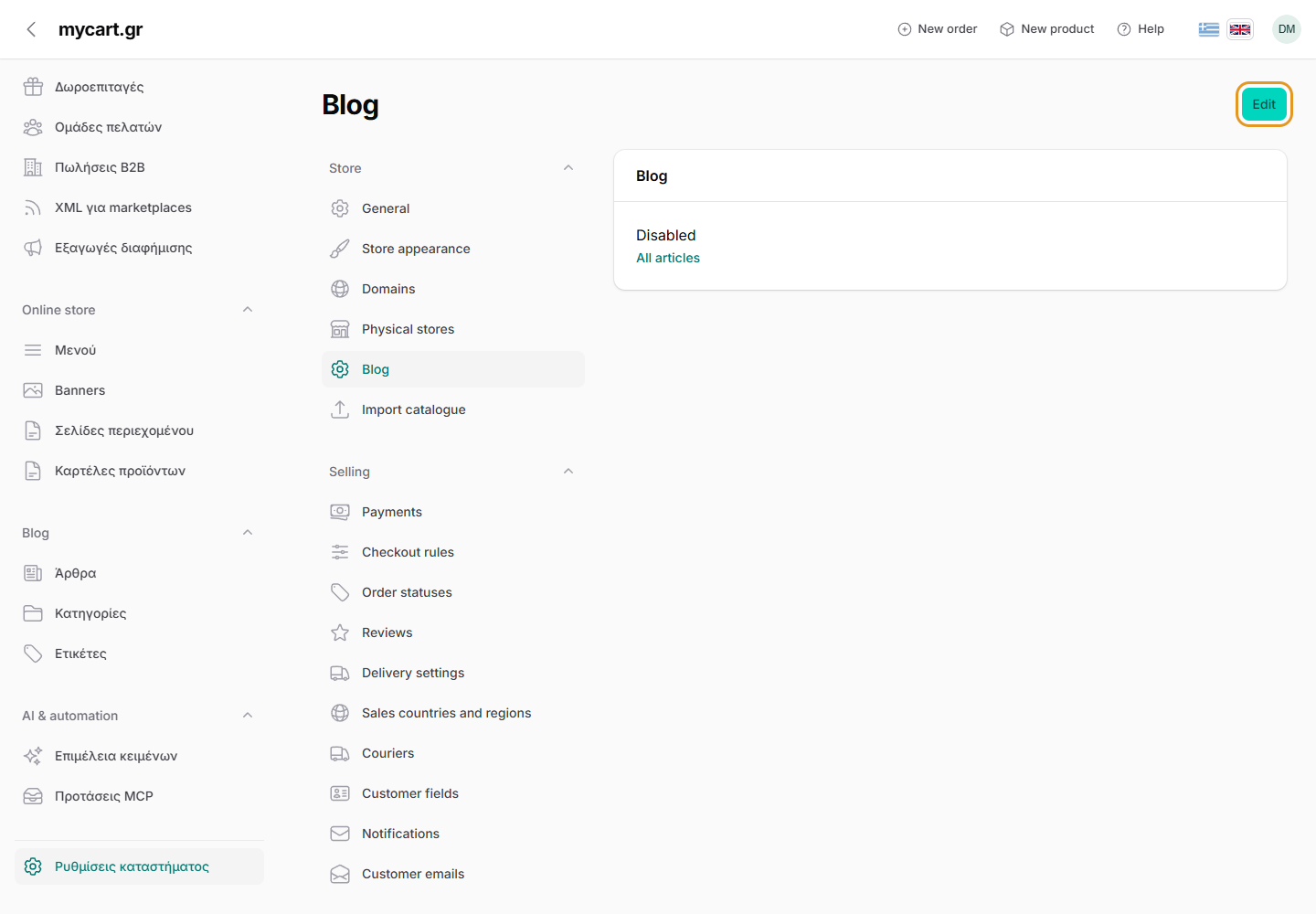
The “Blog” page on desktop, in a demo store.
The “Blog” page on desktop, in a demo store. “Edit” is highlighted with an orange outline. View full-size screenshot

Posts

Each post has a Title, a Body, an Excerpt for the list and a Cover image from the library. You pick categories and tags, and optionally a title and description for search engines.

The Status is "Draft" or "Published". With a Publication date in the future, a published post appears when that time comes. Empty means right away.
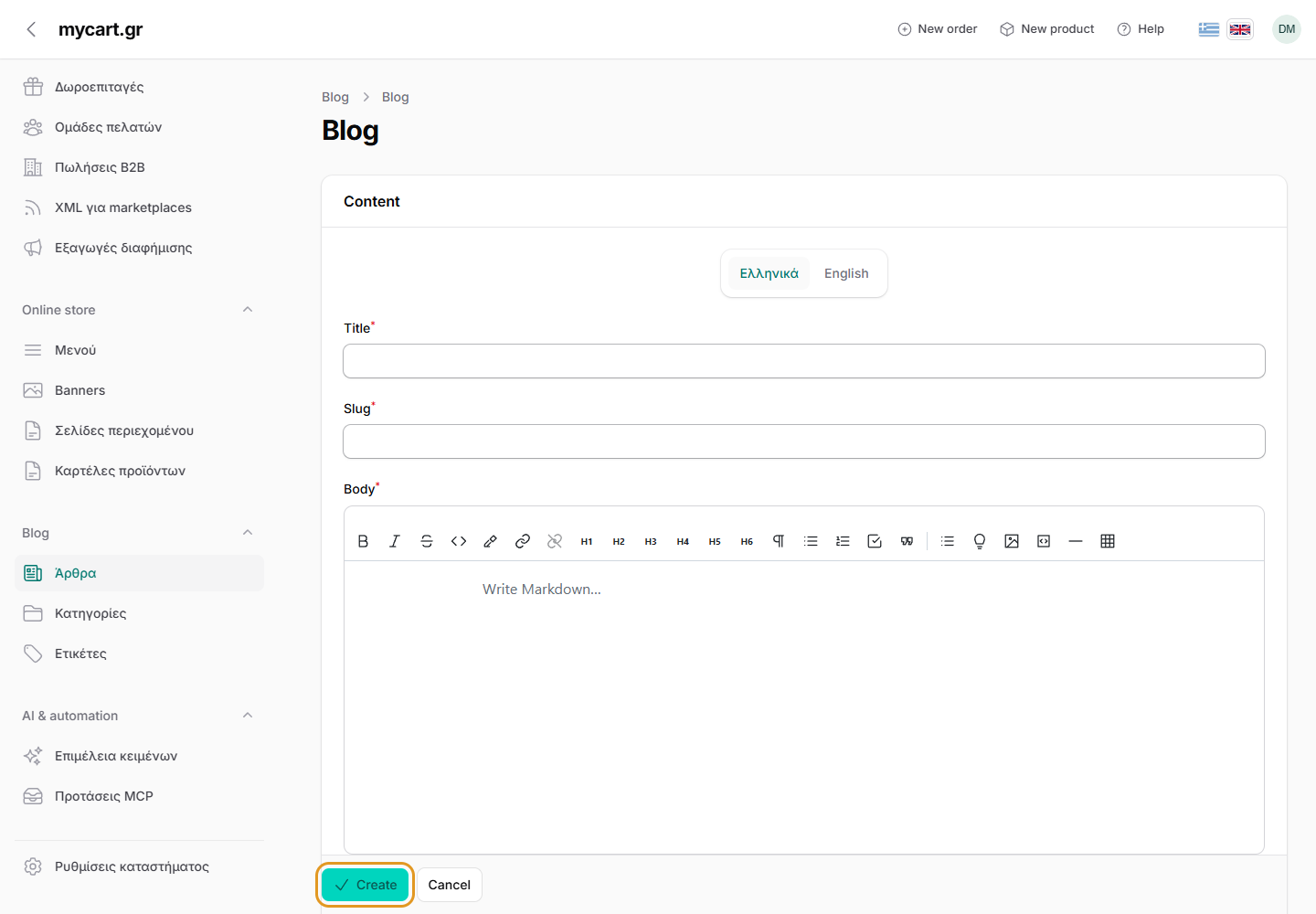
The “Blog” page on desktop, in a demo store.
The “Blog” page on desktop, in a demo store. “Create” is highlighted with an orange outline. View full-size screenshot

Categories and tags

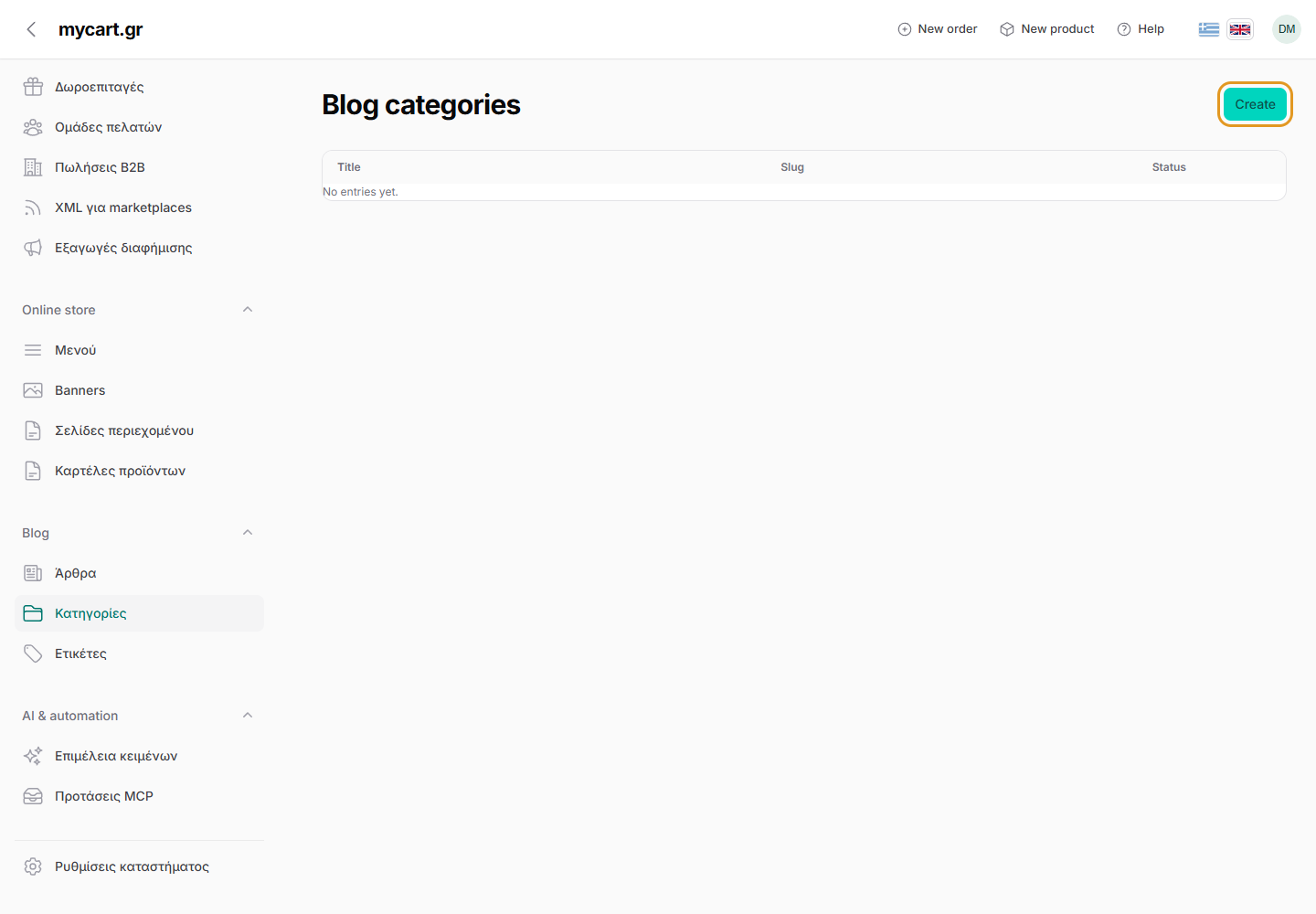
Categories organise posts into sections, with a parent category for subsections. Tags are free words that connect posts, e.g. "recipes" or "guides". Both have their own page in the store.

Published posts go into the sitemap on their own.
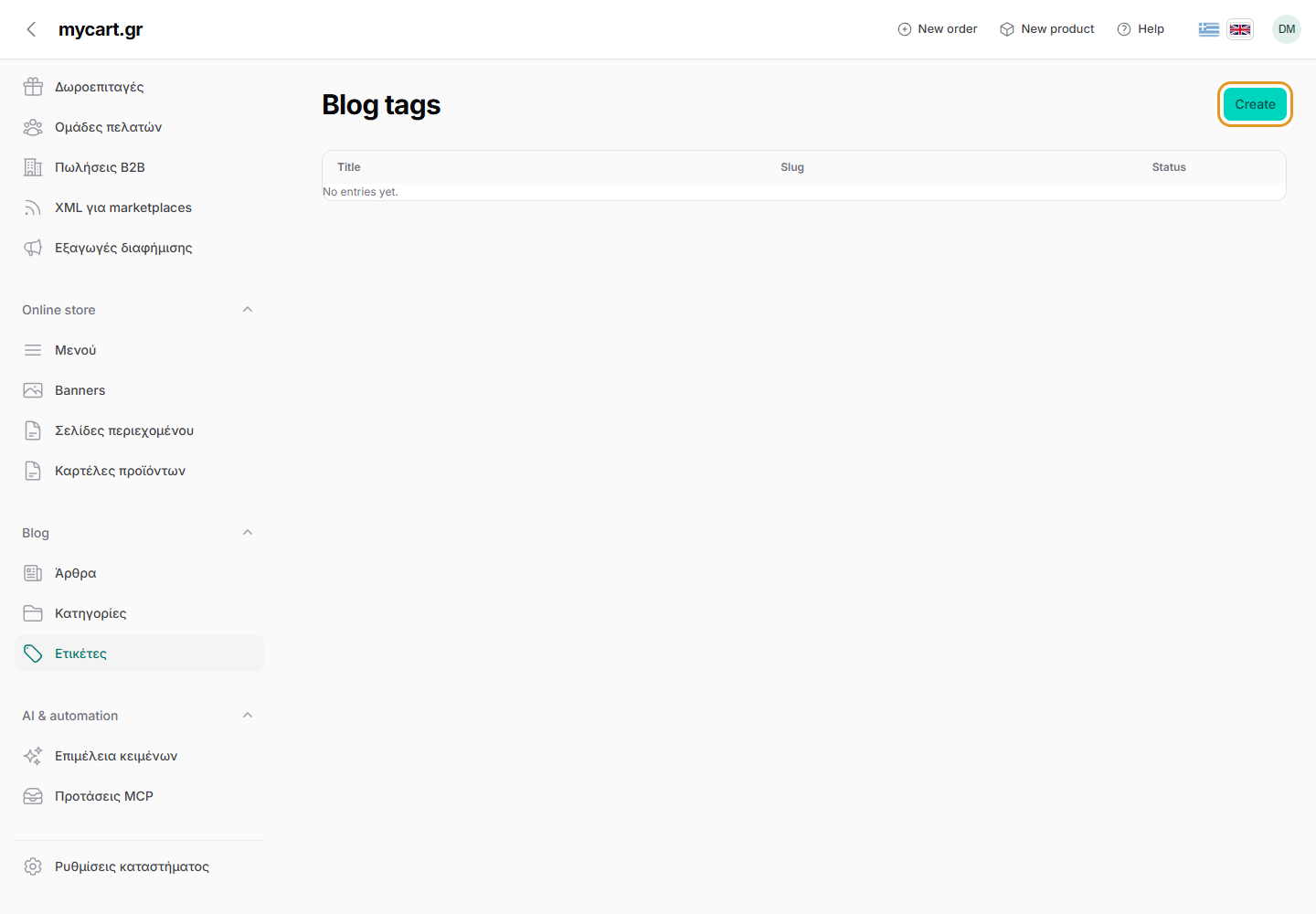
The “Blog” page on desktop, in a demo store.
The “Blog” page on desktop, in a demo store. “Create” is highlighted with an orange outline. View full-size screenshot
The “Blog” page on desktop, in a demo store.
The “Blog” page on desktop, in a demo store. “Create” is highlighted with an orange outline. View full-size screenshot