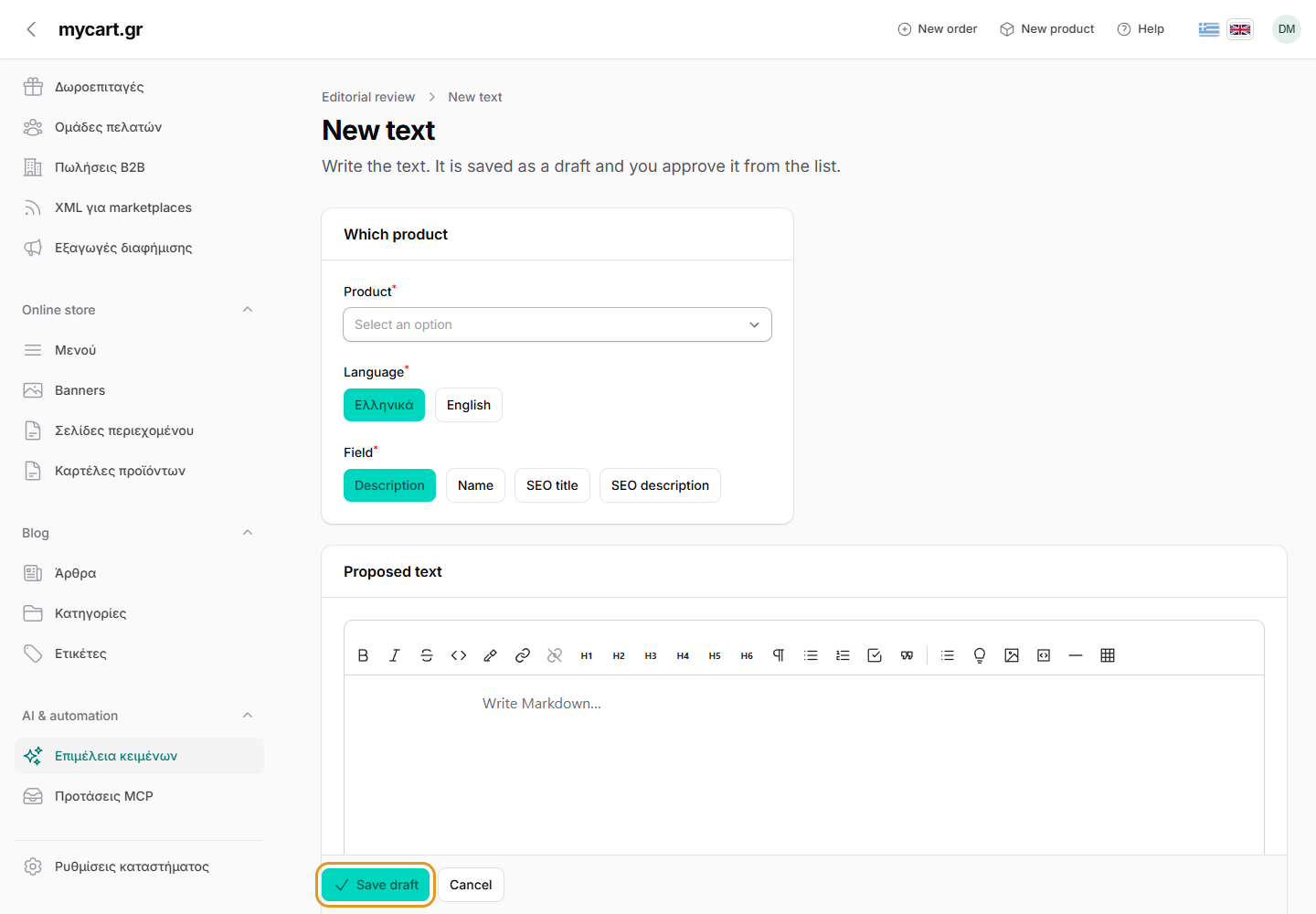
Nothing the AI writes appears in your store before you approve it.
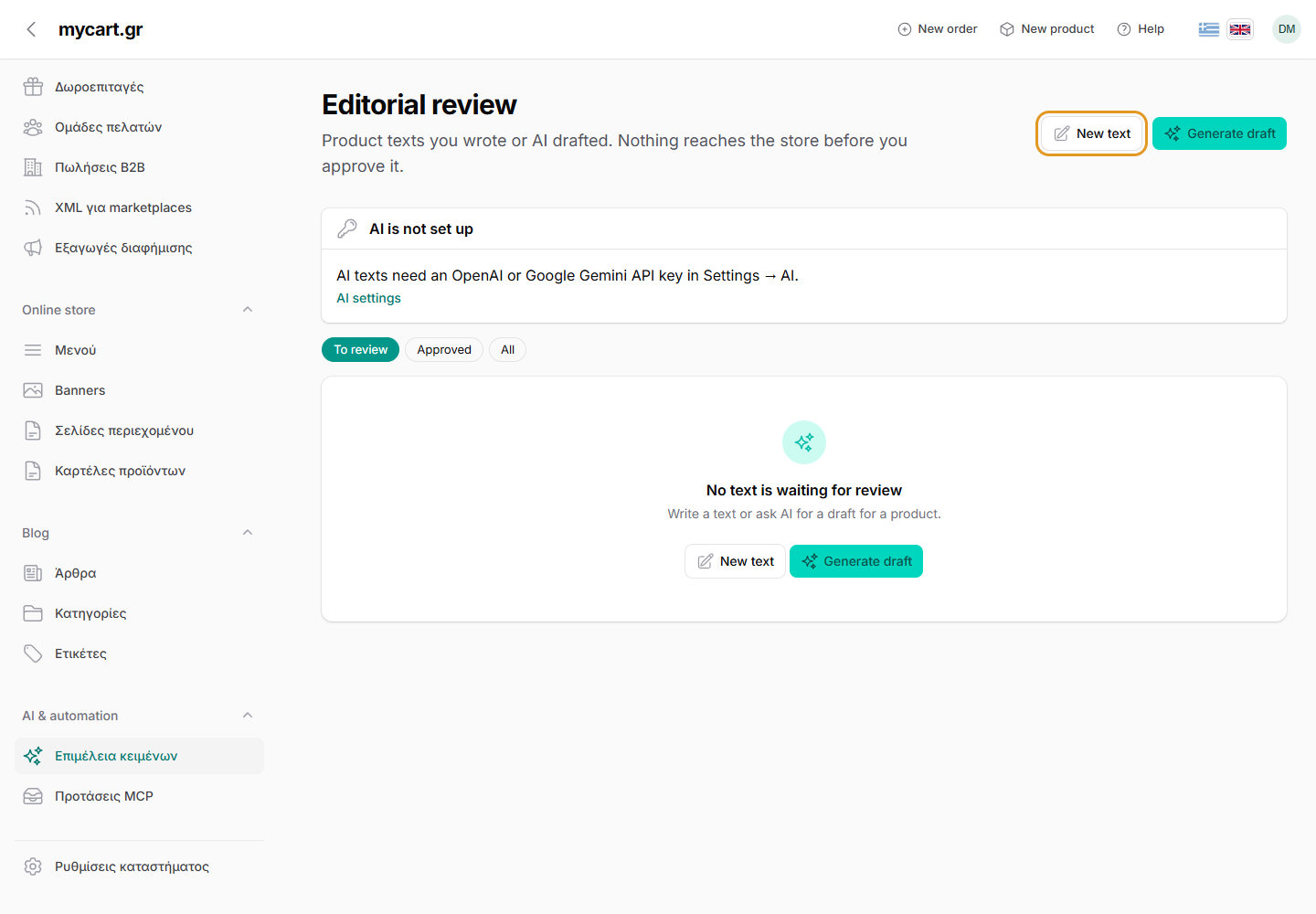
Connecting
In the menu: Settings → Connections → AI.
The AI works with your own account at OpenAI or Google Gemini. The provider charges the cost to you. The platform has no shared key.
- Choose the Provider and enter the API key from your account there.
- The Model is filled in with a default. Change it only if you know which one you want.
- Optionally, set a Monthly limit on requests or tokens. When it is reached, calls stop until the 1st of the next month.
Saving makes a test call. If the key or the model does not work, nothing is saved. Keys are set by the owner or an administrator.
Drafts
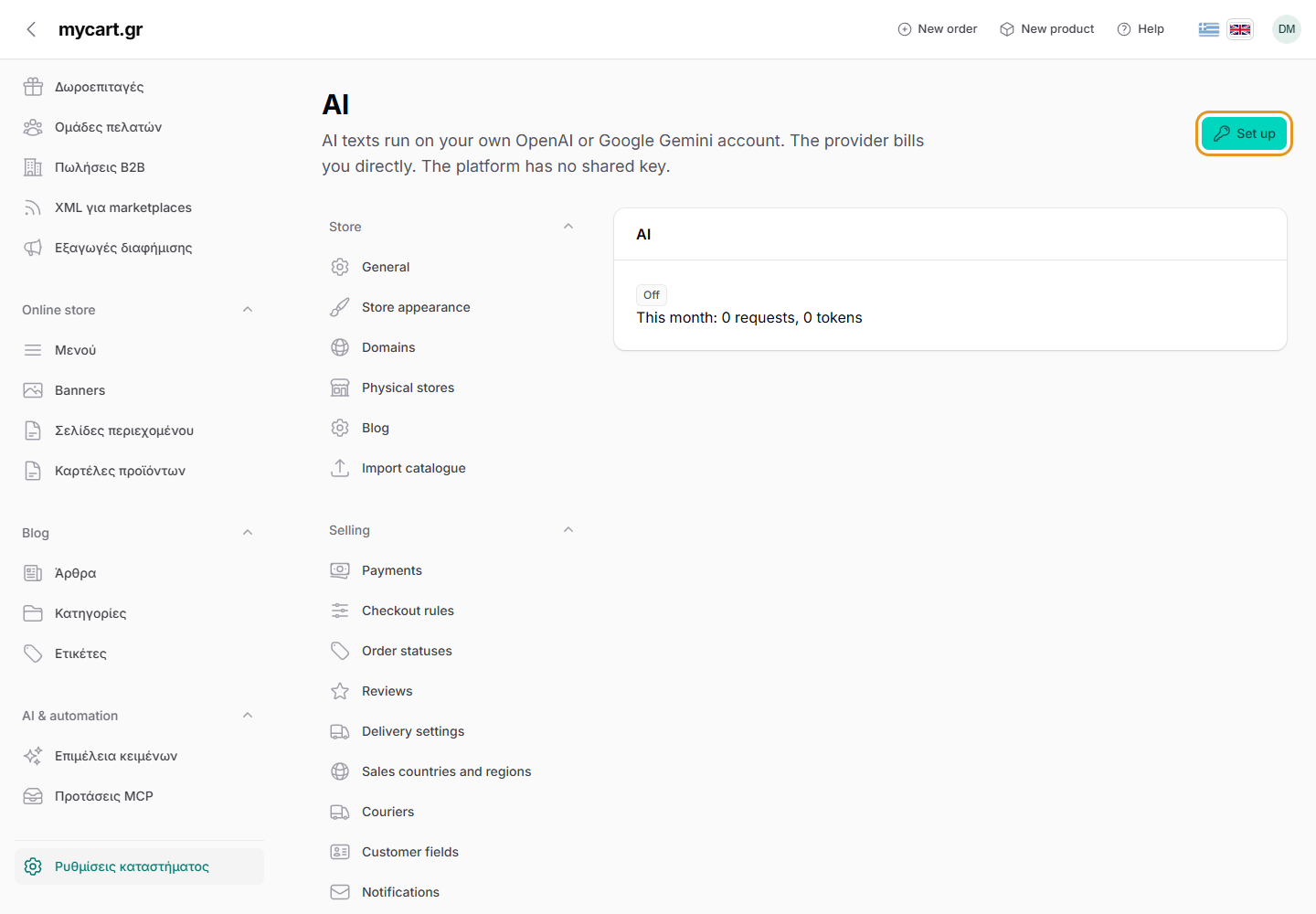
In the menu: AI & automation → Editorial review.
- Generate draft: choose a product, a language and a field (e.g. description), and confirm that you agree to the product's text being sent to the provider. Only that text is sent.
- New text: you write a text yourself, which is also added as a draft.
From the list you approve or reject each draft. At the top you see how many requests and tokens were used this month. Every request counts towards the limit, even if it fails.