MCP lets an AI assistant (e.g. Claude) read your catalogue, to help you with texts and questions. The assistant does not see customers or payments and does not publish anything.
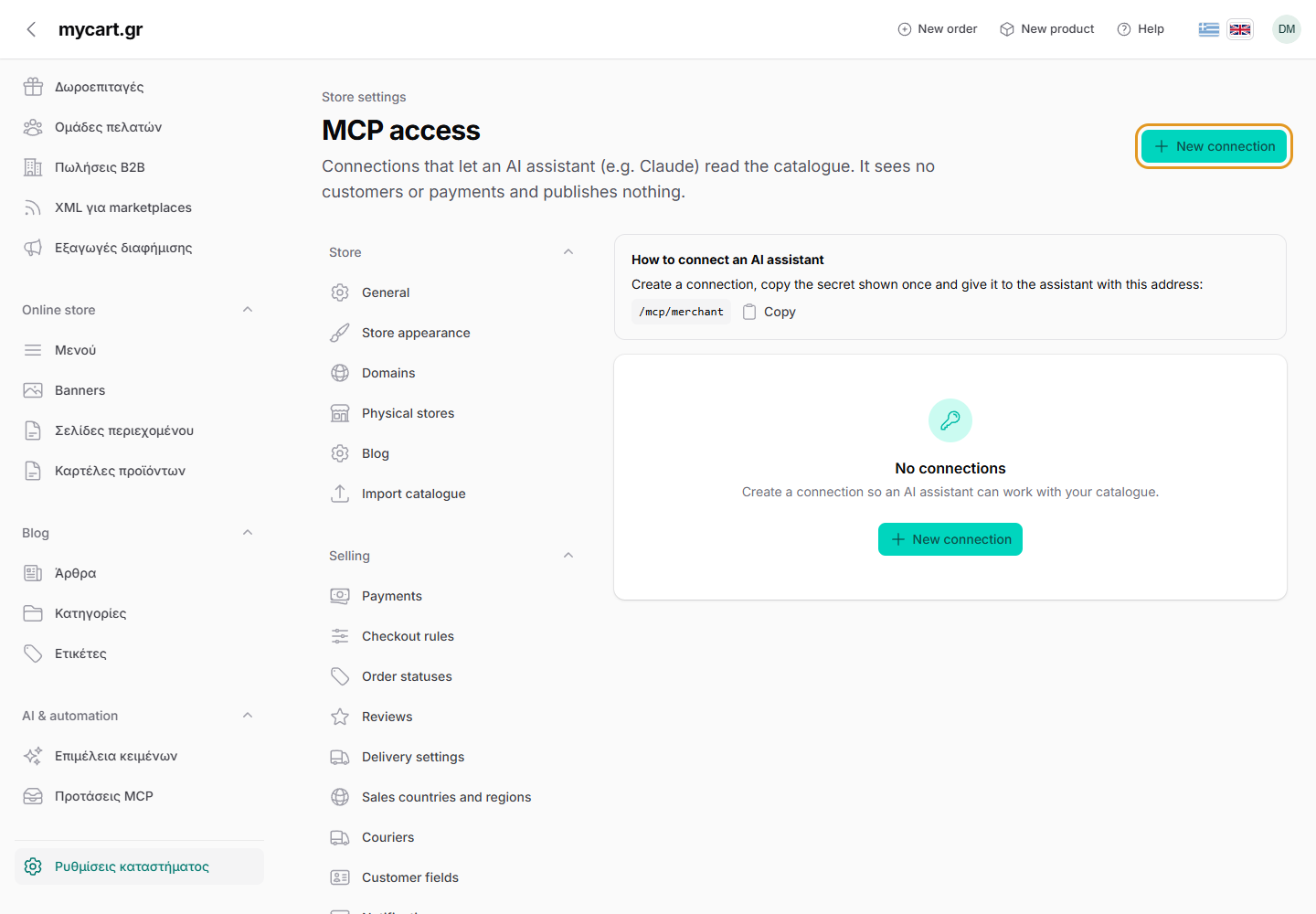
New connection
In the menu: Settings → Connections → MCP access.
- Click New connection and give it a name, e.g. "Claude on my laptop".
- Choose how many days it is valid for.
- If you want, tick that it may suggest product texts.
- Copy the Access secret and give it to the assistant, together with the address shown on the page.
The secret is shown once. Whoever has it can read the catalogue until it expires or you revoke it.
Up to 10 active connections. With Revoke the assistant loses access immediately.
Proposals
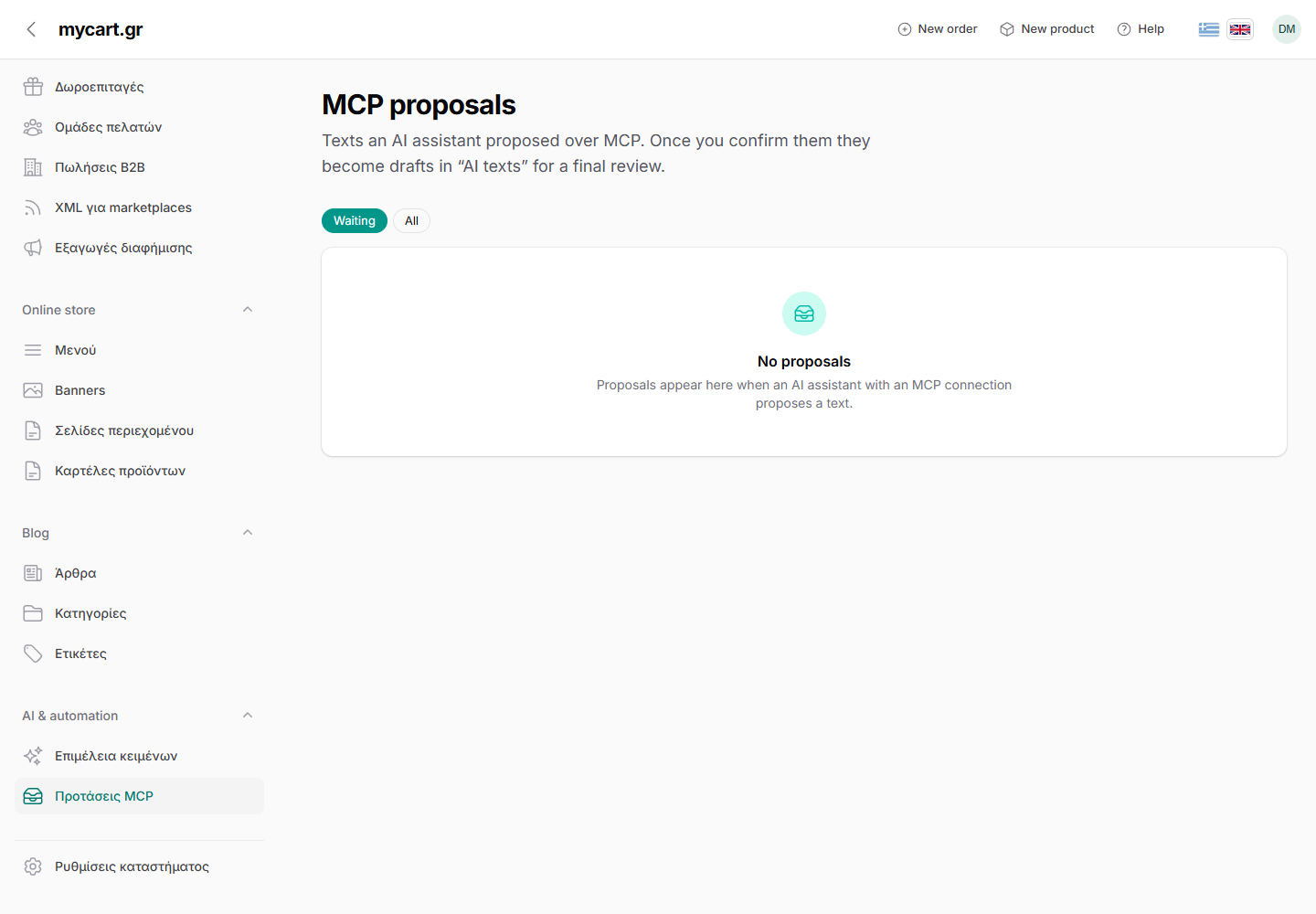
In the menu: AI & automation → MCP proposals.
When the assistant suggests a text for a product, it appears here. Open it with Review:
- Create draft: it becomes a draft in Editorial review, for a final check before it is published.
- Reject proposal: it cannot be confirmed later.
Proposals expire if you don't review them.