
In the menu: Settings → Account and data → Store data export.
One JSON file with your store's data: products, orders, customers.
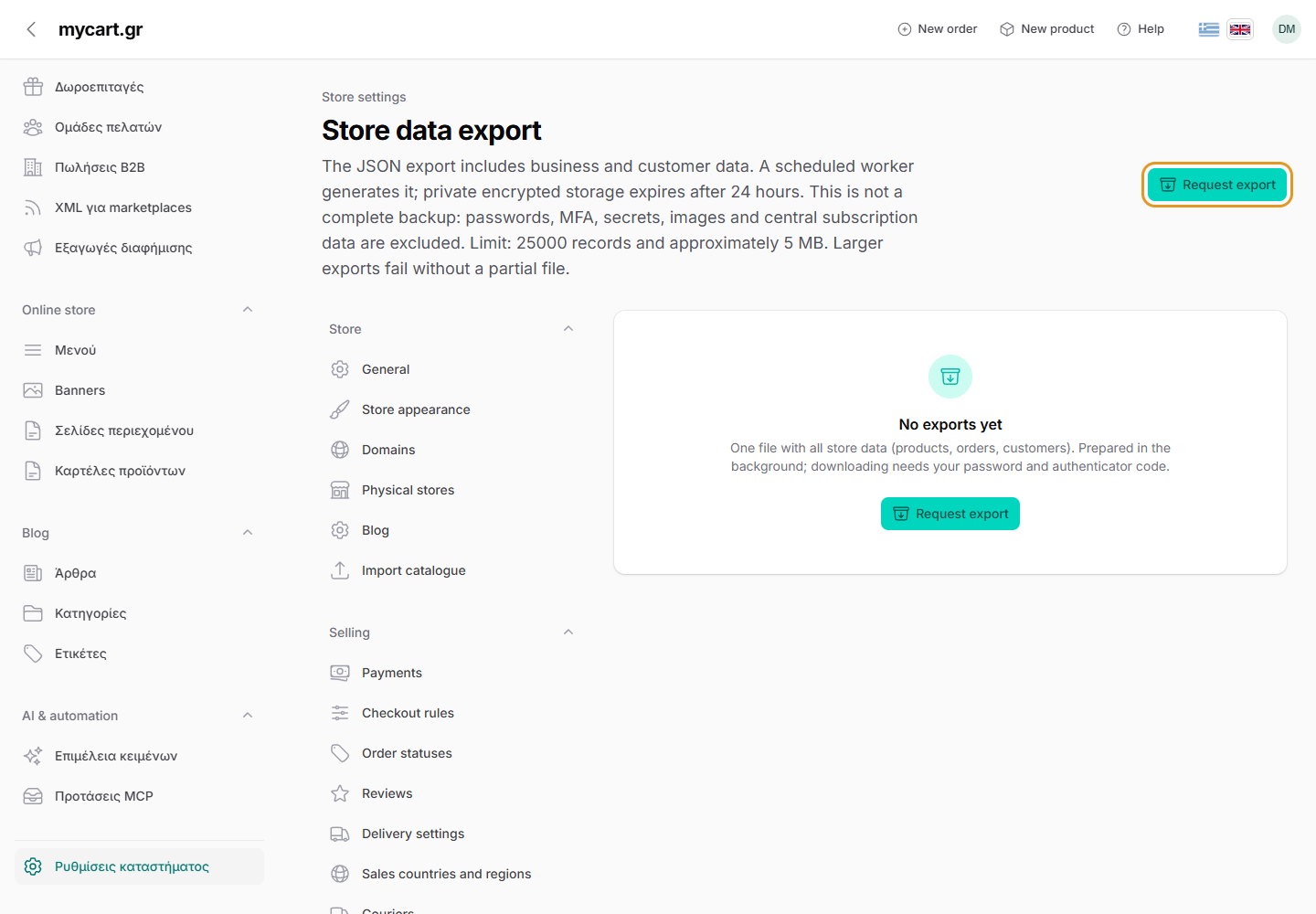
Steps
- Click Request export and confirm.
- The file is prepared in the background. When it is ready, it appears in the list.
- Click Download JSON. You will be asked for your password and the code from your authenticator app.
The file expires after 24 hours.
What it does not contain
It is not a full backup. It does not contain passwords, security settings, secret keys, images or the details of your mycart.gr subscription. It is limited to 25,000 records and about 5 MB. A larger export fails as a whole, without leaving half a file.
The file contains customer data. Keep it somewhere with controlled access and delete it when you no longer need it.
For the catalogue only, in CSV, see Importing a catalogue.