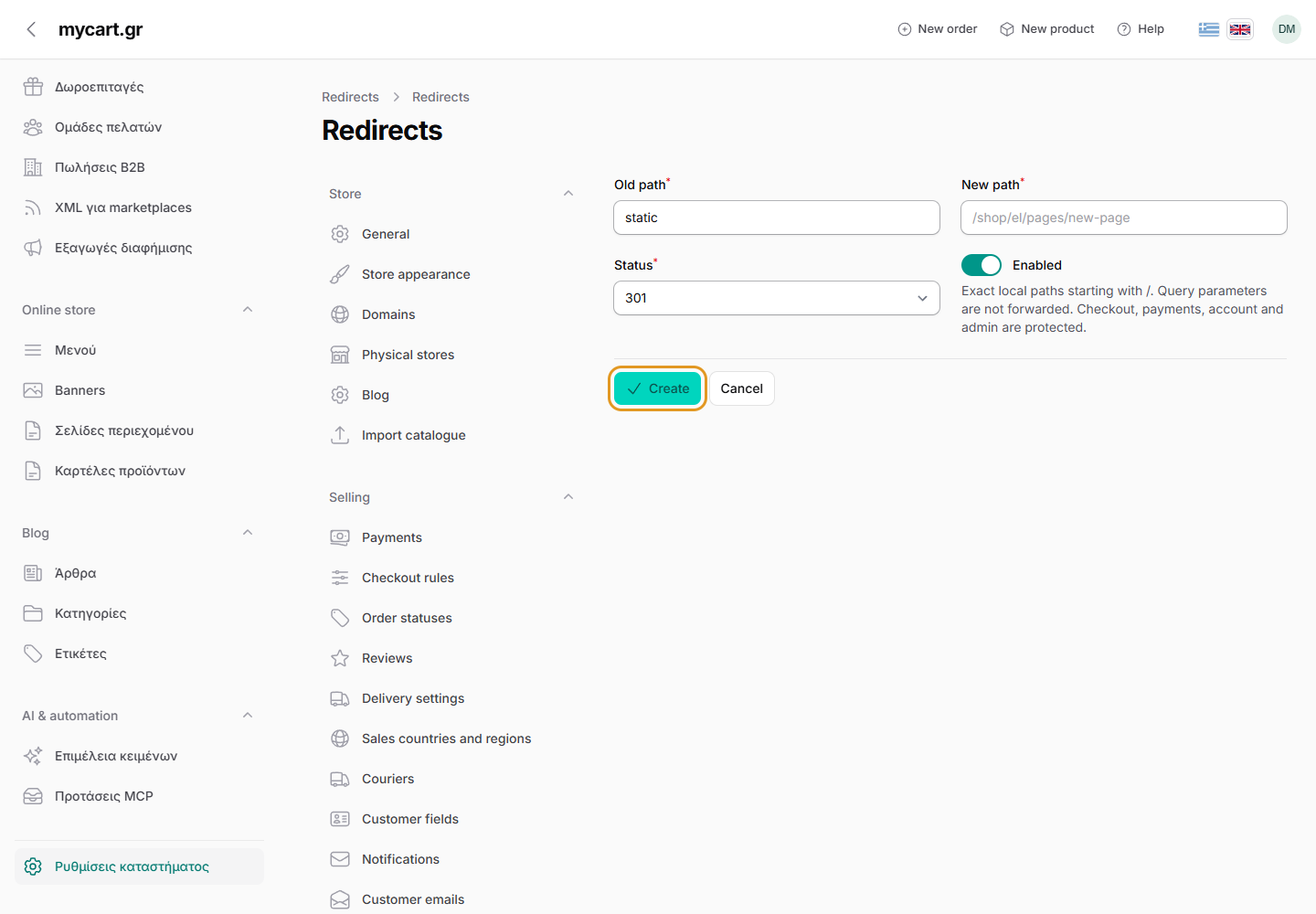
In the menu: Settings → SEO → Redirects.
When an address changes, a redirect sends anyone who opens it to the new one. You don't lose visitors from old links, and Google moves the ranking to the new page.
The most common case: you come from another online shop and your old product addresses have a different format.
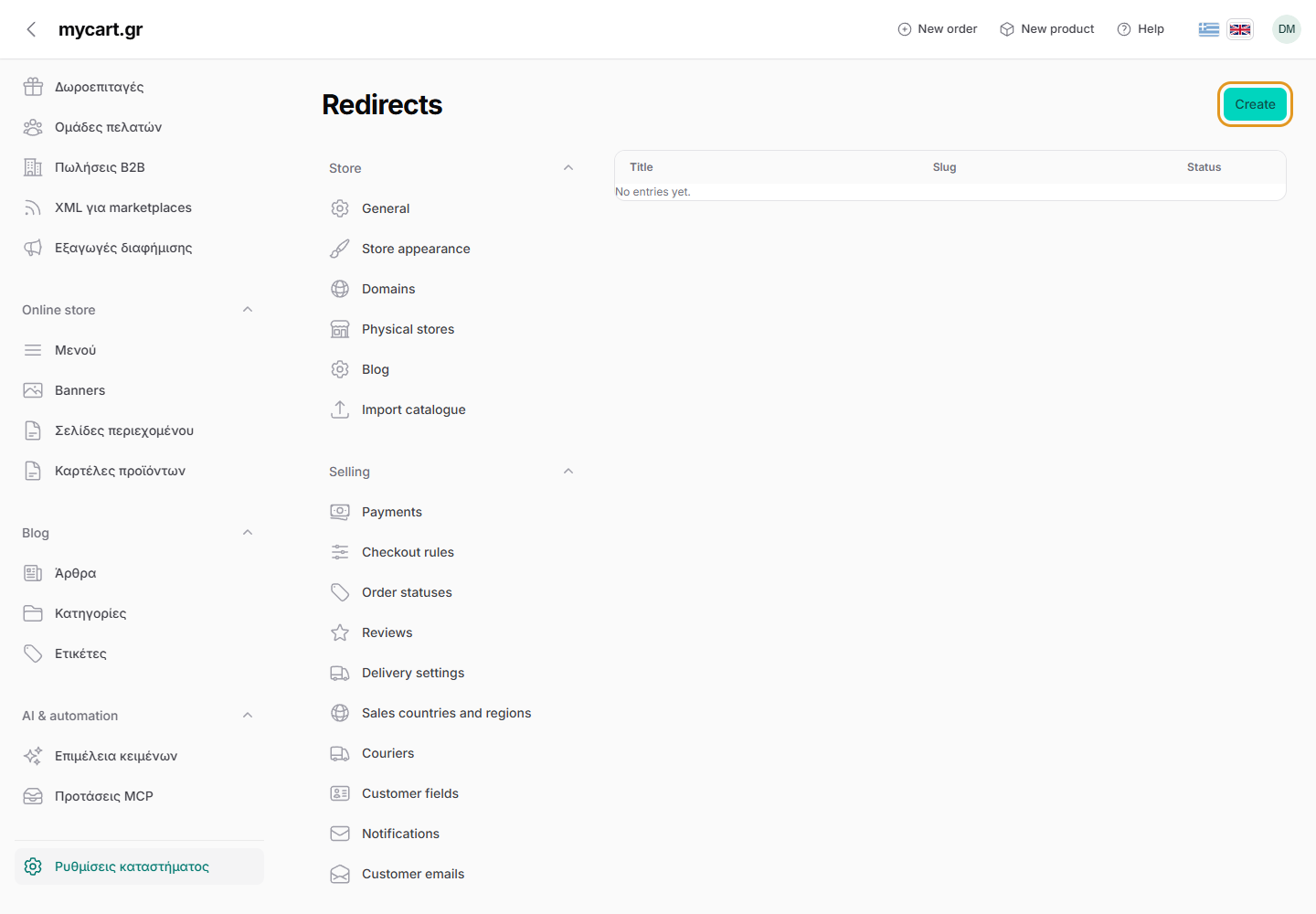
New redirect
- Old path: e.g.
/product/ceramic-mug - New path: e.g.
/shop/en/products/ceramic-mug
Both are exact paths in the same store, starting with /. URL parameters (anything after the ?) are not carried
over. Checkout, payments, the customer account and the admin are never redirected.
Pages, products and categories that change address inside mycart.gr lead to the new one on their own. You only need a manual redirect for addresses from elsewhere.
If redirects form a loop (A → B → A), they are not saved.